A75UM3E2 (Ver. E.2)
3-8
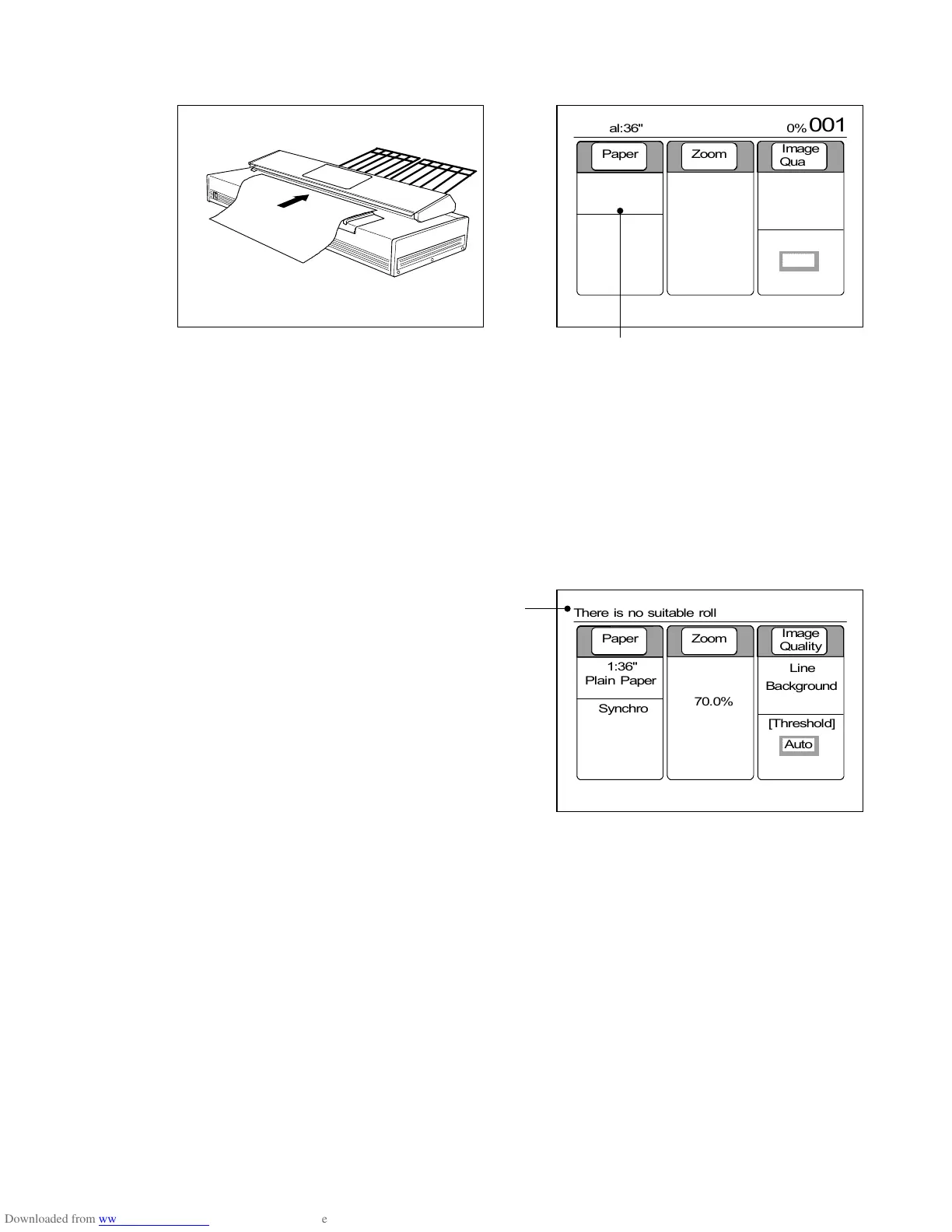
3) Set the original to the scanner.
If the printer has a roll media that matches the reduced or enlarged copy image size, it is selected
automatically.
Example : Since the original size is 36” and
zoom ratio is 50.0%, 18” roll
media is selected.
Note : If the printer has no roll media that matches the copy image size, the LCD indicates the
error message “There is no suitable roll”.
Change the zoom ratio properly so that the copy image size matches any of existent roll
media, or load another roll media to the printer that matches the copy image size.
It is possible to do copying ignoring the error message.
However, some margin is provided to the copy or some image is lost from the copy because
sizes of copy image and roll media are different from each other.
(Error message)
0%
001



 To Next Page