A75UM3E3 (Ver. E.2)
3-16
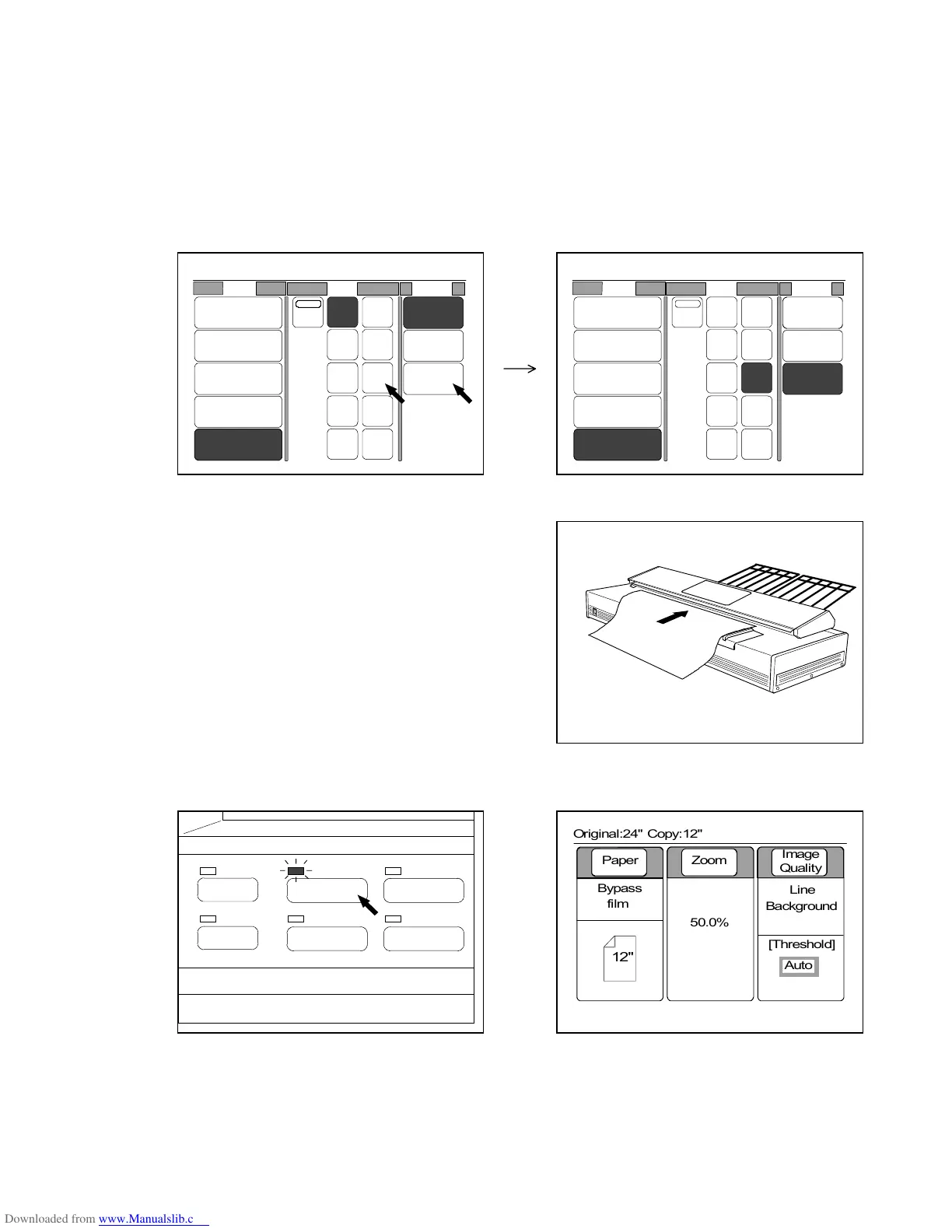
4) Select same size and material with the used sheet media.
Note : There may be the case that the Ready Indicator blinks right after you changed the material
setting.
This is because the printer is changing the fusing temperature according to the selected
material setting since the proper temperature is different among plain paper, vellum and
film.
It is possible to pre-scan the original even if the Ready Indicator is blinking.
However, the printer starts printing when the indicator stops blinking.
(Example : 12” film sheet media is used for copying.)
5) Set the original to the scanner.
6) Push the Basic Screen Key to indicate the Basic Screen on the LCD.
(Basic Screen Key) (Basic Screen)
PAPER
FUNCTION
BASIC SCREEN
MODE MEMORY
MENU
REFERENCE
0%
001
Roll Size Media
2:30"
Vellum
1:36"
Plain Paper
3:24"
Film
4:18"
Plain Paper
Bypass
Auto
36" 18"
17"
12"
11"
8.5"
34"
30"
24"
22"
Vellum
Film
Plain
Paper
0%
001
Roll Size Media
2:30"
Vellum
1:36"
Plain Paper
3:24"
Film
4:18"
Plain Paper
Bypass
Auto
36" 18"
17"
12"
11"
8.5"
34"
30"
24"
22"
Vellum
Film
Plain
Paper
0%
001



 To Next Page