A75UM3E5 (Ver. E.2)
3-32
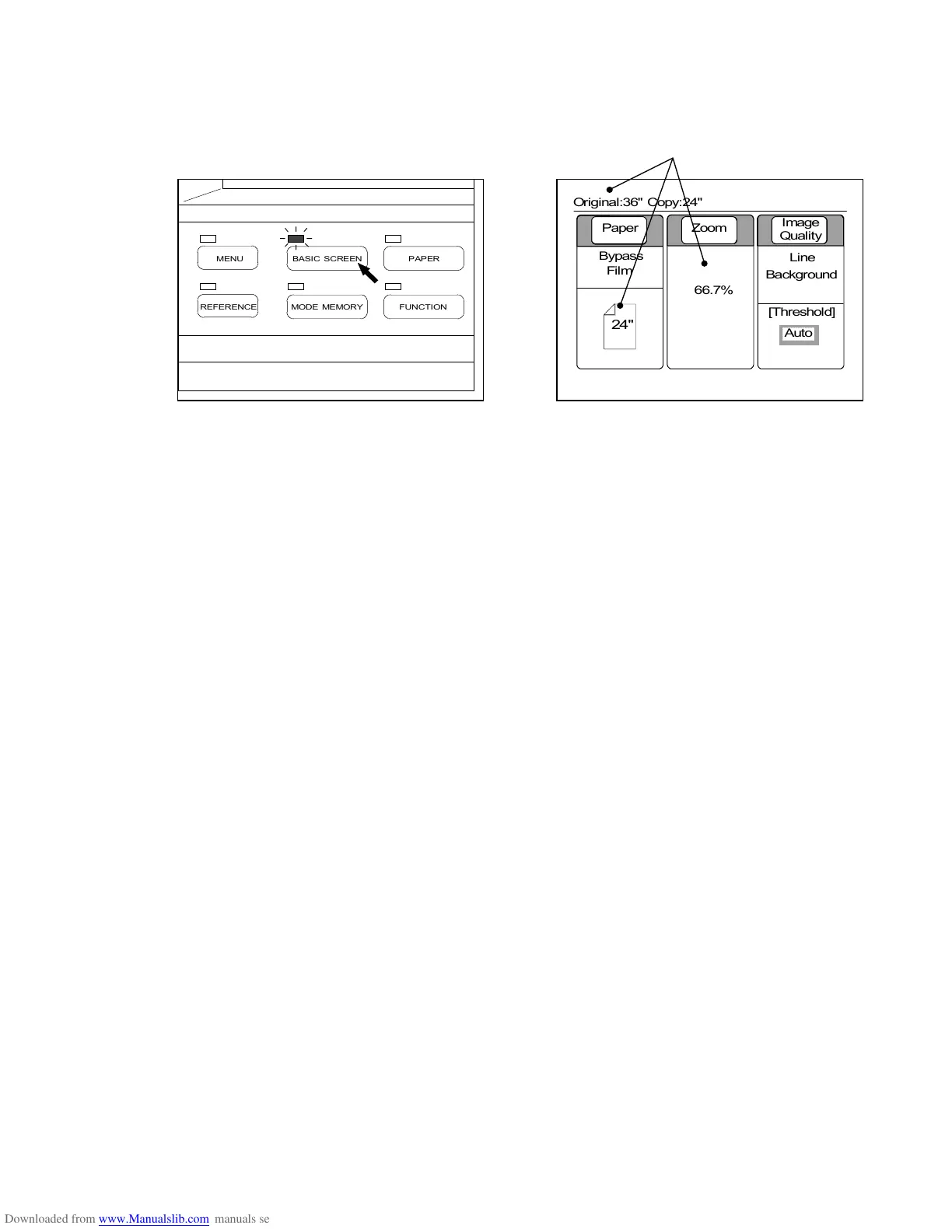
4) Push the Basic Screen Key to indicate the Basic Screen on the LCD.
The Basic Screen indicates the zoom ratio that the Auto Zoom Mode selected.
Example : Original size is 36 inches.
24 inches sheet media is used.
Therefore, 66.7% is selected.
(Basic Screen Key) (Basic Screen)
[How to cancel the Auto Zoom Mode]
Refer to the page 3-30.
0%
001



 To Next Page