4-8 LeeBoy 6150 Conveyor Paver
Operation
Logged Diagnostics
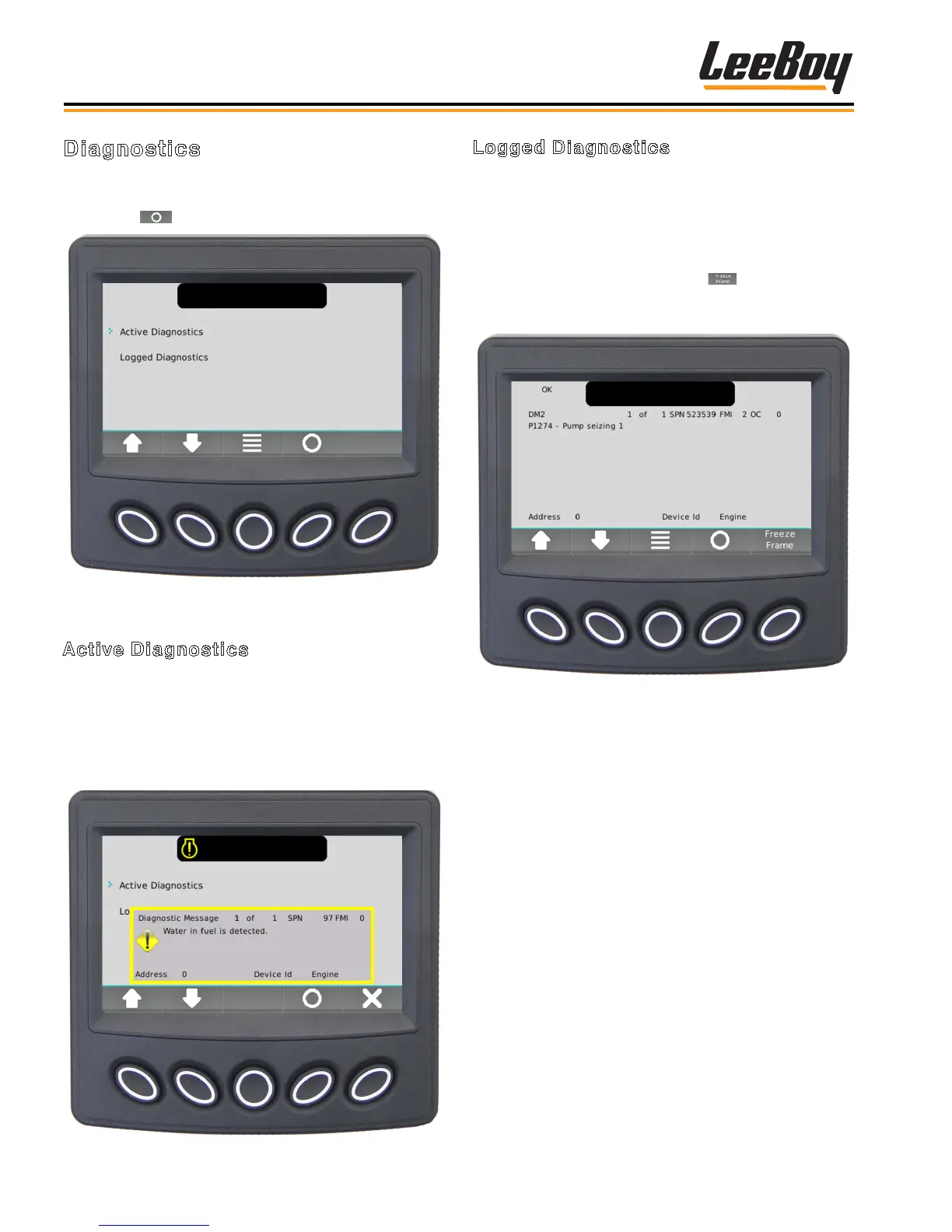
The Logged Diagnostics screen displays nonactive
warnings or faults with the appropriate Suspect Param-
eter Number (SPN) and Failure Mode Indicator (FMI)
that are stored in the system. (Figure 4-10) Use the
UP/DOWN soft keys to scroll through list if needed.
NOTE: Select the Freeze Frame ( ) button to
request that frame data from the ECU when
faults are present.
Figure 4-10. Logged Diagnostics Screen
Diagnostics
Use the UP/DOWN soft keys and stop the cursor (>) for
to view either active or logged diagnostics, then press
the Select ( ) soft key. (Figure 4-8)
Figure 4-8. Diagnostics Screen
Active Diagnostics
The Active Diagnostics screen displays active warnings
or faults with the appropriate Suspect Parameter Num-
ber (SPN) and Failure Mode Indicator (FMI). (Figure
4-9) It may also display text description and ID/Name
of the device that transmitted the message. Use the UP/
DOWN soft keys to scroll through list if needed.
Figure 4-9. Active Diagnostics Screen



 To Next Page