199
■ DPL – The drop precedence level will be set to the specified value.
■ DSCP – The DSCP value will be set the specified value.
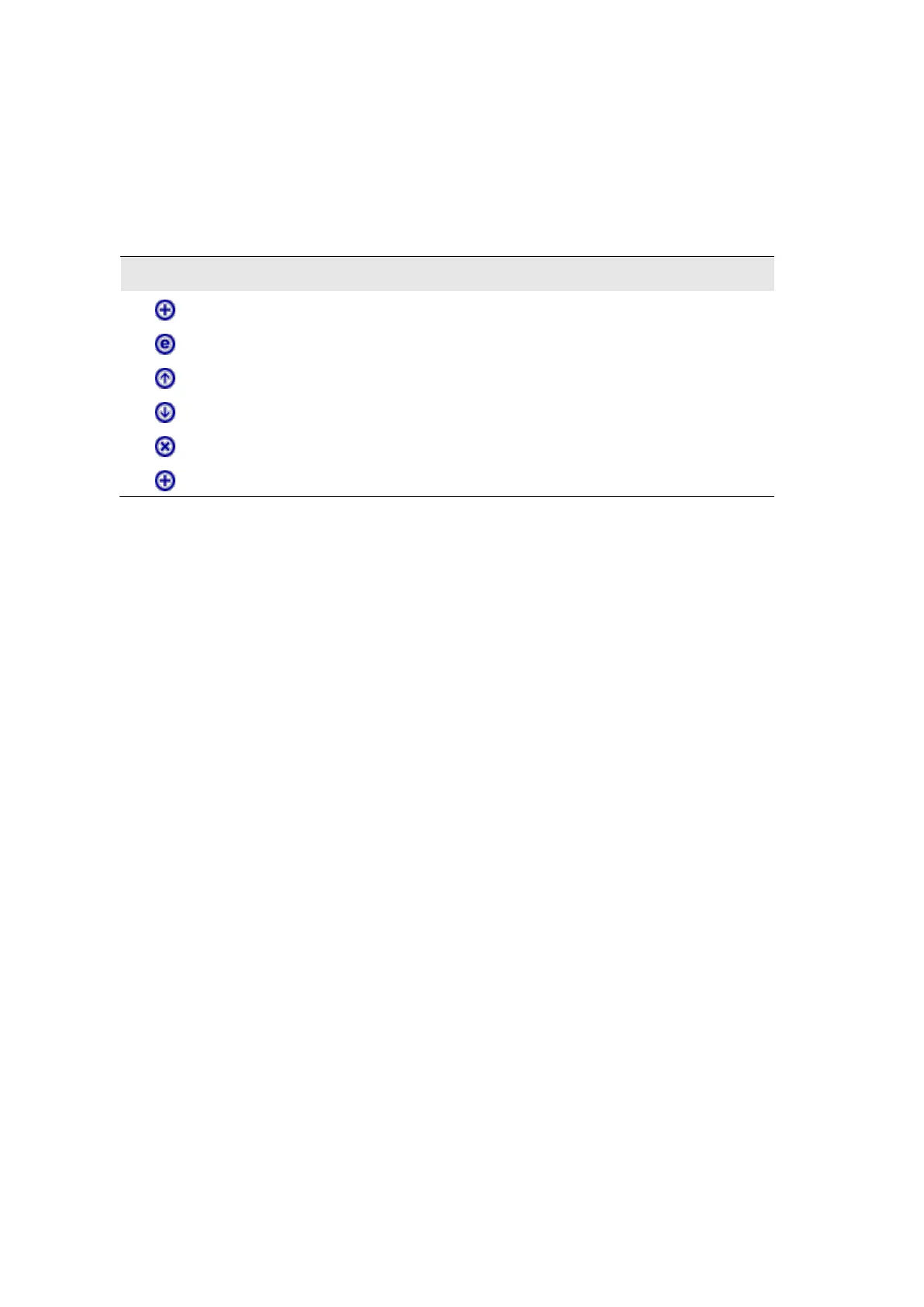
The following buttons are used to edit or move the QCEs:
Table 13: QCE Modification Buttons
Inserts a new QCE before the current row
Moves the QCE up the list.
Moves the QCE down the list.
The lowest plus sign adds a new entry at the bottom of the list
QCE Configuration
◆ Port Members – The ports assigned to this entry.
Key Parameters
◆ Tag – VLAN tag type. (Options: Any, Tag, Untag; Default: Any)
◆ VID – VLAN identifier. (Options: Any, Specific (1-4095), Range; Default: Any)
◆ PCP – Priority Code Point (User Priority). (Options: a specific value of 0, 1, 2, 3, 4, 5, 6, 7,
a range of 0-1, 2-3, 4-5, 6-7, 0-3, 4-7, or Any; Default: 0)
◆ DEI – Drop Eligible Indicator. (Options: 0, 1 or Any)
◆ SMAC – The OUI field of the source MAC address. Enter the first three octets (bytes) of
the MAC address, or Any.
◆ DMAC Type – The type of destination MAC address. (Options: Any, BC (Broadcast), MC
(Multicast), UC (Unicast)
◆ Frame Type – The supported types are listed below:
■ Any – Allow all types of frames.
■ Ethernet – This option can only be used to filter Ethernet II formatted packets. (Options:
Any, Specific – 600-ffff hex; Default: ffff)
Note that 800 (IPv4) and 86DD (IPv6) are excluded.
A detailed listing of Ethernet protocol types can be found in RFC 1060. A few of the more
common types include 0800 (IP), 0806 (ARP), 8137 (IPX).
■ LLC – Link Logical Control includes the following settings:














 To Next Page