305
Step 4. Click on “Use the following IP address” button and enter the computer’s IP
address manually. This IP address must be on the same subnet as the switch
but different from the switch’s IP. Please make sure the IP is not used by other
network device. If the switch’s IP address is with factory’s default value, please
enter the following for computer’s IP:
IP Address: 192.168.1.100
Subnet Mask: 255.255.255.0
Gateway: 192.168.1.1
Click “Ok” after finish entering the IP.
Now, you will be able to access the switch by entering the switch’s IP address on
the web browser by the following steps:
Step 1. Run the Internet Explorer
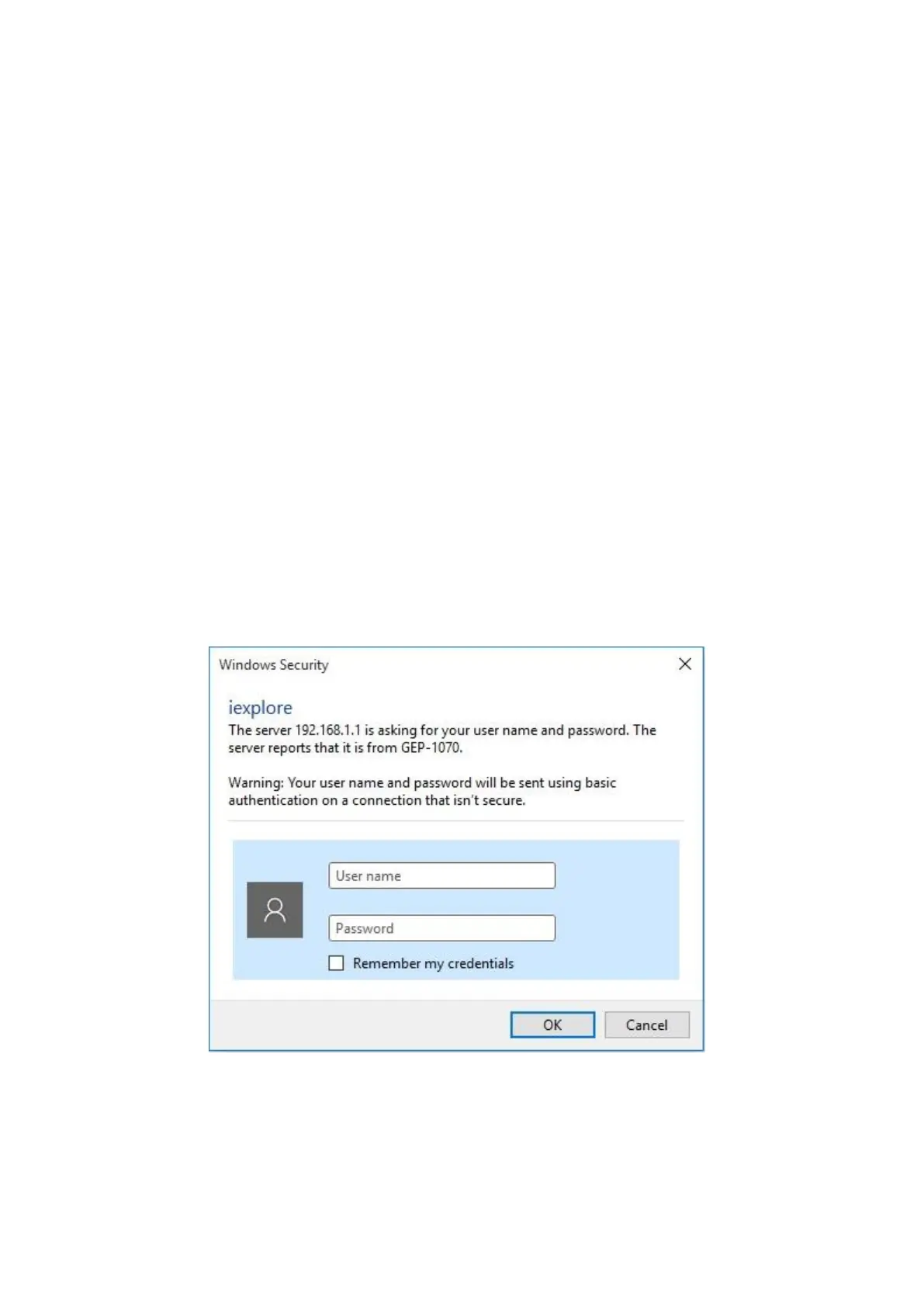
Step 2. Enter “192.168.1.1” for the web management IP address of the PoE Switch. The
login page will appear as the following web page.
Step 3. Enter “admin” for the user name and Password, and click OK to login the PoE
Web page.














 To Next Page