57
USAGE GUIDELINES
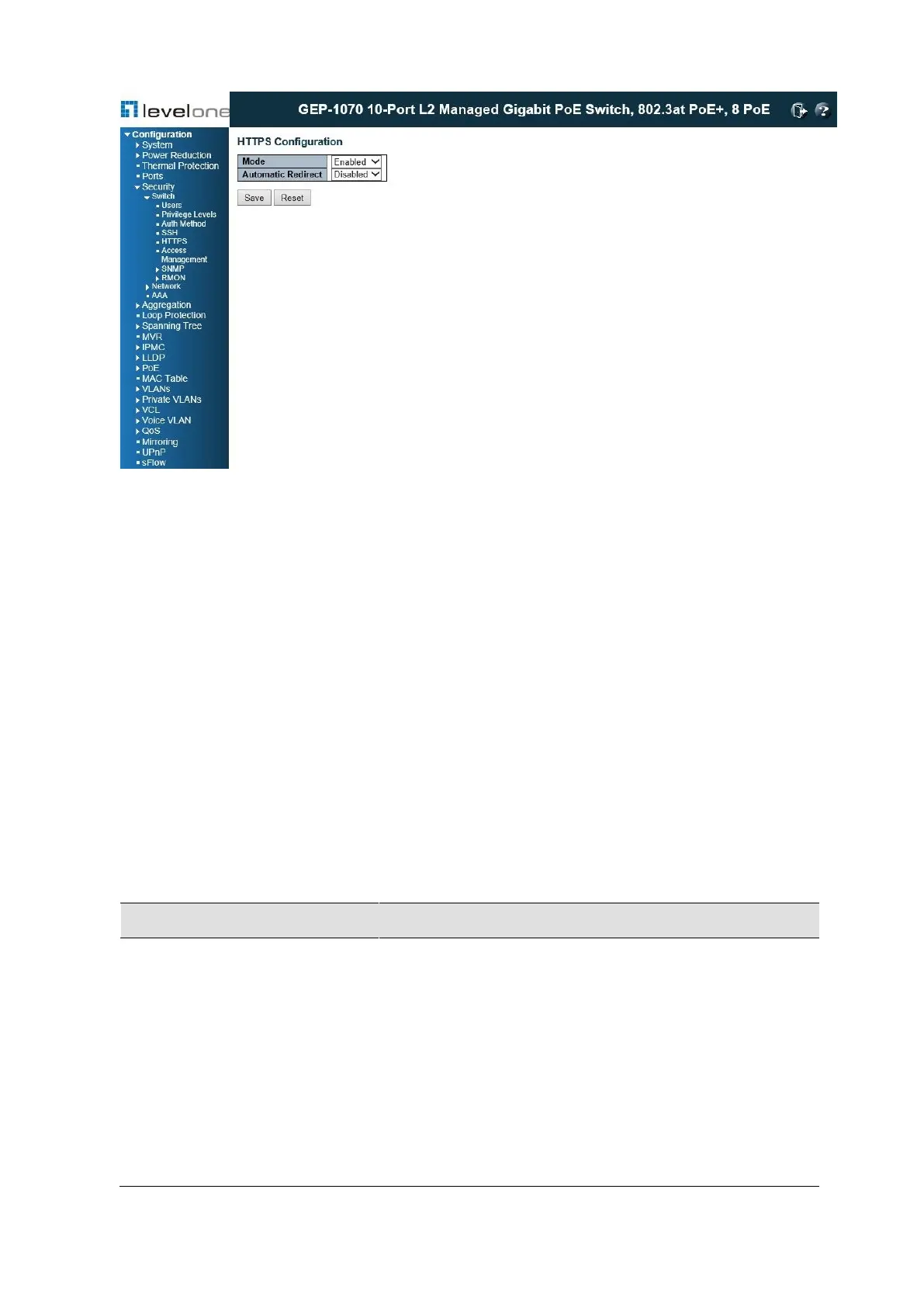
◆ If you enable HTTPS, you must indicate this in the URL that you specify in your browser:
https://device[:port-number]
◆ When you start HTTPS, the connection is established in this way:
■ The client authenticates the server using the server's digital certificate.
■ The client and server negotiate a set of security protocols to use for the connection.
■ The client and server generate session keys for encrypting and decrypting data.
■ The client and server establish a secure encrypted connection.
A padlock icon should appear in the status bar for Internet Explorer 5.x or above,
Netscape 6.2 or above, and Mozilla Firefox 2.0.0.0 or above.
◆ The following web browsers and operating systems currently support HTTPS:
Table 6: HTTPS System Support
Internet Explorer 5.0 or
later
Windows 98,Windows NT (with service pack 6a)
Windows 2000, Windows XP, Windows Vista,
Windows 7
Windows 98,Windows NT (with service pack 6a),
Windows 2000, Windows XP, Windows Vista, Solaris
2.6
Mozilla Firefox 2.0.0.0 or
later
Windows 2000, Windows XP, Windows Vista,
Linux














 To Next Page