Publication date: June, 2015
Revision A1
3- 11.4 Auto Checking
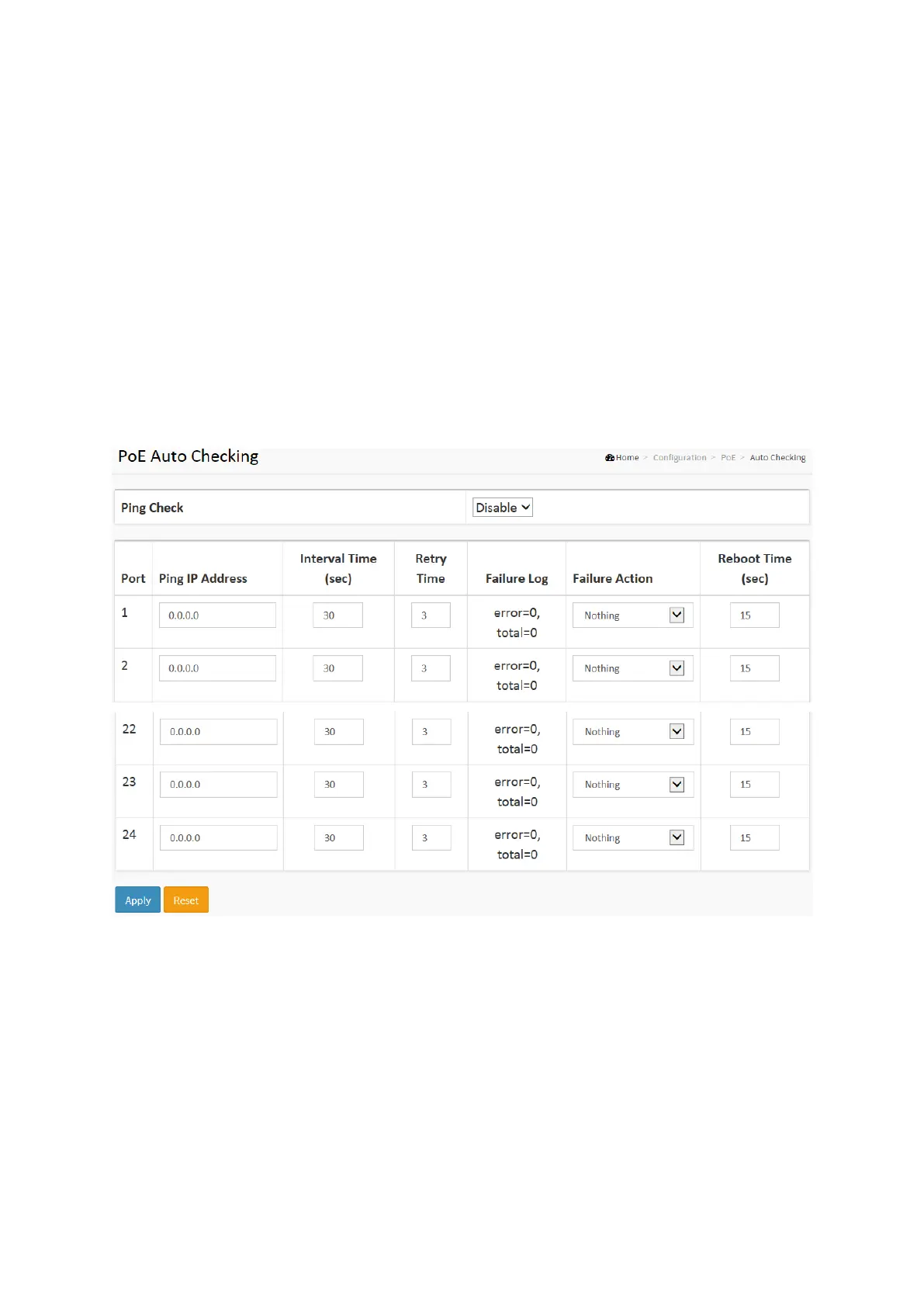
This page allows the user to specify the auto detection parameters to check the linking status
between PoE ports and PDs. When it detected the fail connect, will reboot remote PD
automatically.
Web Interface
To Display Power Over Ethernet Auto Checking in the web interface:
1. Click Configuration, PoE, and Auto checking.
2. Enable the Ping Check function.
3. Specify the PD’s IP address, checking interval, retry time, failure action and reboot time.
4. Click Apply to apply the change.
Figure 2-11.4: The PoE Scheduling
Parameter description:
Power Supply Configuration
Ping Check :
Enable Ping Check function can detects the connection between PoE port and power device.
Disable will turn off the detection.
Port :
This is the logical port number for this row.














 To Next Page