Publication date: June, 2015
Revision A1
2-5.1.2 Privilege Level
This page provides an overview of the privilege levels. The switch provides user set Account,
Aggregation, Diagnostics, EEE, GARP, GVRP,IP, IPMC Snooping LACP LLDP LLDP MED MAC
Table MRP MVR MVRP Maintenance Mirroring POE Ports Private VLANs QoS SMTP SNMP
Security Spanning Tree System Trap Event VCL VLANs Voice VLAN Privilege Levels from 1 to
15 .
Web Interface
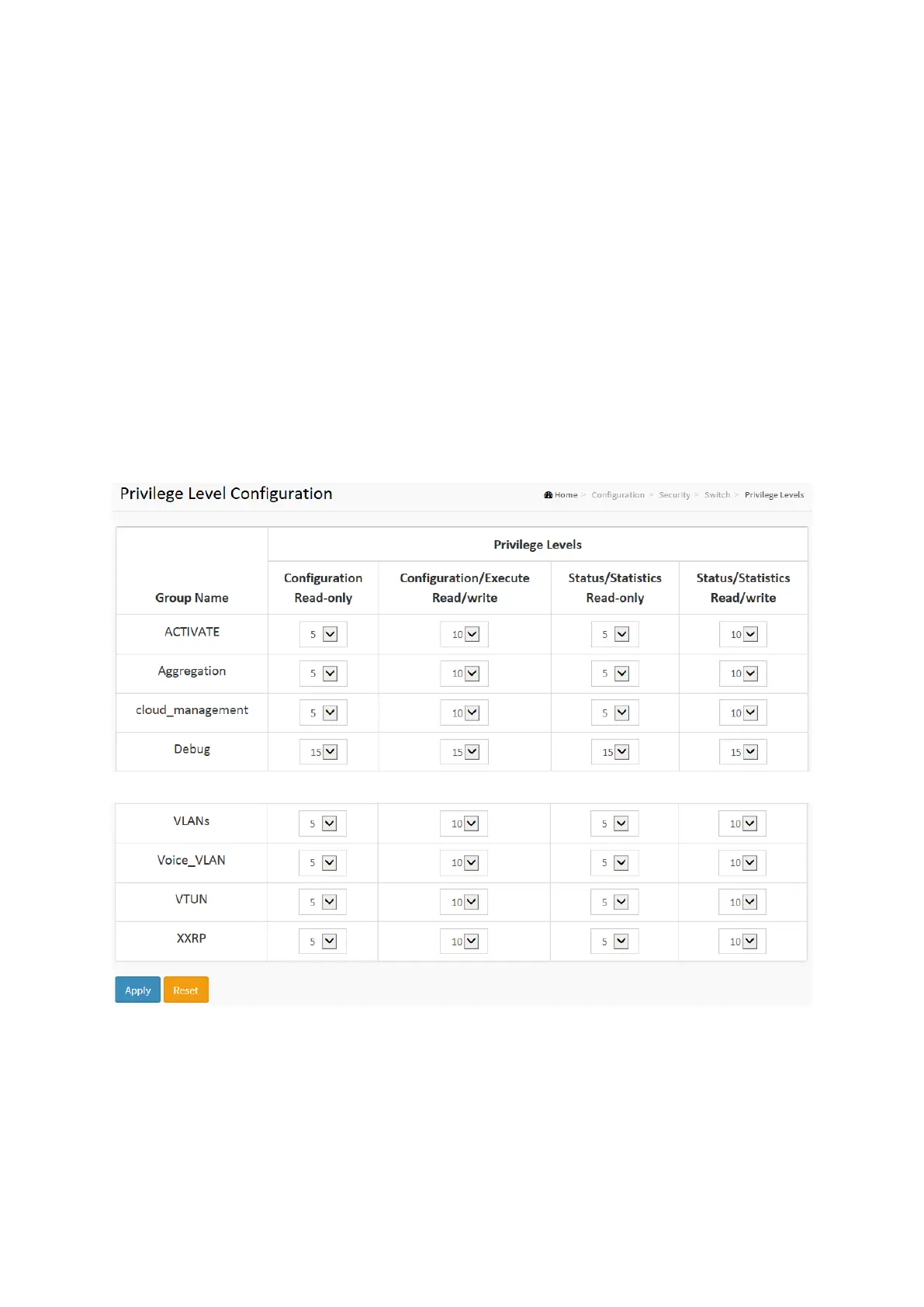
To configure Privilege Level in the web interface:
1. Click SYSTEM, Account, Privilege Level.
2. Specify the Privilege parameter.
3. Click Apply.
Figure2-5.1.2: The Privilege Level configuration
Parameter description:
Group Name
The name identifying the privilege group. In most cases, a privilege level group consists of a
single module (e.g. LACP, RSTP or QoS), but a few of them contains more than one. The
following description defines these privilege level groups in details:
System: Contact, Name, Location, Timezone, Daylight Saving Time, Log.
Security: Authentication, System Access Management, Port (contains Dot1x port, MAC














 To Next Page