Publication date: June, 2015
Revision A1
5-3.2 Software Image Select
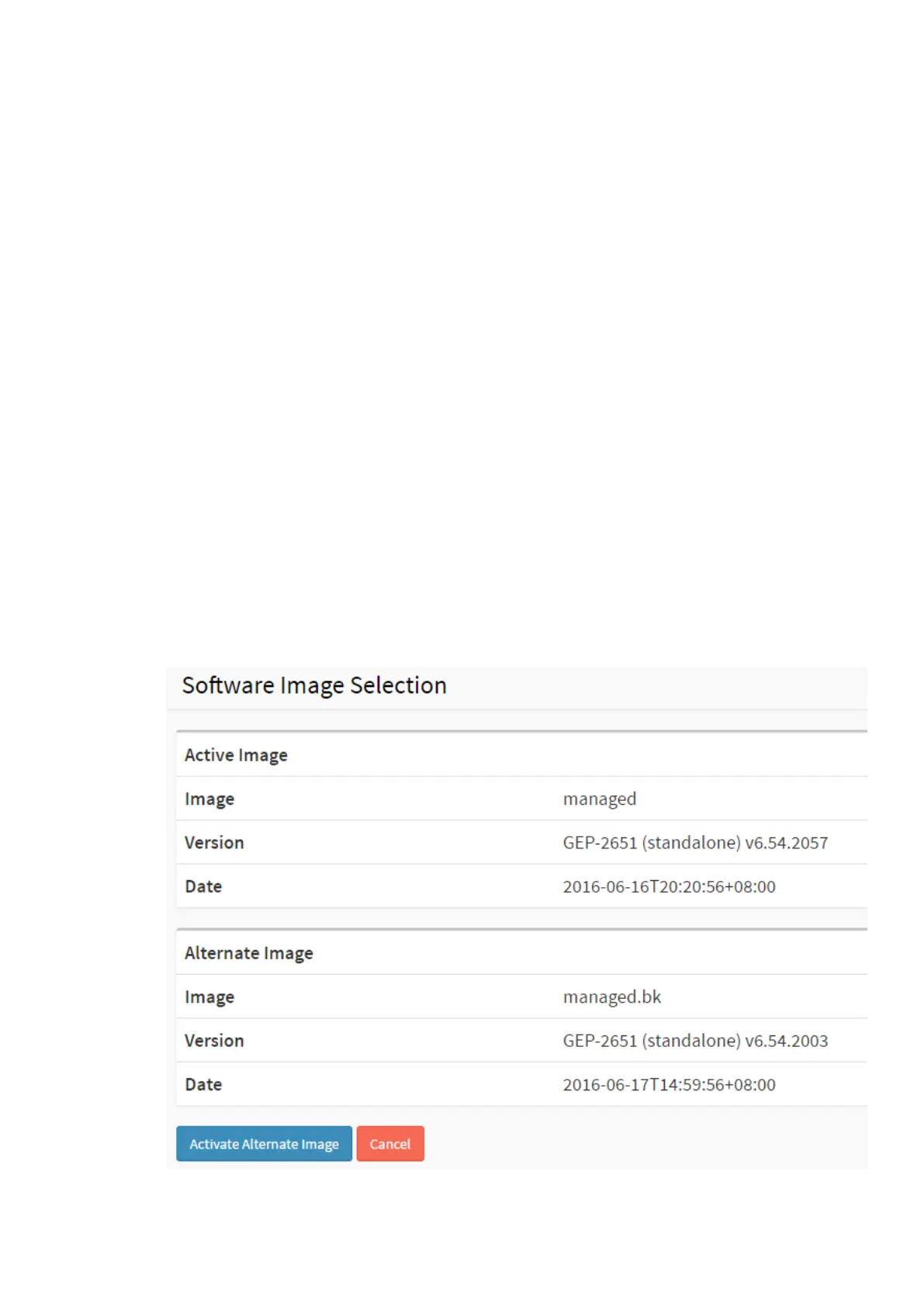
This page provides information about the active and alternate (backup) firmware images in the
device, and allows you to revert to the alternate image.
The web page displays two tables with information about the active and alternate firmware
images.
Note:
1. In case the active firmware image is the alternate image, only the "Active Image"
table is shown. In this case, the Activate Alternate Image button is also disabled.
2. If the alternate image is active (due to a corruption of the primary image or by
manual intervention), uploading a new firmware image to the device will
automatically use the primary image slot and activate this.
3. The firmware version and date information may be empty for older firmware
releases. This does not constitute an error.
Web Interface
To configure a Firmware Upgrade Configuration in the web interface:
1. Chick Browser to select Maintenance/Software in you device.
2. Click Image Select.
Figure 5-3.2 The Firmware selection














 To Next Page