Publication date: June, 2015
Revision A1
4-4 Traceroute
This page allows you to issue ICMP, TCP, or UDP packets to diagnose network connectivity
issues.
Web Interface
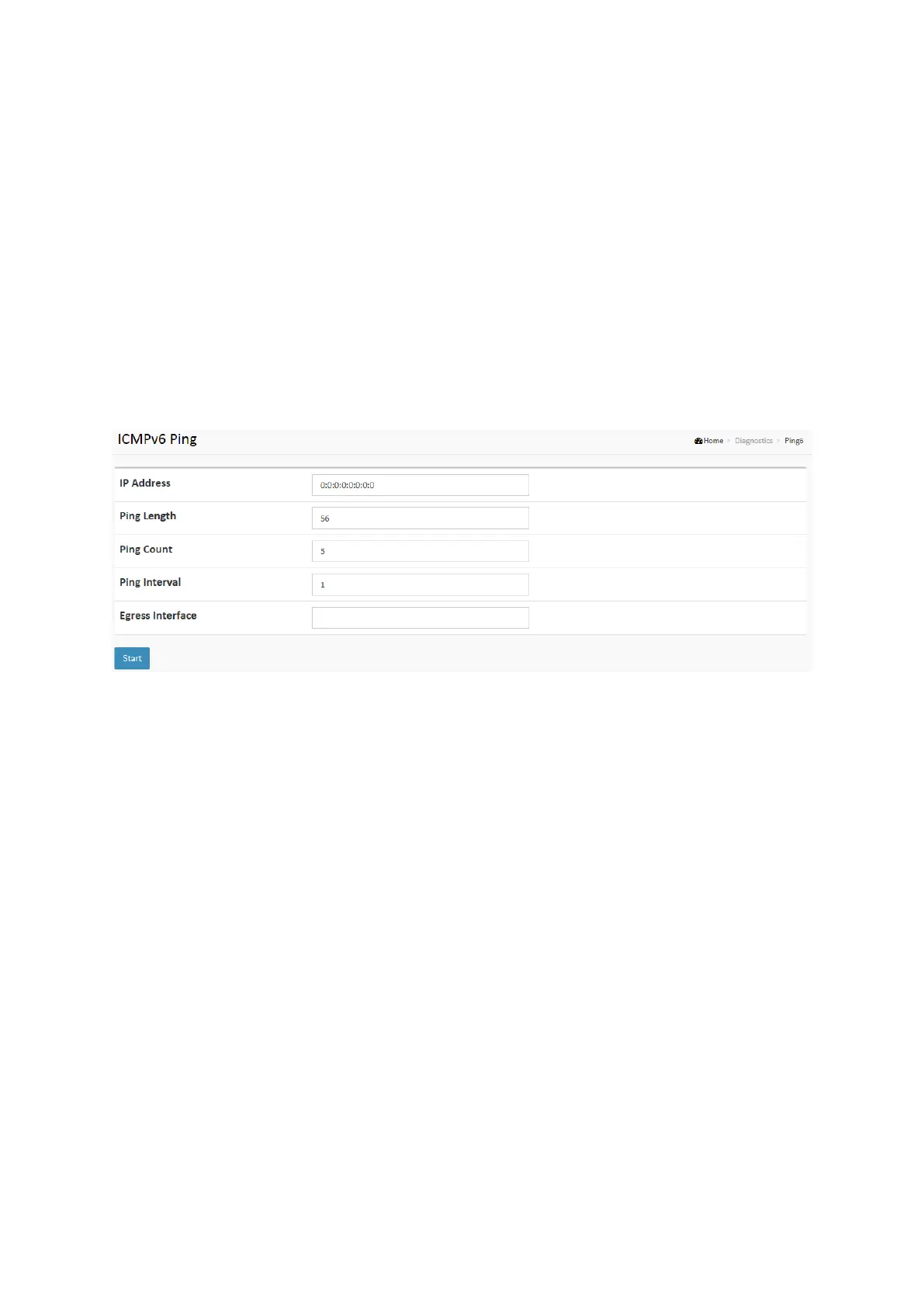
To configure an ICMPv6 PING Configuration in the web interface:
1. Specify traceroute IP Address.
2. Specify traceroute Size.
3. Click Start.
Figure 4-4: The ICMPv6 Ping
Parameter description:
Protocol :
The protocol(ICMP, UDP, TCP) packets to send.
IP Address :
The destination IP Address.
Wait Time :
Set the time (in seconds) to wait for a response to a probe (default 5.0 sec). Values range
from 1 to 60. The payload size of the ICMP packet. Values range from 2 bytes to 1452 bytes.
Max TTL :
Specifies the maximum number of hops (max time-to-live value) traceroute will probe.
Values range from 1 to 255. The default is 30.
Probe Count :
Sets the number of probe packets per hop. Values range from 1 to 10. The default is 3.














 To Next Page