Publication date: June, 2015
Revision A1
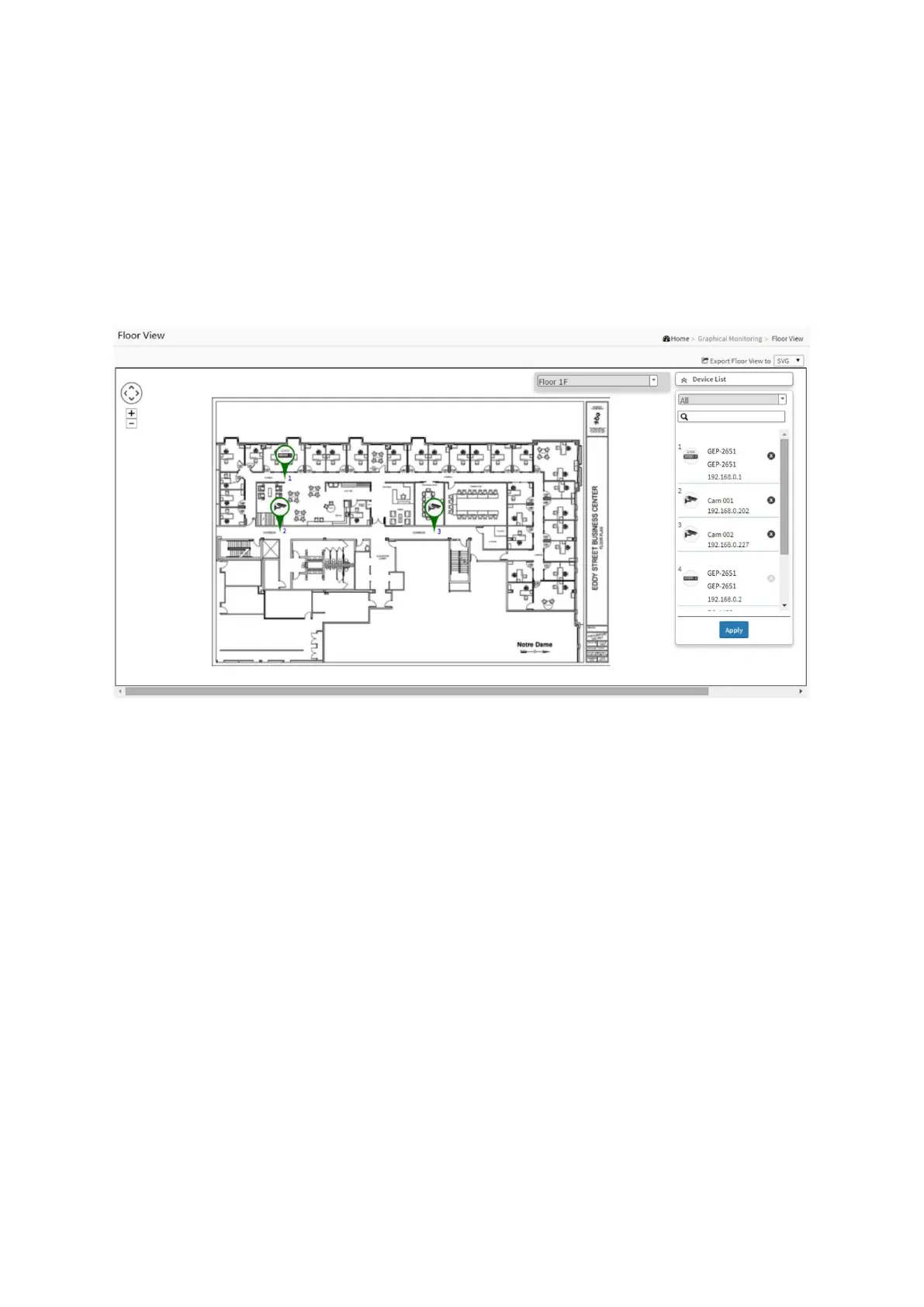
7-2 Floor View
In this page, the administrator can place a device per time onto the custom image, which you
have already uploaded, by dragging-and-dropping markers in the device list.
Web interface
To configure DMS Floor View in the web interface:
1. Click DMS, Graphic Monitoring, Floor Plan and Floor View.
Figure 7-2: Floor View














 To Next Page