Publication date: June, 2015
Revision A1
INTRODUCTION
Overview
In this user’s manual, it will not only tell you how to install and connect your network system
but configure and monitor the GEP-2651 through the web by (RJ-45) serial interface and Ethernet
ports step-by-step. Many explanations in detail of hardware and software functions are shown as well
as the examples of the operation for web-based interface.
The GEP-2651 series, the next generation Web managed switches from Manufacture, is a
portfolio of affordable managed switches that provides a reliable infrastructure for your business
network. These switches deliver more intelligent features you need to improve the availability of your
critical business applications, protect your sensitive information, and optimize your network
bandwidth to deliver information and applications more effectively. It provides the ideal combination
of affordability and capabilities for entry level networking includes small business or enterprise
application and helps you create a more efficient, better-connected workforce.
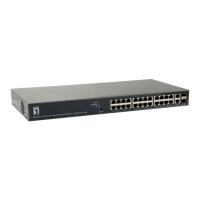
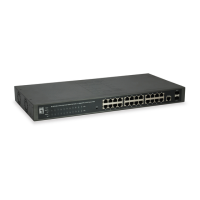
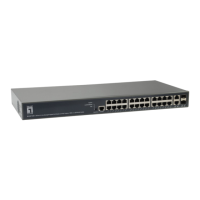
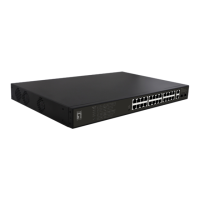
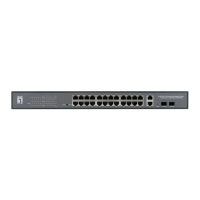
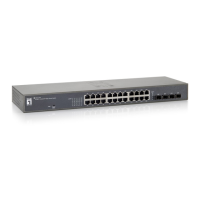
GEP-2651 Web Managed Switches provide 26 ports in a single device; the specification is
highlighted as follows.
L2+ features provide better manageability, security, QoS, and performance.
Support IPv4/IPv6 dual stack management
Support SNMP v1/v2c/v3
Support RMON groups 1,2,3,9
Support IGMP v1/v2/v3 Snooping
Support RADIUS authentication
Support IP Source Guard
Support DHCP Snooping
Support ACL and QCL for traffic filtering
Support 802.1d(STP), 802.1w(RSTP) and 802.1s(MSTP)
Support LACP and static link aggregation
Support Q-in-Q double tag VLAN
Overview of this user’s manual
Chapter 1 “Operation of Web-based Management”
Chapter 2 “System Configuration”
Chapter 3 “Configuration”
Chapter 4 “Security”
Chapter 5 “Maintenance”




 To Next Page