Publication date: June, 2015
Revision A1
3-8.2 Port Status
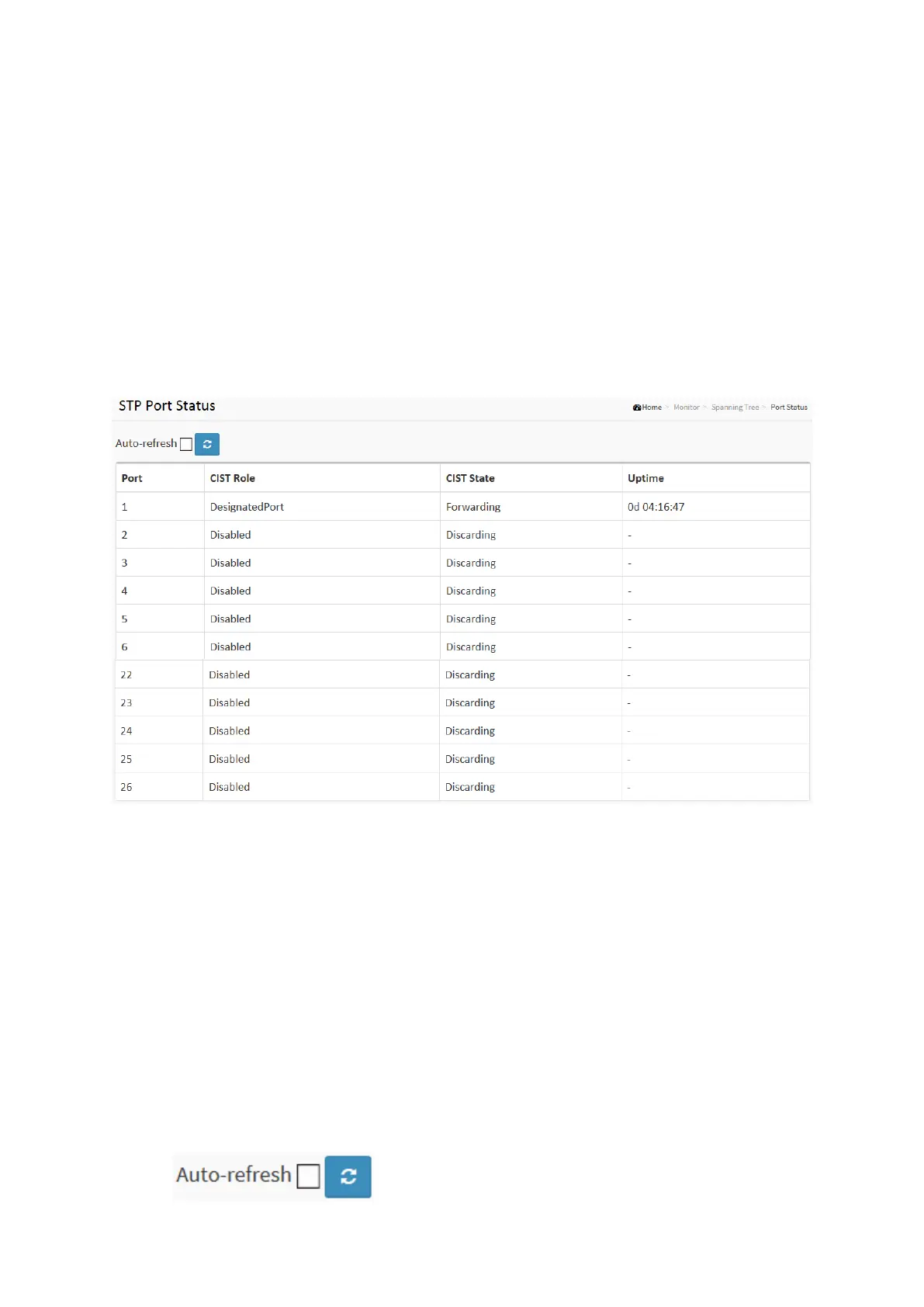
After you complete the STP configuration the you could to ask the switch display the STP Port
Status. The Section provides you to ask switch to display the STP CIST port status for physical
ports of the currently selected switch.:
Web Interface
To display the STP Port status in the web interface:
1. Click Monitor, Spanning Tree, STP Port Status
2. If you want to auto-refresh the information then you need to evoke the “Auto-refresh”.
3. Click “ Refresh“ to refresh the STP Bridges.
Figure 3-8.2: The STP Port status
Parameter description:
Port :
The switch port number of the logical STP port.
CIST Role :
The current STP port role of the CIST port. The port role can be one of the following values:
AlternatePort, Backup Port, RootPort, DesignatedPort Disabled.
CIST State :
The current STP port state of the CIST port. The port state can be one of the following values:
Blocking Learning Forwarding.
Uptime
The time since the bridge port was last initialized.
Buttons














 To Next Page