Publication date: June, 2015
Revision A1
Chapter 4. Diagnostics
This chapter provides a set of basic system diagnosis. It let users know that whether
the system is health or needs to be fixed. The basic system check includes ICMP Ping,
Link OAM, ICMPv6, and VeriPHY Cable Diagnostics.
4-1 Ping
This section allows you to issue ICMP PING packets to troubleshoot IPv6 connectivity issues.
Web Interface
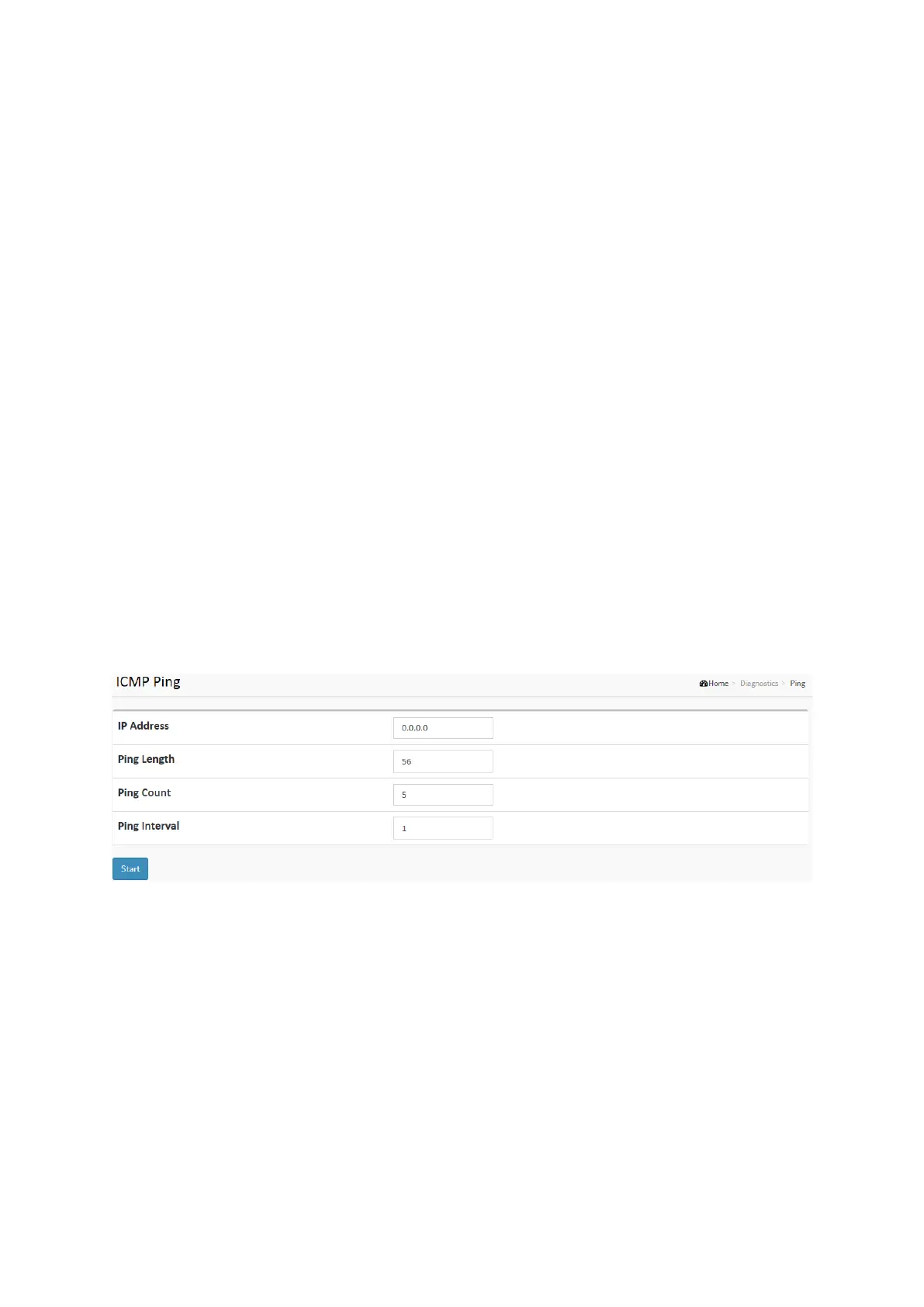
To configure an ICMP PING Configuration in the web interface:
1. Specify ICMP PING IP Address.
2. Specify ICMP PING Size.
3. Click Start.
Figure 4-1: The ICMP Ping
Parameter description:
IP Address :
To set the IP Address of device what you want to ping it.
Ping Length:
The payload size of the ICMP packet. Values range from 2 bytes to 1452 bytes.
Ping Count:
The count of the ICMP packet. Values range from 1 time to 60 times.
Ping Interval:
The interval of the ICMP packet. Values range from 0 second to 30 seconds.














 To Next Page