Publication date: June, 2015
Revision A1
User IP address of the entry.
Buttons
Auto-refresh: Check this box to refresh the page automatically. Automatic refresh occurs
every 3 seconds.
Refresh: Click to refresh the page.
|<<: Updates the system log entries to the first available entry ID.
>> : Updates the system log entry to the next available entry ID.
3-5.1.5 IP Source Guard
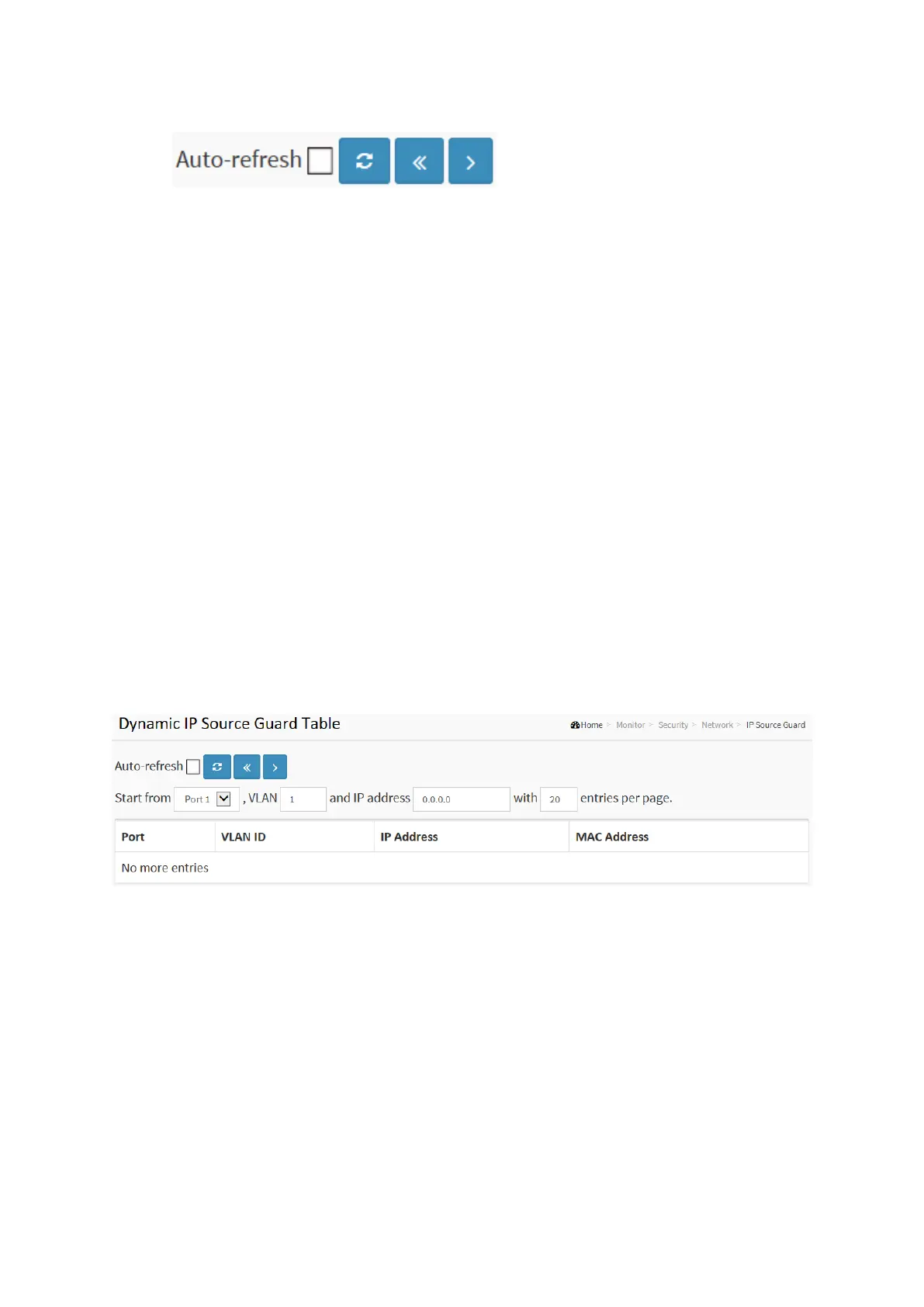
Entries in the Dynamic IP Source Guard Table are shown on this page. The Dynamic IP Source
Guard Table is sorted first by port, then by VLAN ID, then by IP address, and then by MAC
address.
Web Interface
To configure a Dynamic IP Source Guard Table Configuration in the web interface:
1. Click Security, Network, IP Source Guard.
2. Checked “Auto-refresh”.
3. Click “ Refresh“ to refresh the port detailed statistics.
4. Specify the Start from port, VLAN ID, IP Address, and entries per page.
Figure 3-5.1.5: The Dynamic IP Source Table
Parameter description:
Port :
Switch Port Number for which the entries are displayed.
VLAN ID :
VLAN-ID in which the IP traffic is permitted.
IP Address :
User IP address of the entry.
MAC Address :
Source MAC address.














 To Next Page