Publication date: June, 2015
Revision A1
5-4.5 Delete
It is possible to delete any of the writable files stored in flash, including startup-config. If this
is done and the switch is rebooted without a prior Save operation, this effectively resets the
switch to default configuration.
Web Interface
To delete configuration in the web interface:
1. Chick Browser to select Maintenance/Configuration in you device.
2. Click Delete Select.
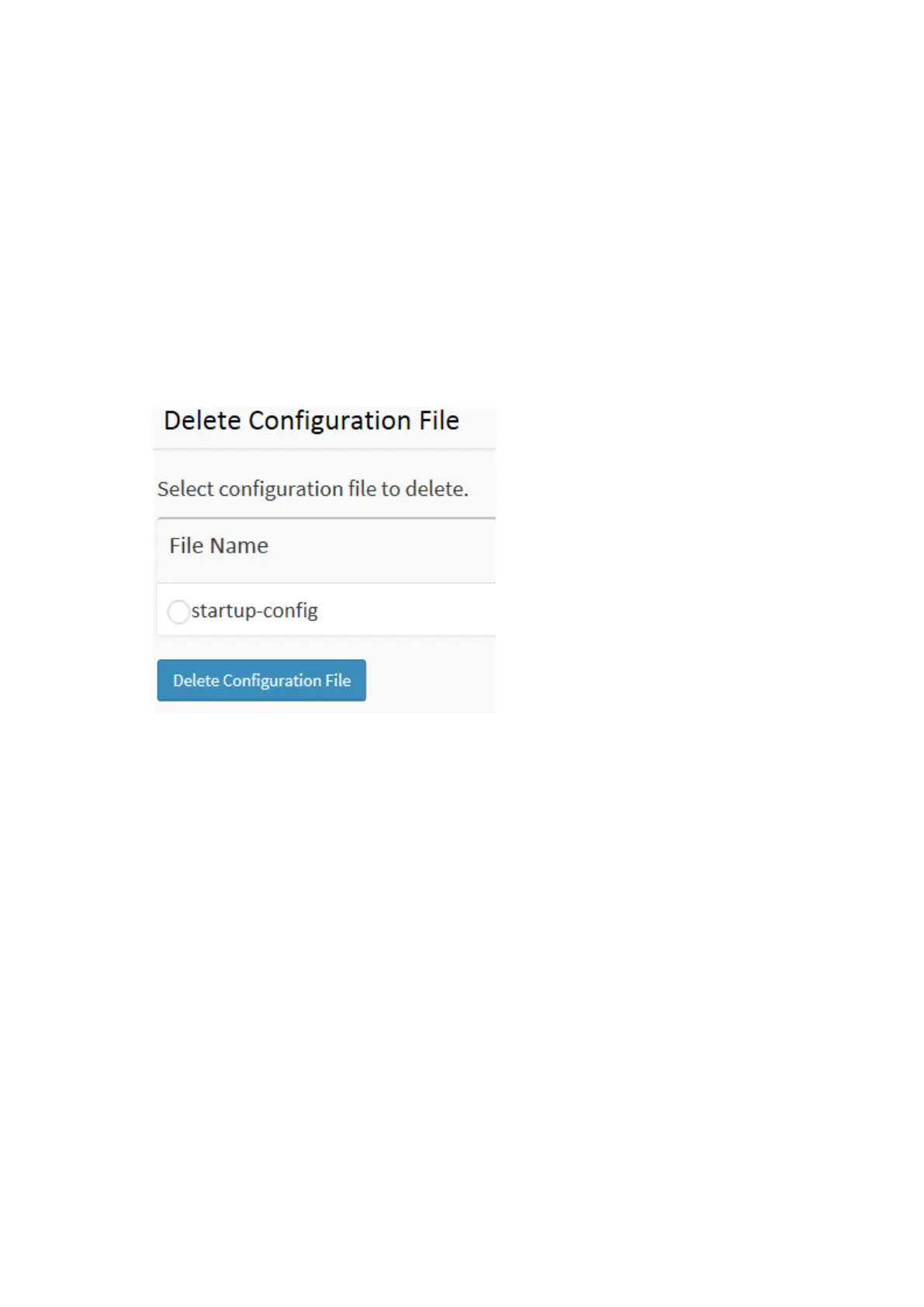
Figure 5-4.5: Delete Configuration
There is one system files:
1. startup-config: The startup configuration for the switch, read at boot time.
Parameter description:
Buttons :
Delete Configuration: Click the “Delete” button then the startup-config file will be deleted,
this effectively resets the switch to default configuration.














 To Next Page