Publication date: June, 2015
Revision A1
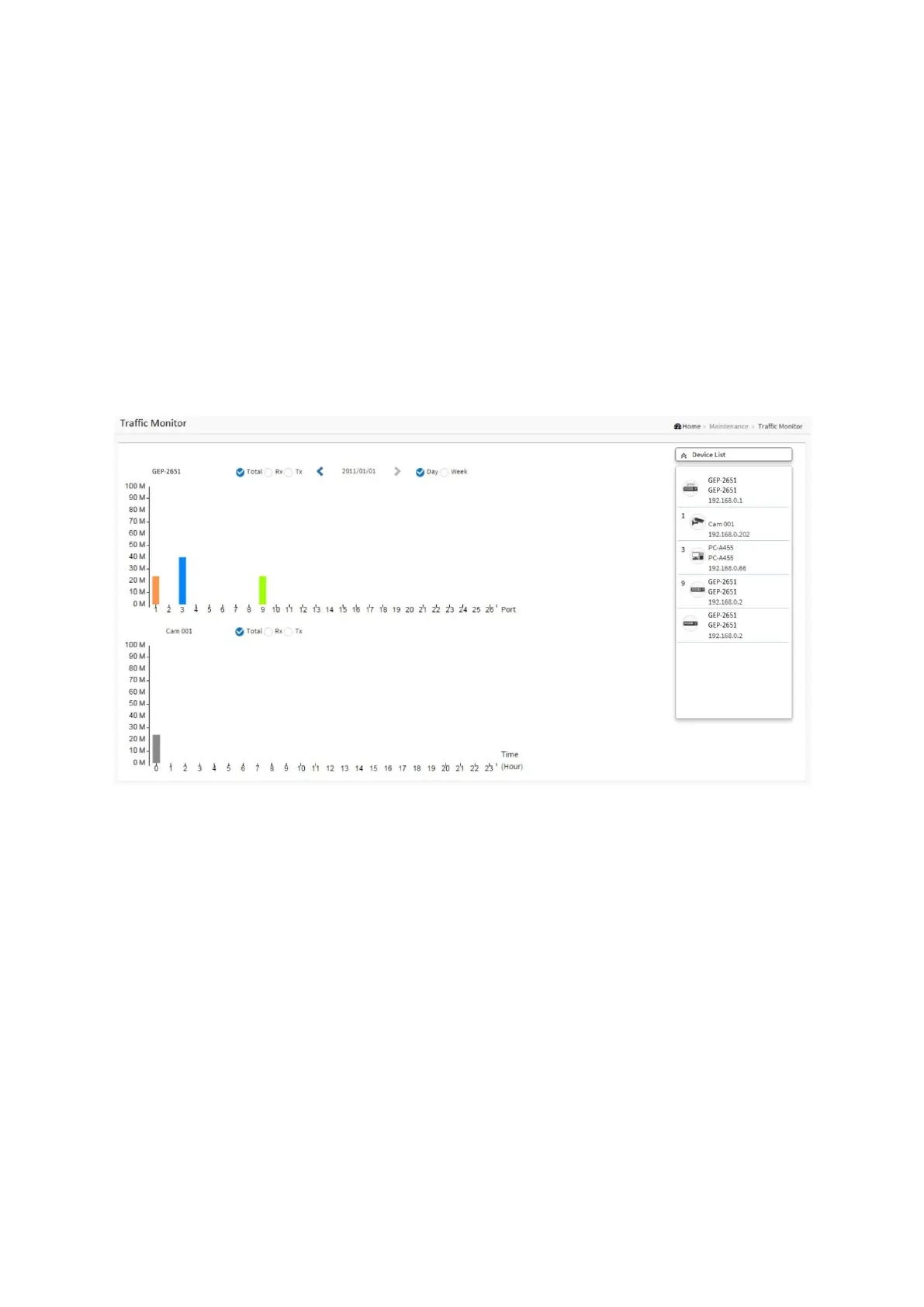
8-3 Traffic Chart
This page displays visual chart of network traffic of all the devices managed by PoE DMS
switch.
Web interface
To configure DMS Information in the web interface:
1. Click DMS, Monitor and Traffic.
2. Specify the DMS state, longitude and latitude, IP address, Subnet Mask.
3. Click Apply
Figure 8-3: Traffic Chart














 To Previous Page