Publication date: June, 2015
Revision A1
matched with the frame's content.
There are three action fields: Class, DPL and DSCP.
Class: Classified QoS Class; if a frame matches the QCE it will be put in the queue.
DPL: Drop Precedence Level; if a frame matches the QCE then DP level will set to value
displayed under DPL column.
DSCP: If a frame matches the QCE then DSCP will be classified with the value displayed
under DSCP column.
Conflict :
Displays Conflict status of QCL entries. It may happen that resources required to add a QCE
may not available, in that case it shows conflict status as 'Yes', otherwise it is always
'No'.Please note that conflict can be resolved by releaseing the H/W resources required to
add QCL entry on pressing 'Resolve Conflict' button.
Buttons
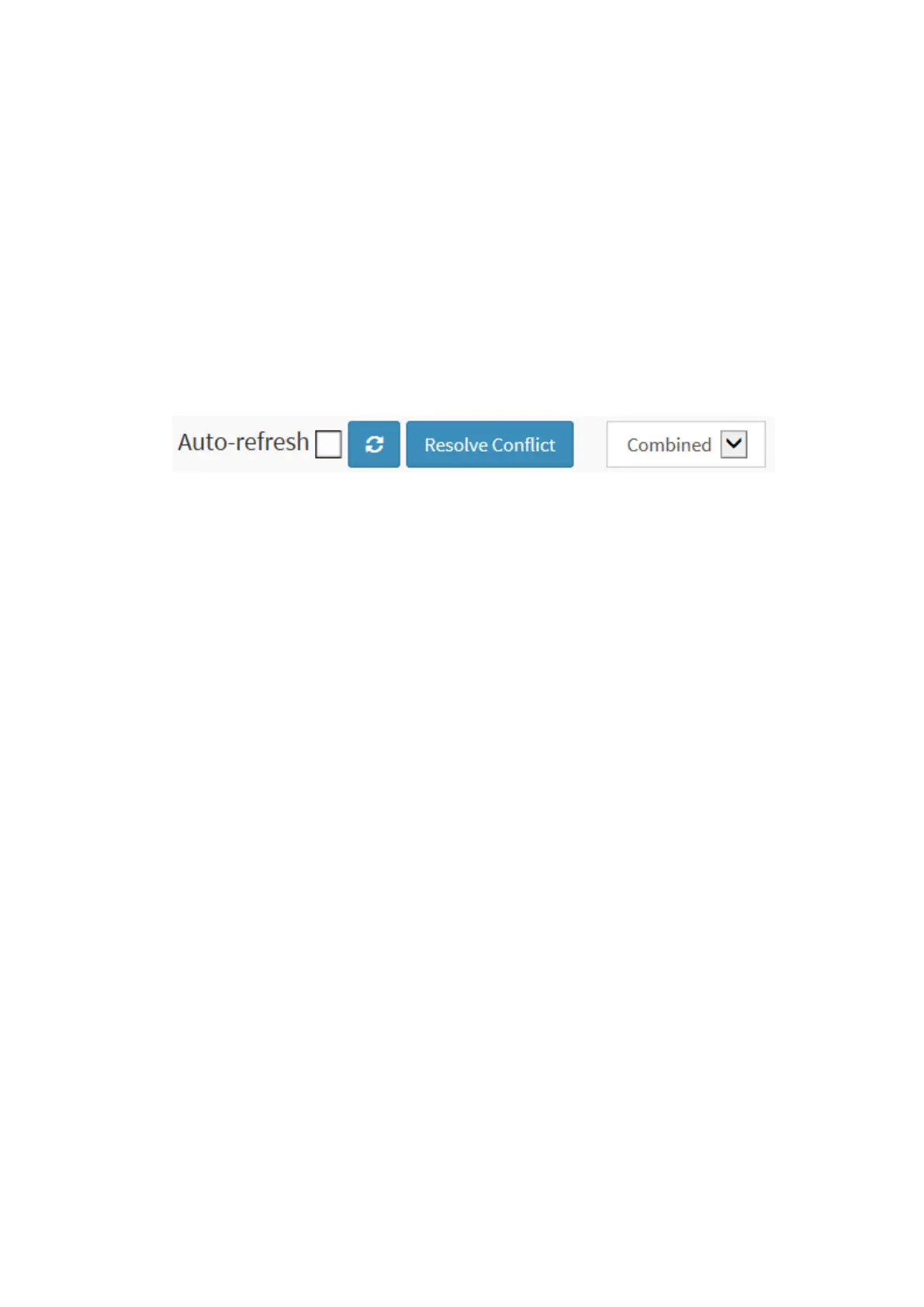
Auto-refresh: Check this box to refresh the page automatically. Automatic refresh occurs
every 3 seconds.
Resolve Conflict: Click to release the resources required to add QCL entry, incase conflict
status for any QCL entry is 'yes'.
Refresh: Click to refresh the page.



 To Next Page