Publication date: June, 2015
Revision A1
2-5.1.5.8 Trap Event Severity
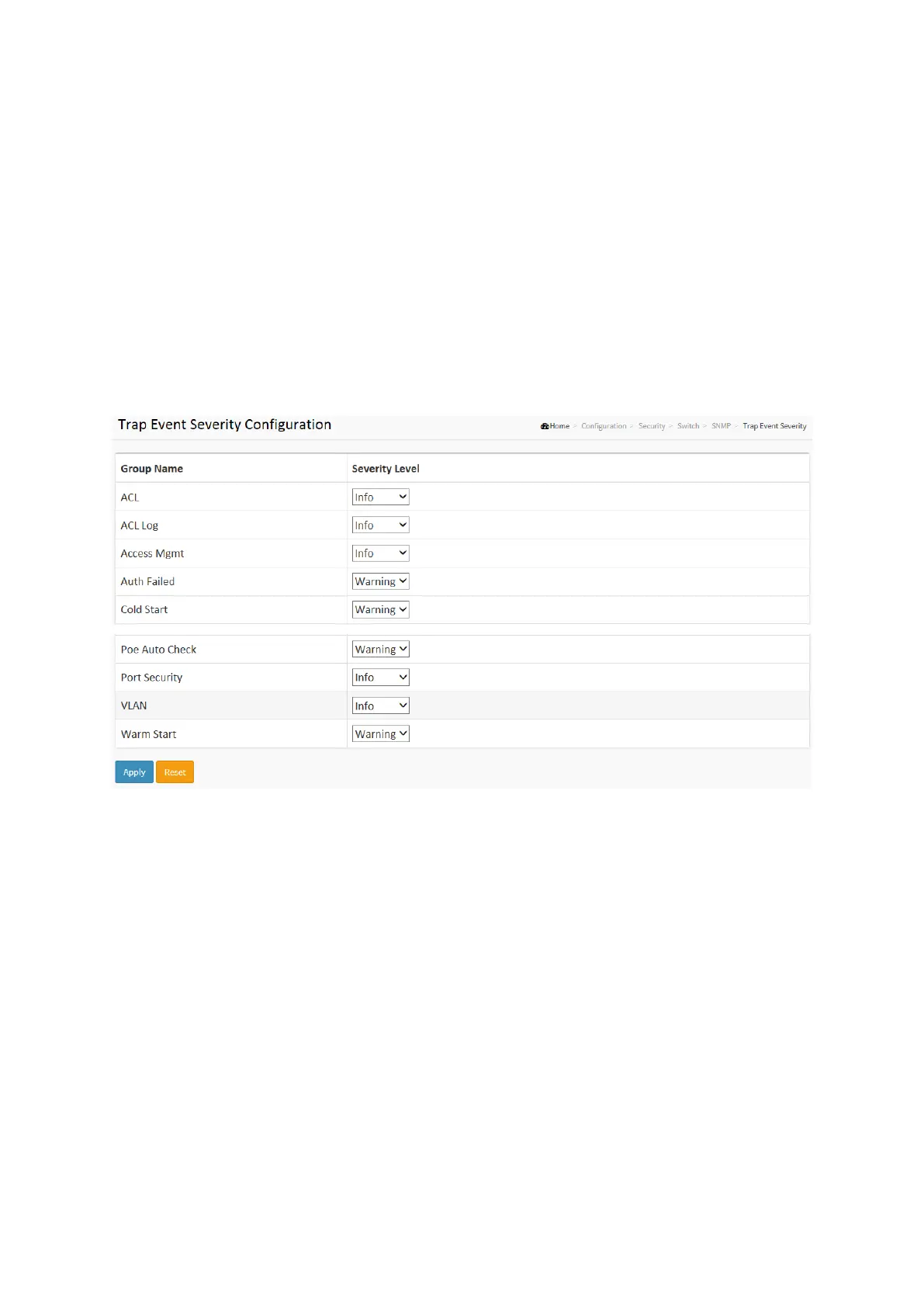
This page displays current trap event severity configurations. Trap event severity can also be
configured here.
Web Interface
To display the configure Trap Event Serverity in the web interface:
1. Click SNMP, Trap Event Severity.
2. Scroll to select the Group name and Severity Level
3. Click the Apply to save the setting
4. If you want to cancel the setting then you need to click the Reset button. It will revert to
previously saved values
.
Figure 2-5.1.5.8: The Trap Event Severity Configuration
Parameter description:
Group Name :
The name identifying the severity group.
Severity Level :
Every group has an severity level. The following level types are supported:
<0> Information: Information messages.
<1> Warning: Warning conditions.
<2> Error: Error conditions.














 To Next Page