Publication date: June, 2015
Revision A1
2-5.1.6.4 Event
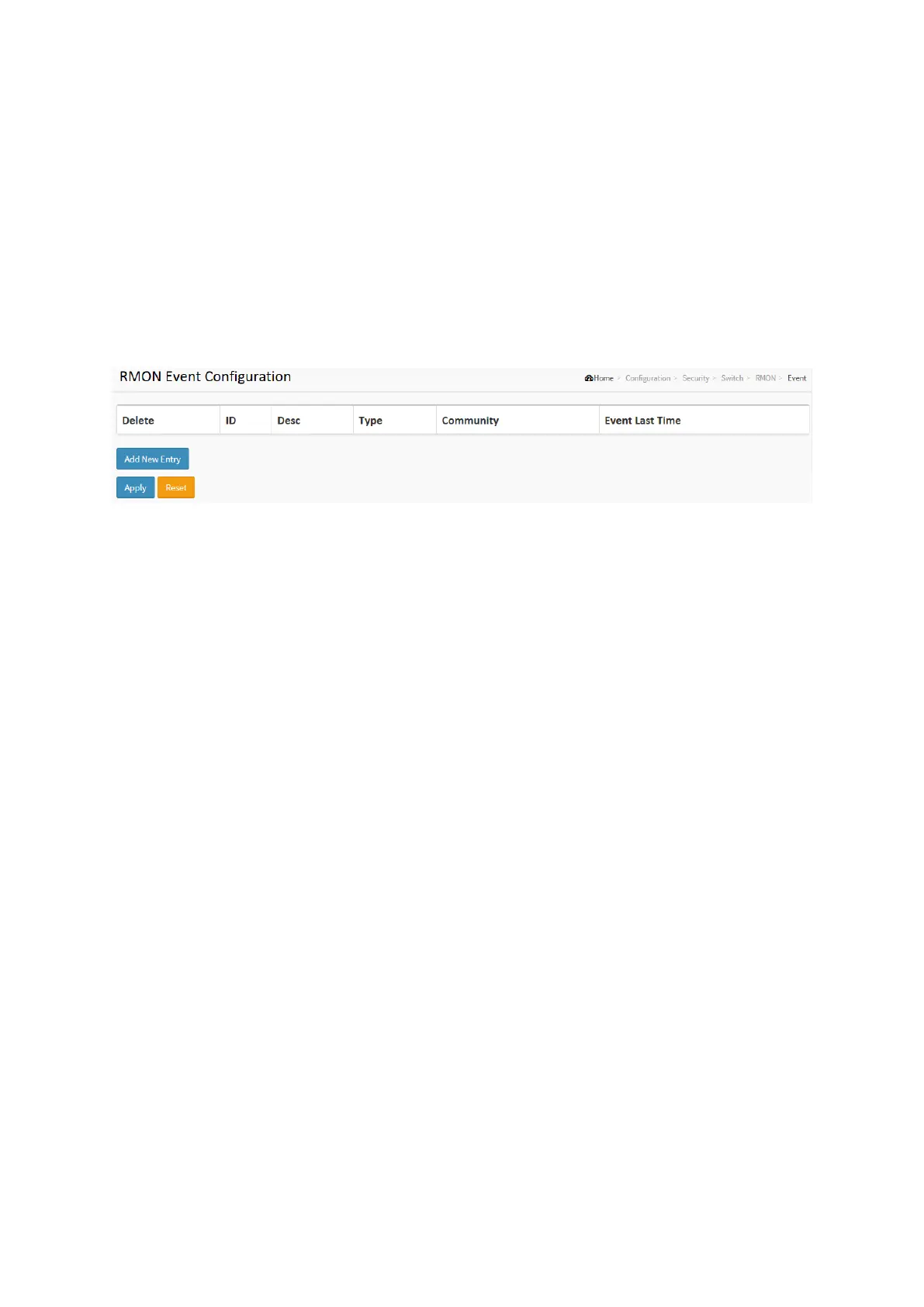
Configure RMON Event table on this page. The entry index key is ID.
Web Interface
To display the configure RMON Event in the web interface:
1. Click RMON, Event.
2. Click Add New Entry.
3. Specify the ID parameters.
4. Click Apply.
Figure 2-5.1.6.4: The RMON Event Configuration
Parameter description:
These parameters are displayed on the RMON History Configuration page:
Delete
Check to delete the entry. It will be deleted during the next save.
ID
Indicates the index of the entry. The range is from 1 to 65535.
Desc
Indicates this event, the string length is from 0 to 127, default is a null string.
Type
Indicates the notification of the event, the possible types are:
none: No SNMP log is created, no SNMP trap is sent.
log: Create SNMP log entry when the event is triggered.
snmptrap: Send SNMP trap when the event is triggered.
logandtrap: Create SNMP log entry and sent SNMP trap when the event is triggered.
Community
Specify the community when trap is sent, the string length is from 0 to 127, default is
"public".
Event Last Time
Indicates the value of sysUpTime at the time this event entry last generated an event.














 To Next Page