Updating Firmware
Z-Max Advanced Programming & Systems Design Guide rac00-sdg
Revision A:11/2005 Page 113
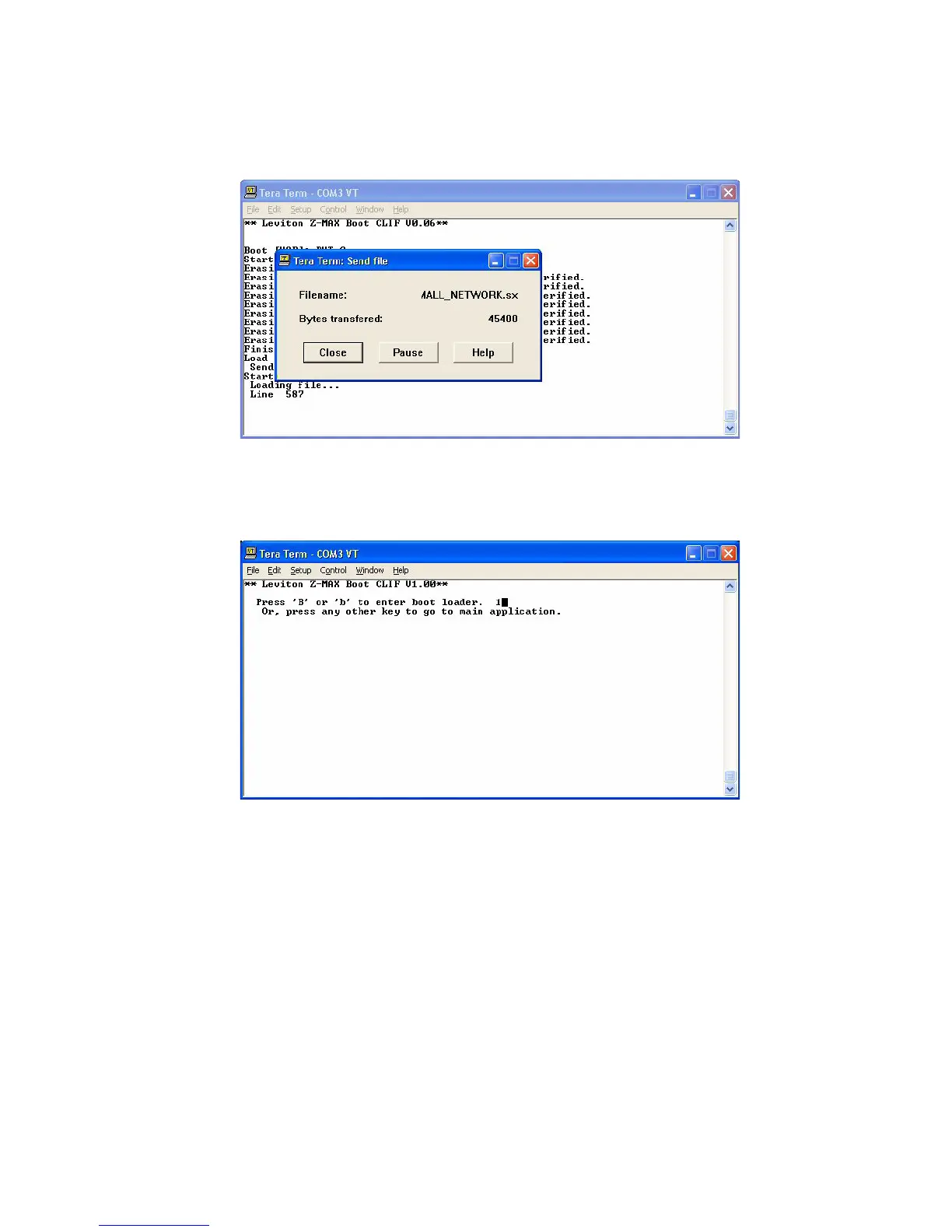
The new operating system will then be transferred.
When the transfer is complete, you will again be prompted to select between boot
mode or the main application. This time, enter the main application by pressing
any key other than "B" or "B", or let the 5 second timer expire.
The new system will then start.



 To Next Page