Page 22
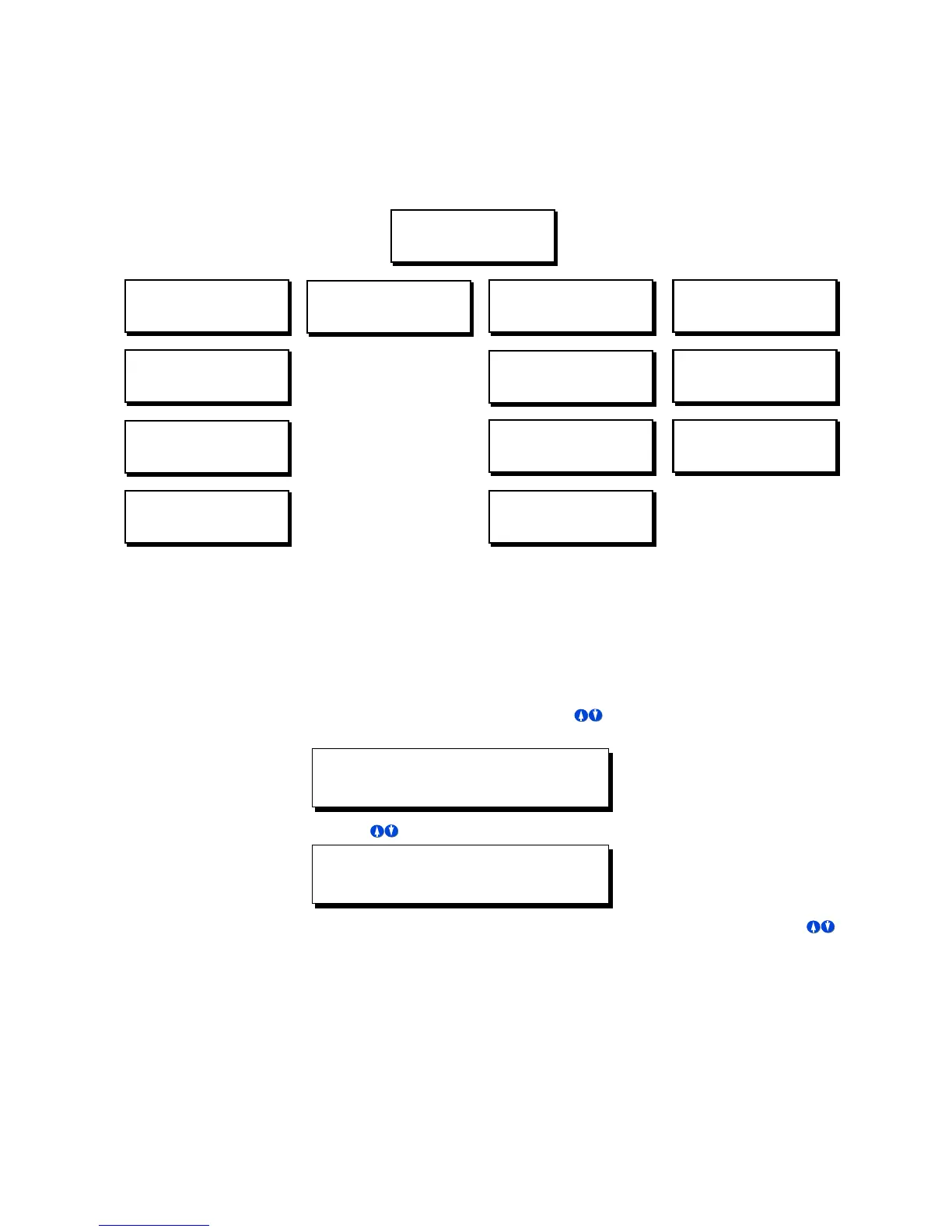
Simple Mode Menu Structure
For your reference as you are navigating through the menus, please find below the
complete simple mode menu structure:
Changing Configuration Modes
Changing configuraiton modes is a simple process. To change from simple to
advanced, or from advanced to simple, please follow the steps below:
Step 1: Press the Menu button, then use until the display reads as shown
below, then press SELECT:.
Step 1: Use until the display reads as shown below, then press SELECT:.
Step 2: You will now notice that the
Mode
line of the display is blinking. Use
to select either
Simple
or
Advanced
, then press SELECT. Your
configuration mode has now been changed.
MON 02:37P LE001
STATUS: NORMAL
MAIN MENU SELECT
TIME/DATE/ASTRO
CONFIGURATION
CONFIG INPUTS
QUICK SCHEDULE
NEW EVENT
TIME/DATE/ASTRO
SET TIME & DATE
MAIN MENU SELECT
SOFTWARE BUILD
MAIN MENU SELECT
CONFIGURATION
MAIN MENU SELECT
QUICK SCHEDULE
TIME/DATE/ASTRO
SET ASTRO CLOCK
CONFIGURATION
MODE: SIMPLE
CONFIGURATION
FACTORY DEFAULTS
QUICK SCHEDULE
CHANGE EVENT
QUICK SCHEDULE
DELETE EVENT
MAIN MENU SELECT
CONFIGURATION
CONFIGIRATION
MODE:SIMPLE



 To Next Page