Passwords
Z-Max Advanced Programming & Systems Design Guide rac00-sdg
Revision A:11/2005 Page 67
Passwords
Your Z-Max relay panel has security features built in which are used to secure access
to the panel when accessing from any external network and can be used to secure
local access to the panel. Security is controlled by a password which has defined
access privileges associated with it.
Adding Passwords (Access Codes)
Up to 256 passwords can be entered into the system. To add a password, select the
ADD PASSWORD option from the password configuration menu.
Each password has several settings:
• The "ADD" field is purely information and indicates the number of the added
password
• The "Pw" field is the password itself
• The "Gp" field is the group number which can be accessed by this password. Access
to all groups is granted if the password mode is ADMIN regardless of this setting. If
the password type is USER and the Gp field is 0000, no control will be granted as
user access codes can only control a single group.
• The bottom right most field is the MODE field. Mode can be any one of the
following:
• ADMIN - When entered, the user is granted access to all administrative
functions of this relay panel
• INSTALL - This password grants "installation" level access to the relay panel
• TECH - This mode grants "technician" level access to the relay panel
• USER - grants user level access to the relay panel
• The modes above grant access to the panel mainly from the front panel. The
possible modes as listed below are command level passwords which allow for the
specific command to be issued to the specified group from the touch tone interface.
When password is entered, the command is executed and the call is then
disconnected.
• OFF - turns off the associated group
• ON - turns on the associated group
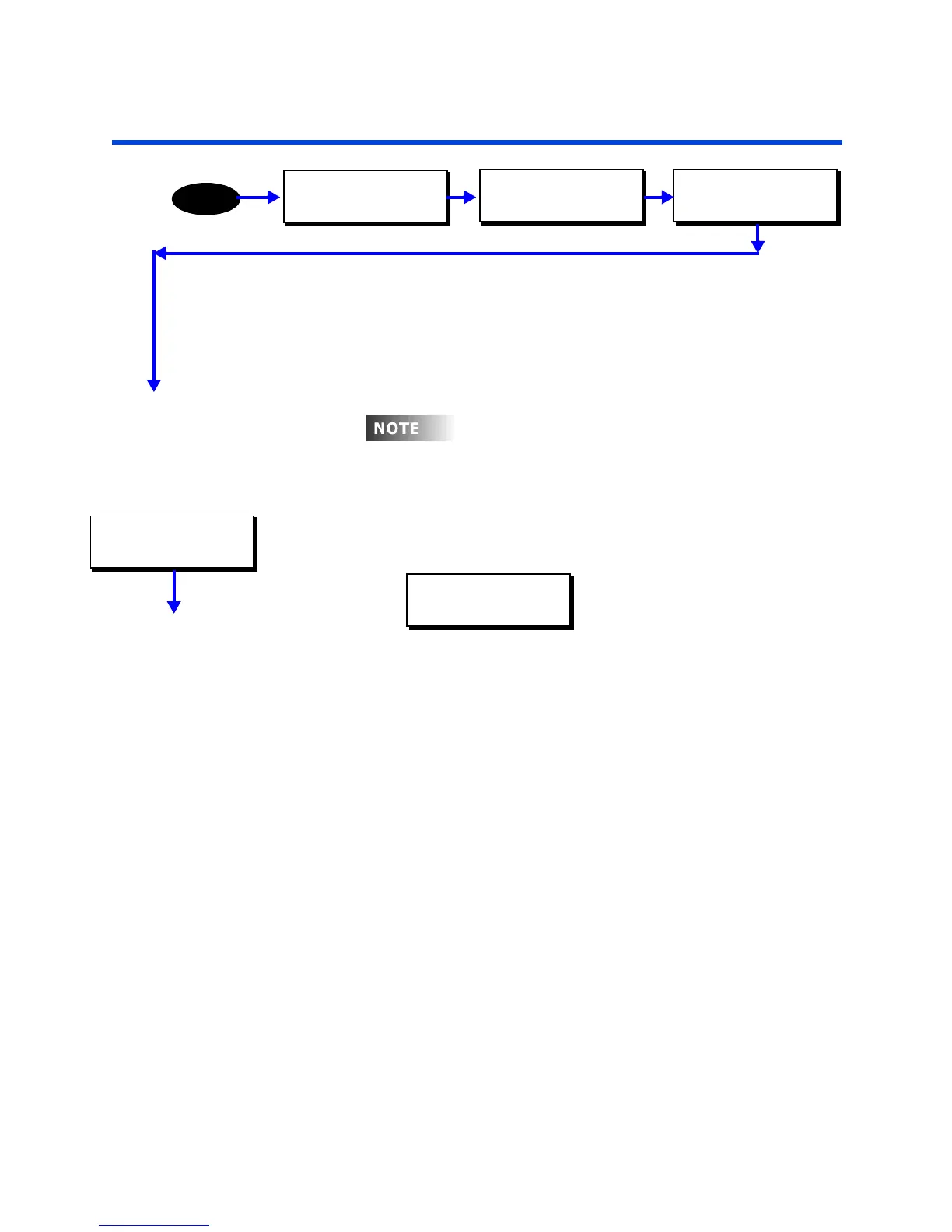
MAIN MENU SELECT
CONFIGURATION
MENU
CONFIGURATION
SYSTEM SETUP
SYSTEM SETUP
CONFIG PASSWORDS
our re
ay pane
s
ps as
e
au
w
an
administrative level password of 1234. This
password can not be deleted but can be modified.
CONFIG PASSWORDS
ADD PASSWORD
ADD:002 PW:0000
GP:0000 ADMIN



 To Next Page