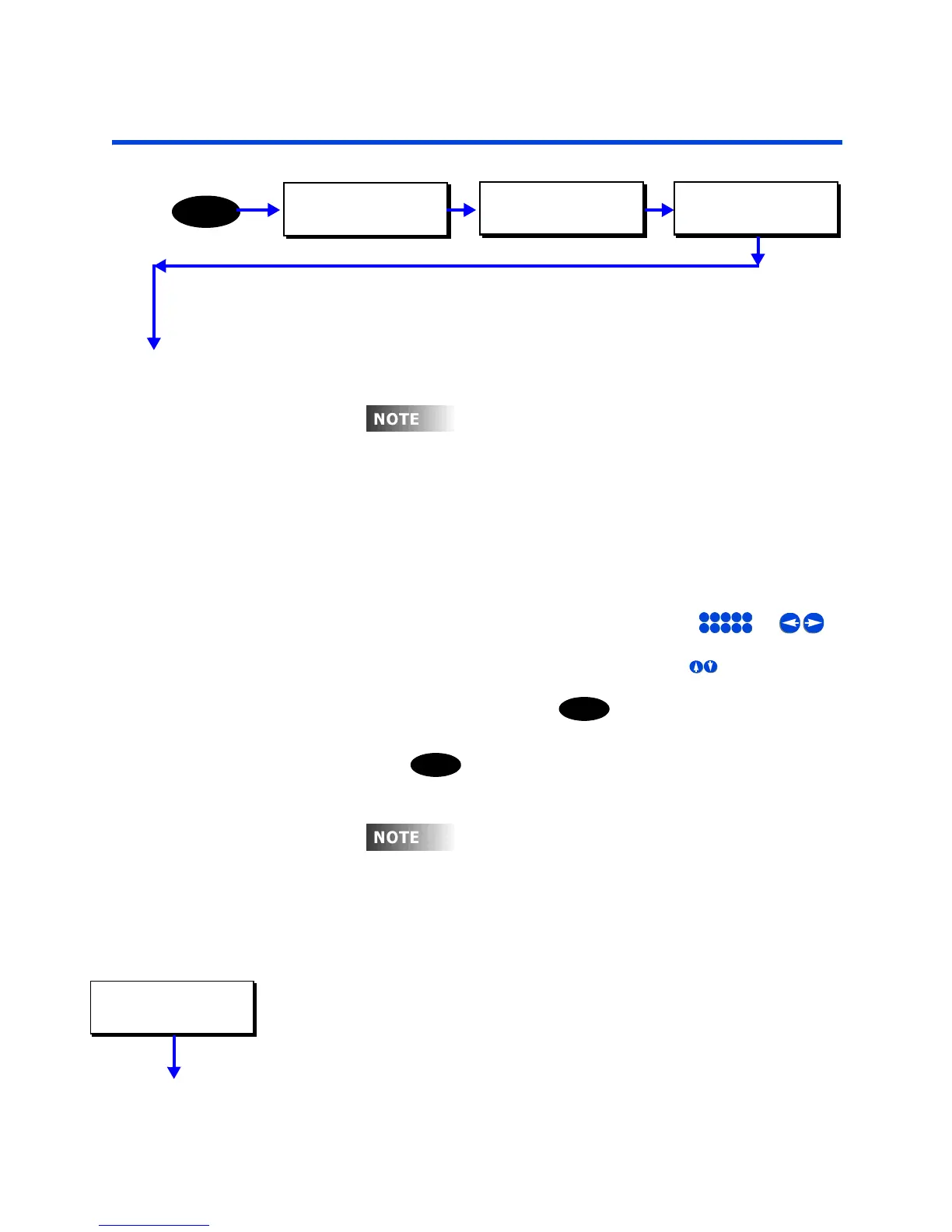
Relays
Z-Max Advanced Programming & Systems Design Guide rac00-sdg
Revision A:11/2005 Page 45
Relays
The relay menu is where you set all settings which apply only to a particular relay. If
you just read the section on Global Defaults you will note that there are many settings
on that menu which apply to "all" relays - this menu changes those settings only for a
particular relay.
Navigating the Relay Menu
Navigating the relay menu introcues a few navigational concepts which may be
different from what you’ve already done but also are used throughout the rest of your
Z-Max relay cabinet:
• When the entire lower line of the display is flashing, use or to
select the relay which you desire to modify.
• When the entire lower line of the display is flashing, use to select the value
which you desire to modify
• When the lower line is flashing, press to edit the current value for the
selected relays. You will notice then that only the editable value is now flashing.
You can make edits using any of the appropriate function keys. When editing is
complete, press again to save your changes
To set the Relay Type
This setting allows you to change the relay type for only the selected relay. The
available relay types are as follows:
•
STD NO
- The standard relay type. A normally open relay which is electrically held
open. Leviton part number RELAY-STD
•
Latching
- Leviton’s latching relay module which is mechanically held in the last
position indicated by the relay cabinet. P/N #RELAY-LAT
ven
oug
a se
ng
or a re
ay
s c
ange
from the relay menu, it can still be globally set/
changed from the global defaults menu.
5
JKL
1
-
2
ABC
3
DEF
4
GHI
0
SPACE
6
MNO
7
PQRS
8
TUV
9
WXYZ
SELECT
SELECT
o
on
y can
oca
re
ay se
ngs
e ma
e
rom
the relay menu, but settings for all remote relays
can also be made from this menu. When editing a
remote relay, you will note the right hand part of
the display changes from LOC (local) to REM
(remote). If the display reads +++, it indicates
that this relay is not addressed by this cabinet.
RELAY 1 LOC
TYPE: STD NO
MAIN MENU SELECT
CONFIGURATION
MENU
CONFIGURATION
SYSTEM SETUP
SYSTEM SETUP
RELAYS



 To Next Page