Global Defaults
Z-Max Advanced Programming & Systems Design Guide rac00-sdg
Revision A:11/2005 Page 41
implement the building sweep feature. The number of sweeps which occur after an
event triggers is programmed in the Event Scheduler.
Blink Warn Parameters
The blink warn feature is used to issue a warning just before the relay cabinet turns
off the lights. The warning is issued in the form of a "blink" of the lights. Hence the
term "Blink Warn". The blink warn feature has several configurable parameters to
determine the actions of your cabinet.
•
BW Tovrd
- sets the amount of time that the lights will remain on when a user
cancels a blink warn for their particular zone. The setting defaults to 120 minutes.
• BW
Tblk
- sets the amount of time between when the blink warn is issued and the
lights turn off (go black.) The setting defaults to 5 minutes.
•
BW Twto
- sets the length of the flash. The setting defaults to 0.5 seconds.
An example to of the blink warn features is as follows:
• Assume that an over-zealous worker is working in their office late on a Saturday
afternoon. The lights in the facility are scheduled to be turned off at 5:00pm.
• At 5:00pm, the event triggers to turn off all of the lights. As such, all relays which
are enabled for blink warn, turn off for 1/2 second (
BW Twto value)
and then
immediately turn back on.
• Since the worker isn’t done yet for the day and noticing both blink warn and the
fact that his wall switch is flashing, the blink warn for their office can be delayed for
the Tovrd value, 2 hours in this instance, by pressing their wall switch.
• Now, at 5:05pm, (
Event time plus BW Tblk value)
all lights in the facility will be
turned off except for the worker’s office.
• 120 minutes later (
Bw Tovrd value
,) at 7:00pm, a blink warn is issued again this
time only for David’s office. Again, if the worker is still in his office, he has 5
minutes to delay the blink warn or the lights will turn off.
Momentary Timed interval
When using the "momentary timed" switch input type, a switch input will trigger the
lights on for the timer period specified in this setting.
Touch Tone telephone timed override interval
This setting is the time interval of a timed override when issued from the touch tone
telephone interface (TIM.)
Relay Type. Use this feature to modify the relay type for all relays in the cabinet.
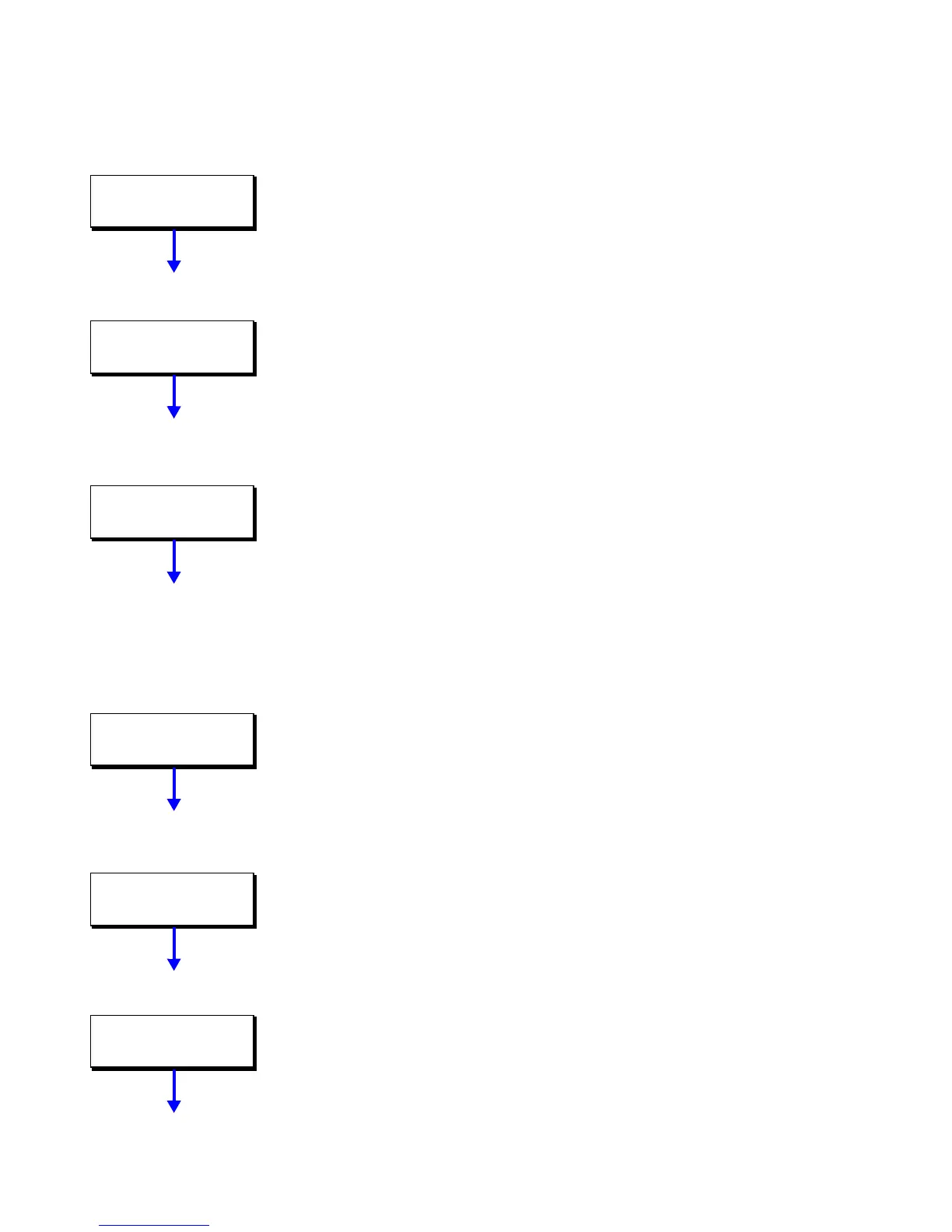
GLOBAL DEFAULTS
BW TOVRD 120MIN
GLOBAL DEFAULTS
BW TBLK 5MIN
GLOBAL DEFAULTS
BW TWTO 0.5SEC
GLOBAL DEFAULTS
SW TSWIT 30MIN
GLOBAL DEFAULTS
TIM TPHONE 30MIN
GLOBAL DEFAULTS
RLY TYP STD NO



 To Next Page