Page 58
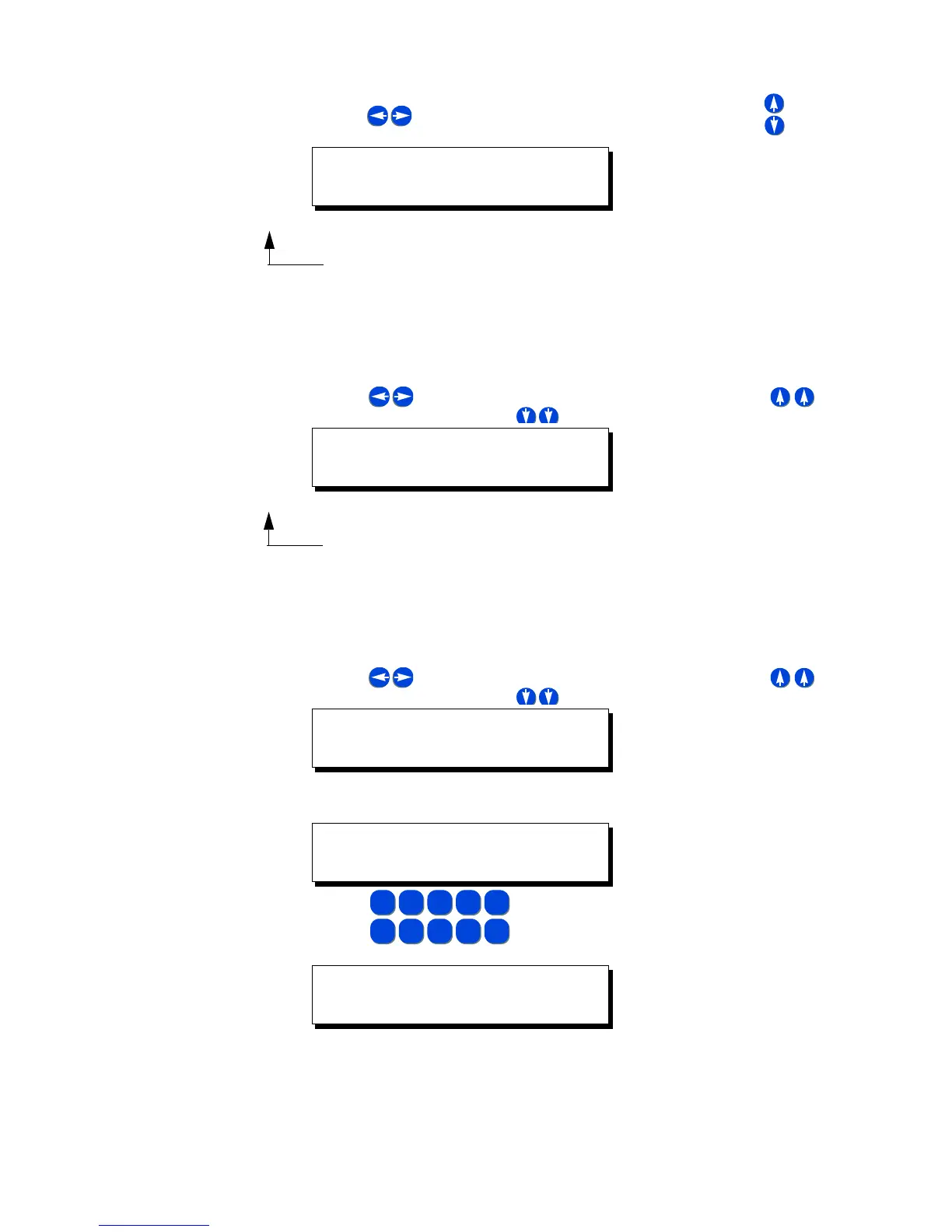
Step 2: Use to select the relay number you want to affect. Use to turn
the relay off or on
Step 3: Press Menu when complete to return to the main screen, or repeat Step
2
To Override a Relay On or Off
Step 1: Press Relay
Step 2: Use to select the relay number you want to affect. Use to
override the relay ON, or to override the relay OFF
Step 3: Press Menu when complete to return to the main screen, or repeat Step
2
To Override a Relay On or Off for a specified time
Step 1: Press Relay
Step 2: Use to select the relay number you want to effect. Use to
override the relay ON, or to override the relay OFF
Step 3: Press Select to access the override timer
Step 4: Use
Step 5: Pressing 0 0 1 5 would result in the above screen, entering an override
time of 15 minutes.
Step 6: Press Select a second time to set and start the timer
RLY: 01 ON
PRESS UP FOR
RLY: 01 OVRDE ON
PRESS UP FOR
RLY: 01 OVRDE ON
PRESS UP FOR
RLY: 01 OVRDE ON
OVRD TIMER=00:00
5
JKL
1
-
2
ABC
3
DEF
4
GHI
0
SPACE
6
MNO
7
PQRS
8
TUV
9
WXYZ
RLY: 01 OVRDE ON
OVRD TIMER=00:15



 To Next Page