Phone/Modem Setup
Z-Max Advanced Programming & Systems Design Guide rac00-sdg
Revision A:11/2005 Page 53
Phone/Modem Setup
Z-Max relay panels can be configured to work with an optionally installed modem
module. When this module is installed, it can be configured to operate exclusively
either as a Touch-Tone interface OR a modem. In touch-tone interface mode, you can
control your panel remotely from a touch-tone telephone. In modem mode, you can
operate your panel from the command line interface (CLIF) or you can transfer data
to/from the program from other applications.
Operation Mode
The modem has two operation modes:
•
TIM
- Touch-Tone Interface Mode allows for control of your relay cabinet from any
touch tone telephone
•
Modem
- Modem mode allows for access to your panel through a traditional data
modem connection for terminal based access and control
•
None
- indicates that no module is installed or both modem and ethernet access
should be disabled
Rings
Sets the number of rings before the modem answers the line. Valid values are
Off
indicating that the phone should never be answered, or
1-9
rings.
Delay until prompt
The amount of time which should elapse between when the modem answers the
phone, and the request for password prompt is issued to the user.
Hang-up Delay
The hang-up delay is the amount of time between when the last successful command
is entered and the modem automatically hangs up the phone.
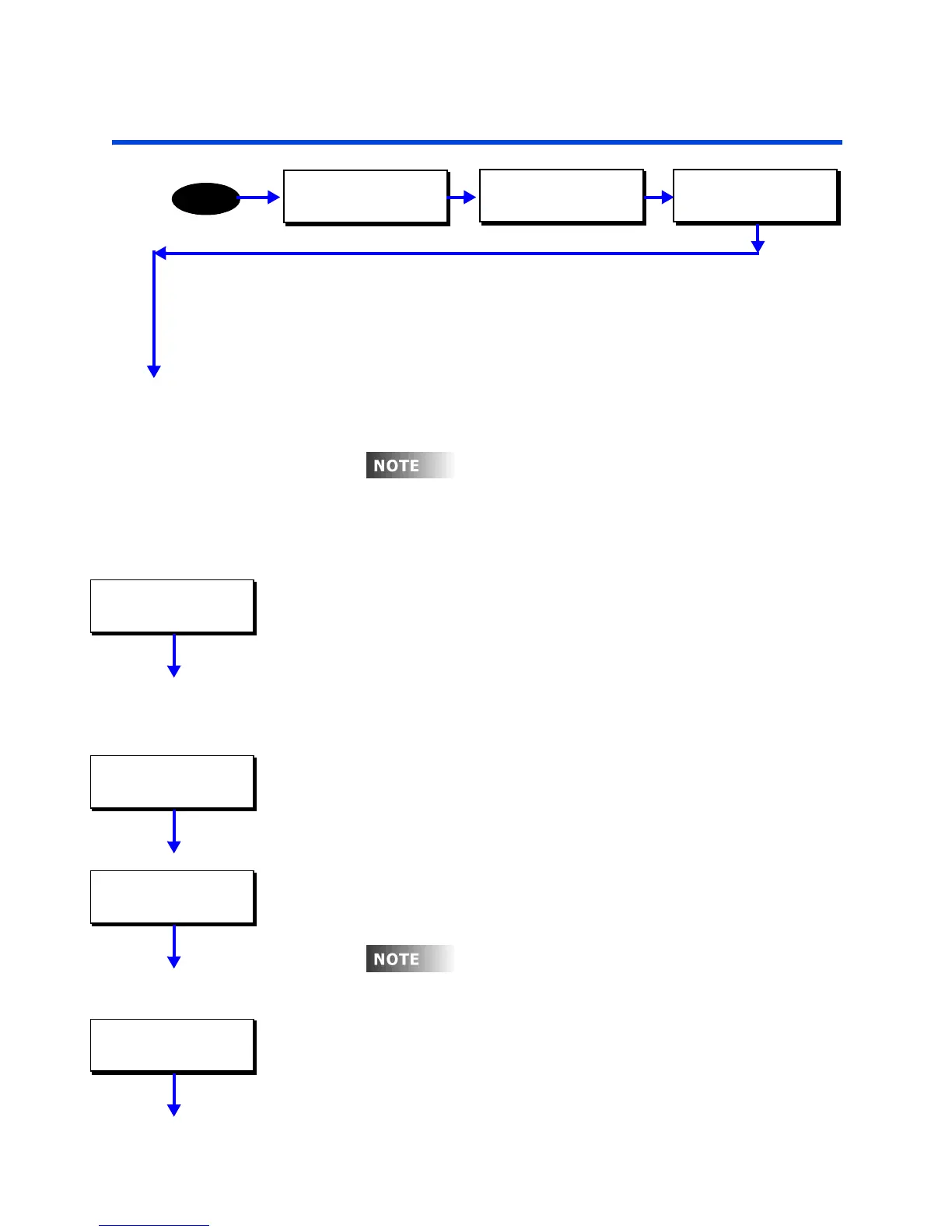
MAIN MENU SELECT
CONFIGURATION
MENU
CONFIGURATION
SYSTEM SETUP
SYSTEM SETUP
PHONE/ETHERNET
oug
s par
o
e menu s
ruc
ure
s
entitled phone/ethernet, this section only covers
modem setup and configuration. The Ethernet
module configuration is covered in a subsequent
chapter.
PHONE/ETHERNET
MODE: TIM
PHONE/ETHERNET
RINGS: 1
PHONE/ETHERNET
PROMPT: 1.0SEC
e mo
em requ
res an approx
ma
e
secon
delay between when the modem initially
answers and when a command will be accepted.
PHONE/ETHERNET
HANGUP TO: 30SEC



 To Next Page