M A E D A Crawler Crane 5.6 AIR CONDITIONER OPERATION
5/2020 CC1908S-1 5-51
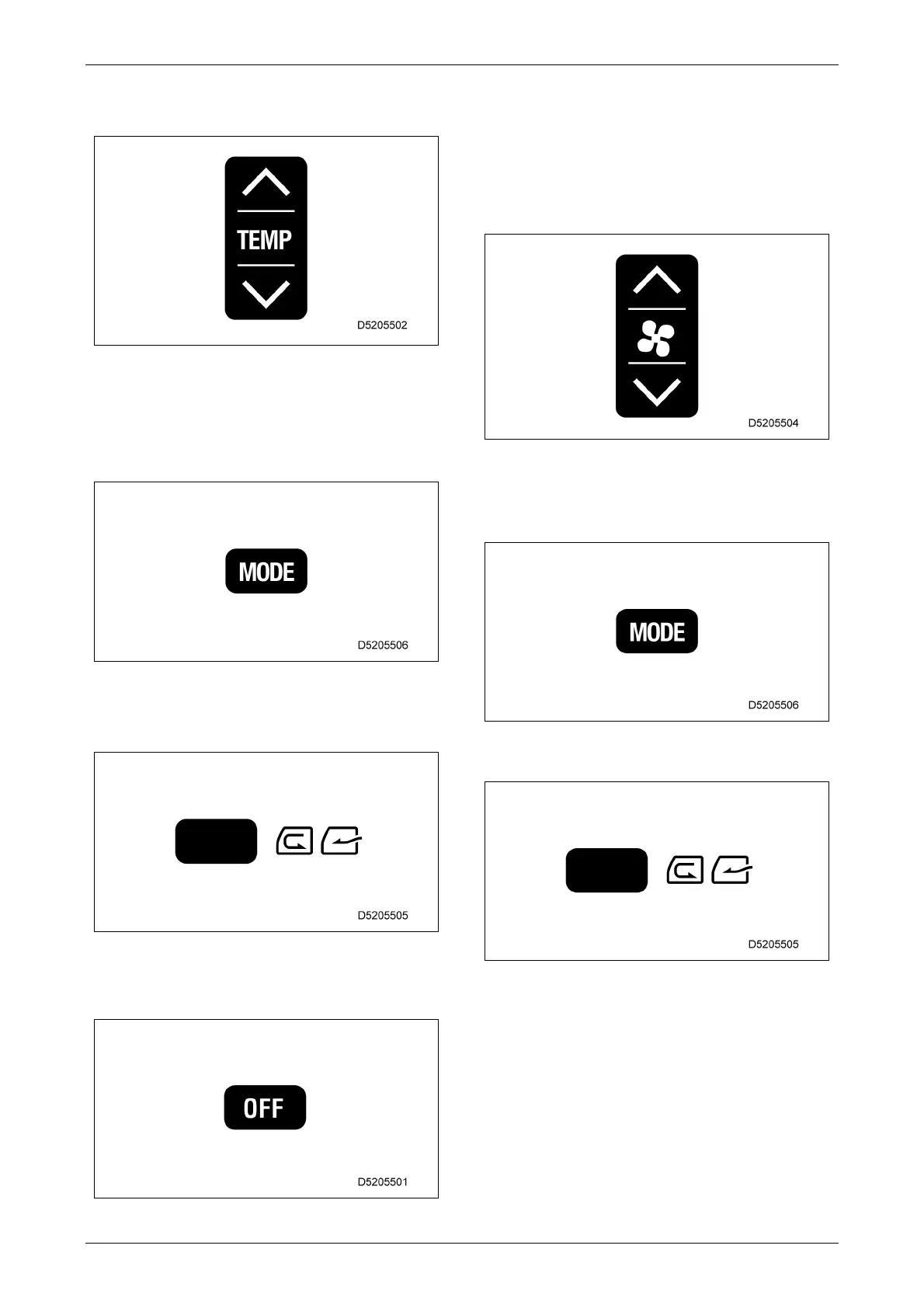
3. Press the temperature setting switches to
adjust to the desired temperature.
4. Press the air outlet selector switch to select
the desired air outlet.
The air outlet indication on the display
monitor changes according to the selection
here.
5. Press the fresh/recirculating air selector
switch to select either interior air
recirculation or fresh air intake.
5.6.3.3 OPERATION STOP
1. Press the fan OFF switch to stop the fan.
5.6.3.4 DEFROSTER OPERATION
1. Press the fan switches to adjust the air flow
level.
Check that the temperature setting and air
flow level are displayed on the display
monitor.
2. Press the air outlet selector switch
repeatedly, and check that the air outlet is
shown as either foot/front/rear/defroster or
front/rear/defroster on the display monitor.
3. Press the fresh/recirculating air selector
switch to draw in fresh air.



 To Next Page