4.2 MONITOR M A E D A Crawler Crane
4-10 5/2020 CC1908S-1
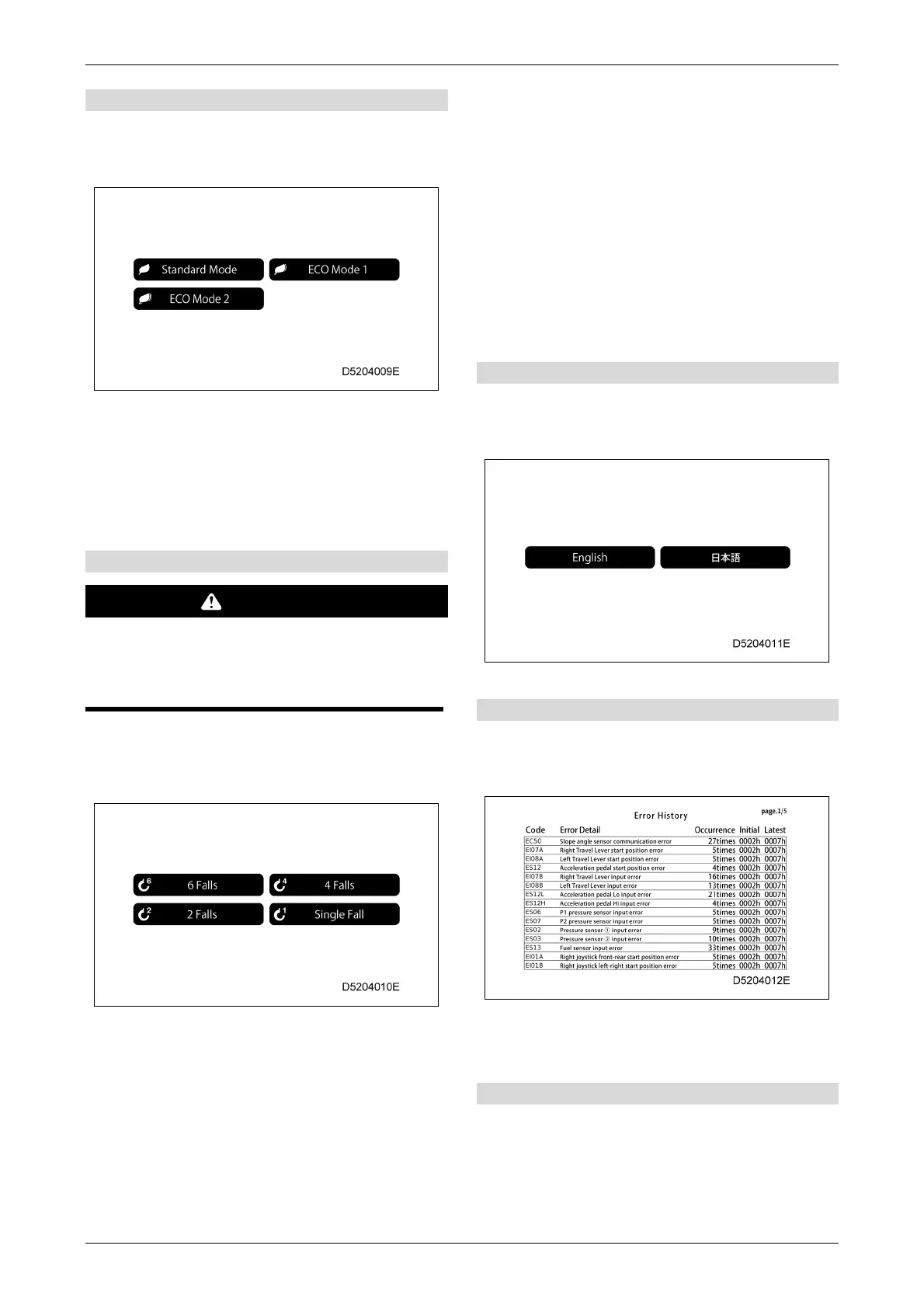
[1] ECO setting
Tap to display the ECO setting selection screen,
then tap or use the pop-up selector switches to
switch the ECO mode setting.
• Standard Mode: Normal mode with no
restrictions.
• ECO Mode 1: Restricts the pump flow rate.
• ECO Mode 2: Restricts the engine speed
upper limit to the preset level.
[2] Number of falls selection
WARNING
Be sure to match the displayed number with
the actual hook fall number.
Setting the incorrect number of falls may
result in a serious accident.
Tap to display the number of falls selection screen,
then tap or use the pop-up selector switches to
select the number of falls.
• 6 Falls
• 4 Falls
• 2 Falls
• Single Fall
When the number of falls is changed, the number
on the hook part of the moment limiter changes,
and the rated total load also changes.
The setting will be fixed at “Single Fall Fixed”
when the fly jib is mounted, and this cannot
be changed even when the buttons on the
User Settings screen are tapped.
The setting will be fixed to "Searcher Hook" or
" Single Fall Fixed " when the searcher hook
is mounted, and this cannot be changed even
when the buttons on the User Settings screen
are tapped.
[3] Language selection
Tap to display the language selection screen, then
tap or use the pop-up selector switches to select
the required display language.
[4] Error history display
Tap to display the error history screen and to view
currently occurring errors as well as errors that
have occurred in the past.
For details on the display, refer to "6.21.3
MONITOR ERROR CODES" on P.6-115.
[5] Software version
Tap to display the software version screen for
checking the version of the display and controller
software.



 To Next Page