4.2 MONITOR M A E D A Crawler Crane
4-12 5/2020 CC1908S-1
Replace these items promptly. Ignoring scheduled
replacements may create hazards or adversely
affect the machinery.
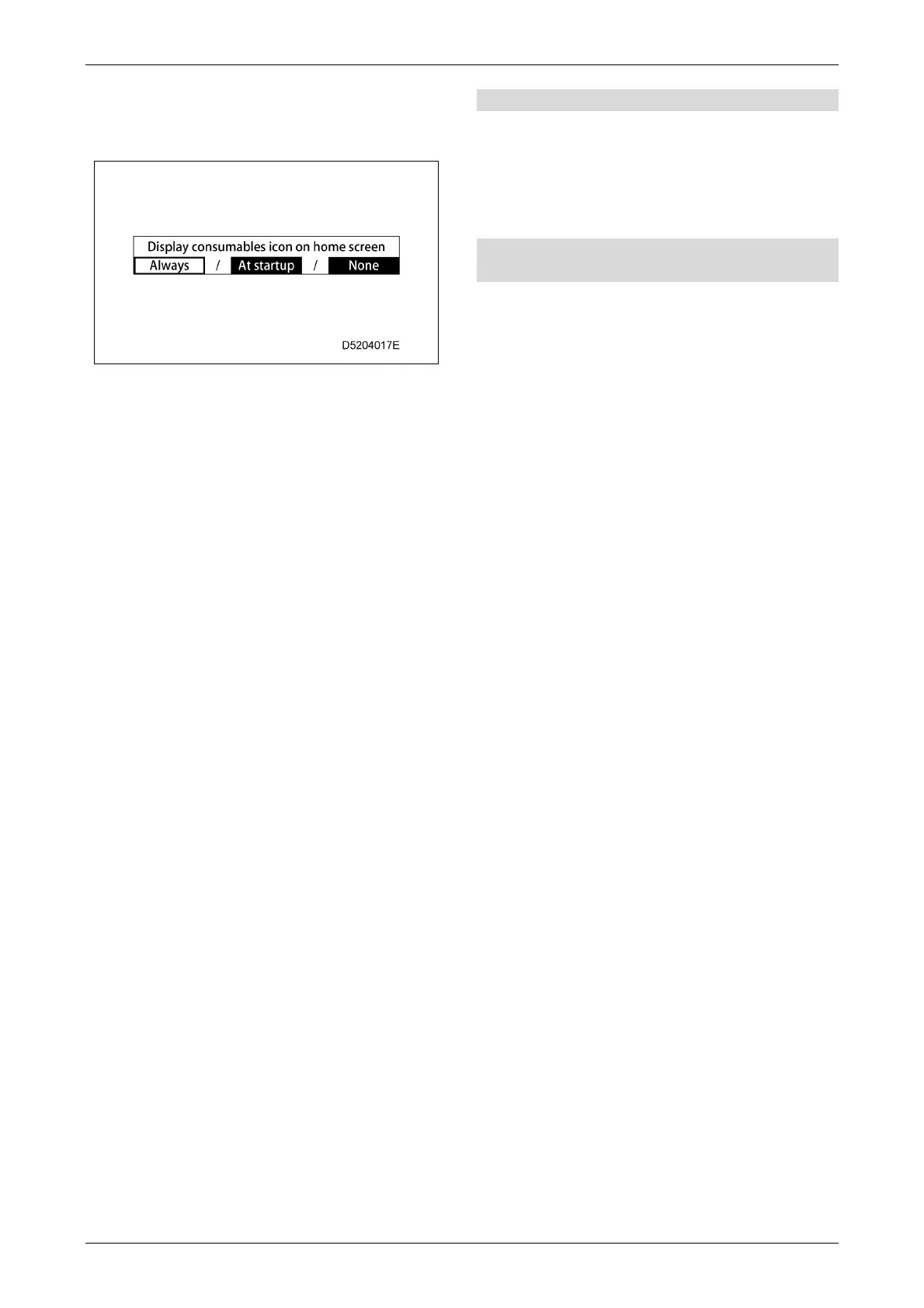
The "Display consumables icon on home
screen" should normally be set to "Always".
The consumables icon display changes as
follows as the replacement time approaches
or when the replacement time is exceeded
based on the settings selected:
• Always: The consumables icon is
always displayed on the home
screen.
• At startup: The icon is displayed for just
30 seconds on the home
screen after startup.
• None: The consumables icon is not
displayed at all.
[11] Switch operation tone on/off selection
Tap to enable or disable the switch operation
sound.
• OFF: The operation sound is disabled.
• ON: The operation sound is enabled.
[12] Multi-assist view automatic switching
on/off
Tap to enable or disable automatic switching to
the multi-assist view screen.
• Auto switch ON: Automatically switches to
the multi-assist view screen
during travelling and slewing
operations.
• Auto switch OFF: The monitor is not switched
to the multi-assist view
screen automatically during
travelling or slewing
operations.
For details on using the camera selector switch
and the multi-assist view screen, refer to “4.2.4
MULTI-ASSIST VIEW SCREEN” on P. 4-14.



 To Next Page