4-4
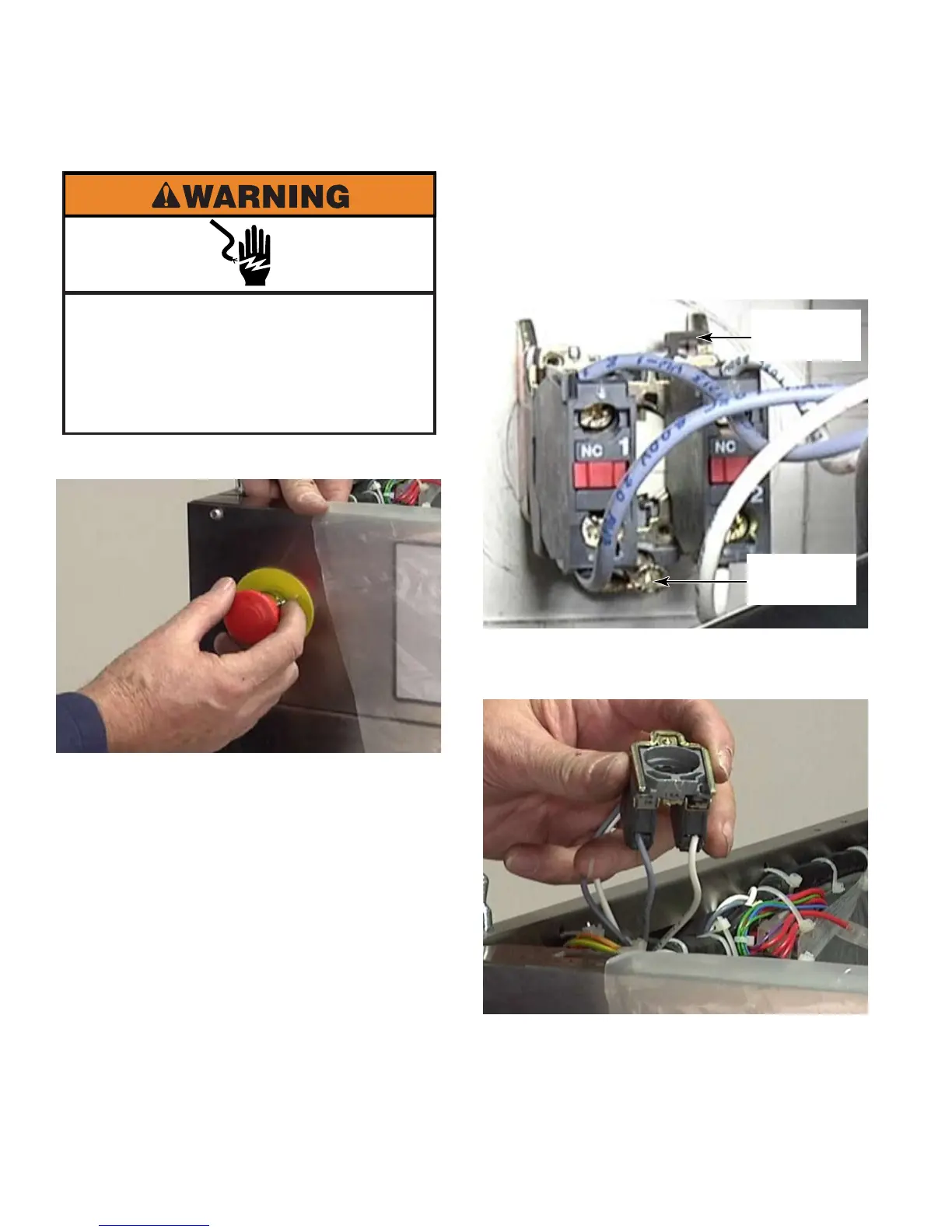
Remove the screw that secures the stop
switch to the back side of the control panel.
Lift the releasing lever at the top of the
switch and pull the knob off the front of the
switch.
Disconnect 4 wire connectors from the
switch to remove it from the washer.
2.
3.
4.
Raise the top of the washer (See page 4-2).1.
REMOVE STOP BUTTON - PN
Electrical Shock Hazard
Disconnect power before servicing.
Failure to do so can result in death or
electrical shock.
Replace all parts and panels before
operating.
Securing
Screw
Releasing
Lever



 To Next Page