4-34
Remove the motor (See page 4-33).
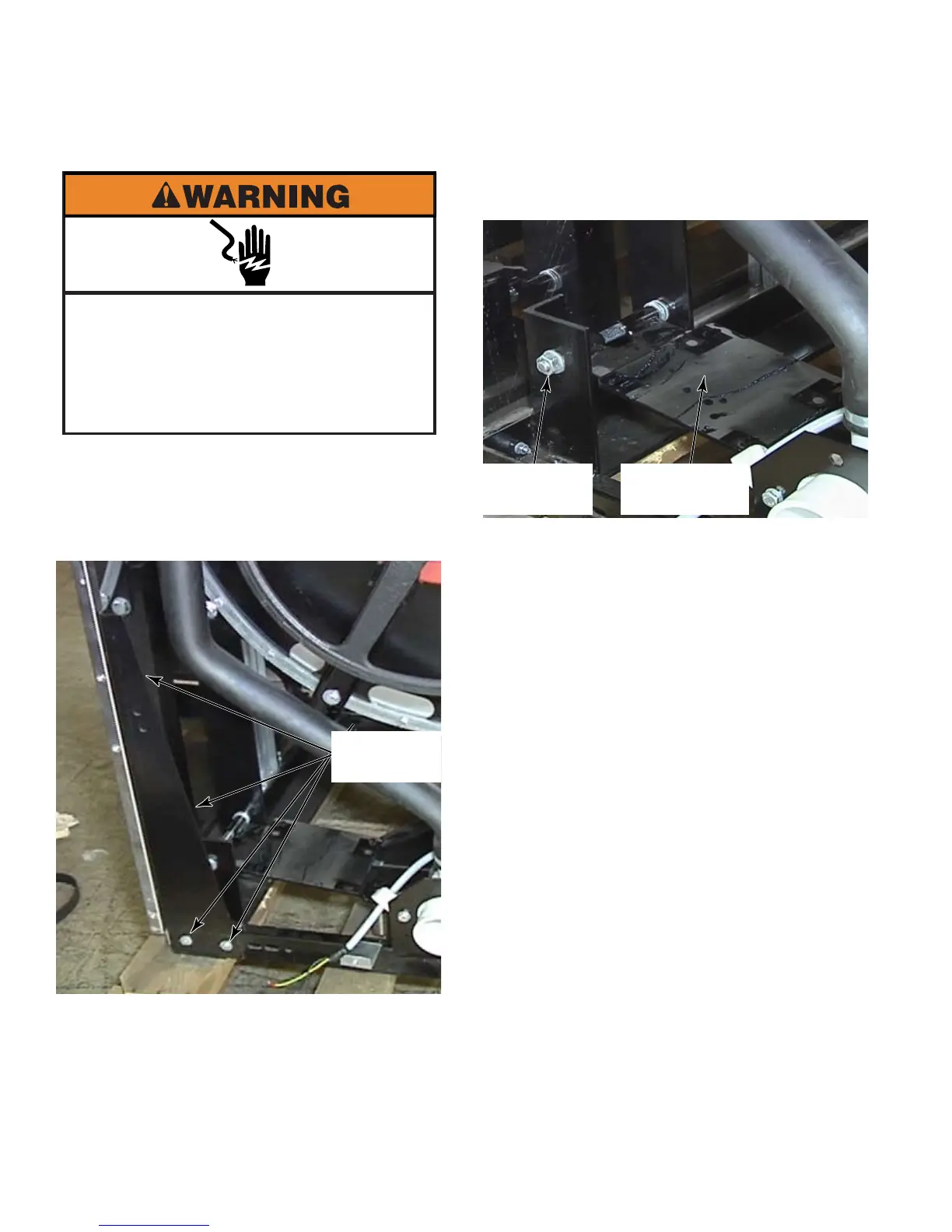
Remove the four bolts from the triangular
corner brace at the back lower right corner
of the washer.
1.
2.
REMOVE MOTOR MOUNTING PLATE - MFR30 - 80
Remove the nut from the bolt and pull the
pivot bolt out of the motor mounting plate.
Remove the motor mounting plate from the
washer.
3.
4.
Electrical Shock Hazard
Disconnect power before servicing.
Failure to do so can result in death or
electrical shock.
Replace all parts and panels before
operating.
4 Bolts
Motor
Mounting Plate
1 Nut



 To Next Page