User’s Guide 149
McAfee UnInstaller
To schedule an UnInstaller event:
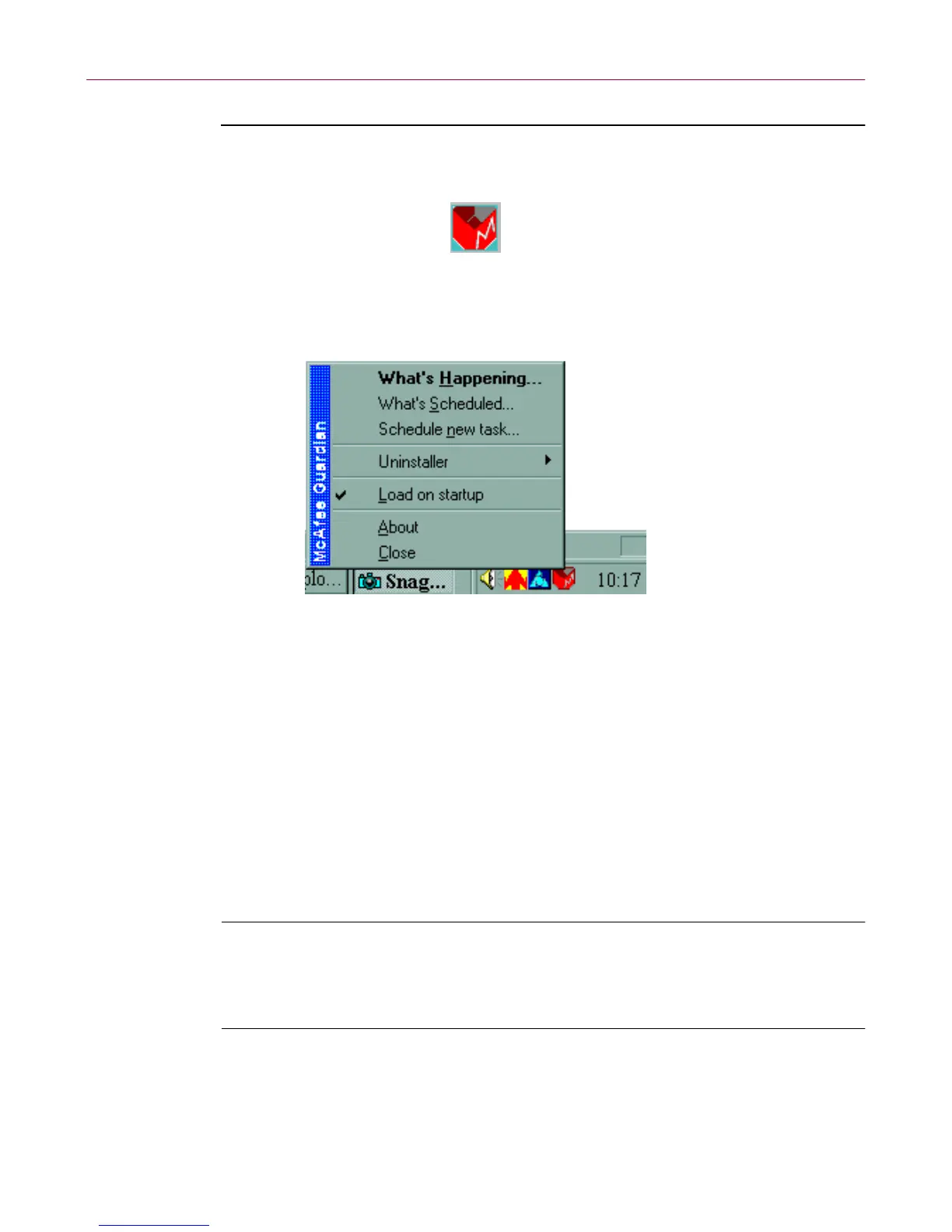
1. Right-c lick the Guardian icon in the c lock area of the W indow s taskbar,
and choose What’s Scheduled from the popup menu.
Figure 6-16. Scheduling events
The What’s Scheduled dialog box appears.
2. Select QuickClean or Installation M onitor from the list of sched uled
events in the Events window and click Schedule to open the Event
Schedule dialog box. The default scheduled events are:
• Qc lean.exe
• Rebuild the Smartlinks Database
• Run Installation Monitor in t he Background
3. Choose the time or interval when you want the event to run, or choose
Never to turn off an as-you-work or scheduled event.
TIP: If you are r u nning UnIns taller, you can sched u le e vents selecting
Settings on the Options menu on the main UnInstaller screen and
choosing QuickClean. For more i nformation about schedulin g, click
Help.



 To Next Page