McAfee Utilities
90 McAfee Office
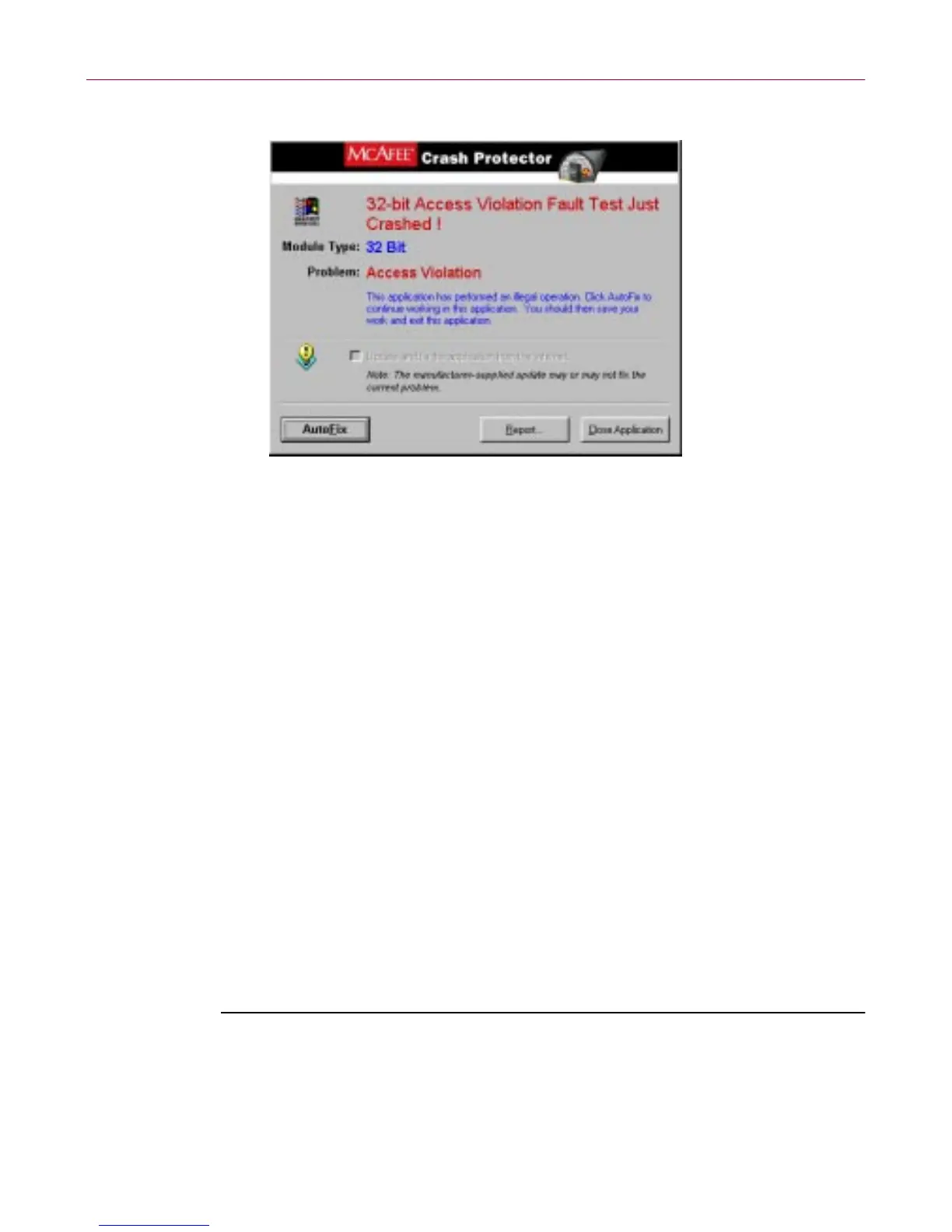
Figur e 4-15. M cAfee Crash P rotector dialog b ox
When you see this dialog box, the application h as caused an error w hich
usually m e ans it has gon e a stray. Therefor e yo ur data may already be lost or
damaged. Thisdialog boxlets you choose what to do w iththe faultyprogram.
The following options are available:
• Close Application - clo ses the app lica tio n that caused the error and allows
you to continue working.
• Au toFix - reactivates the faulty prog ram at a point that should let you save
your data. This procedure h as some inherent r isks an d y ou should follow
the steps in the procedure below when trying to AutoFix a crash ed
program.
Recovering a crashed, locked-up, or hung application
Sometimes application errors c ause programs to stop respon ding to the
keyboardormouse. InWindows 95/ 98, Computer ProgramReactivator(CPR)
can "unlock" programs and allow you to try to recover any previously unsaved
inform at ion in documents you had open in the application w hen it stopped
respondi ng.
To unlock a locked program:
1. Hold down t he CTRL and ALT Keys and simultaneously press the
DELETE k ey (sometimes labeled DEL).
CPR displays the Close Program dialog box.



 To Next Page