McAfee Utilities
94 McAfee Office
Working with gauges
In WinGaug e, you can set gl obal gauge commands or set specific commands
for each gauge. Y ou can also add, update, or remove gauges.
Adding a new gauge
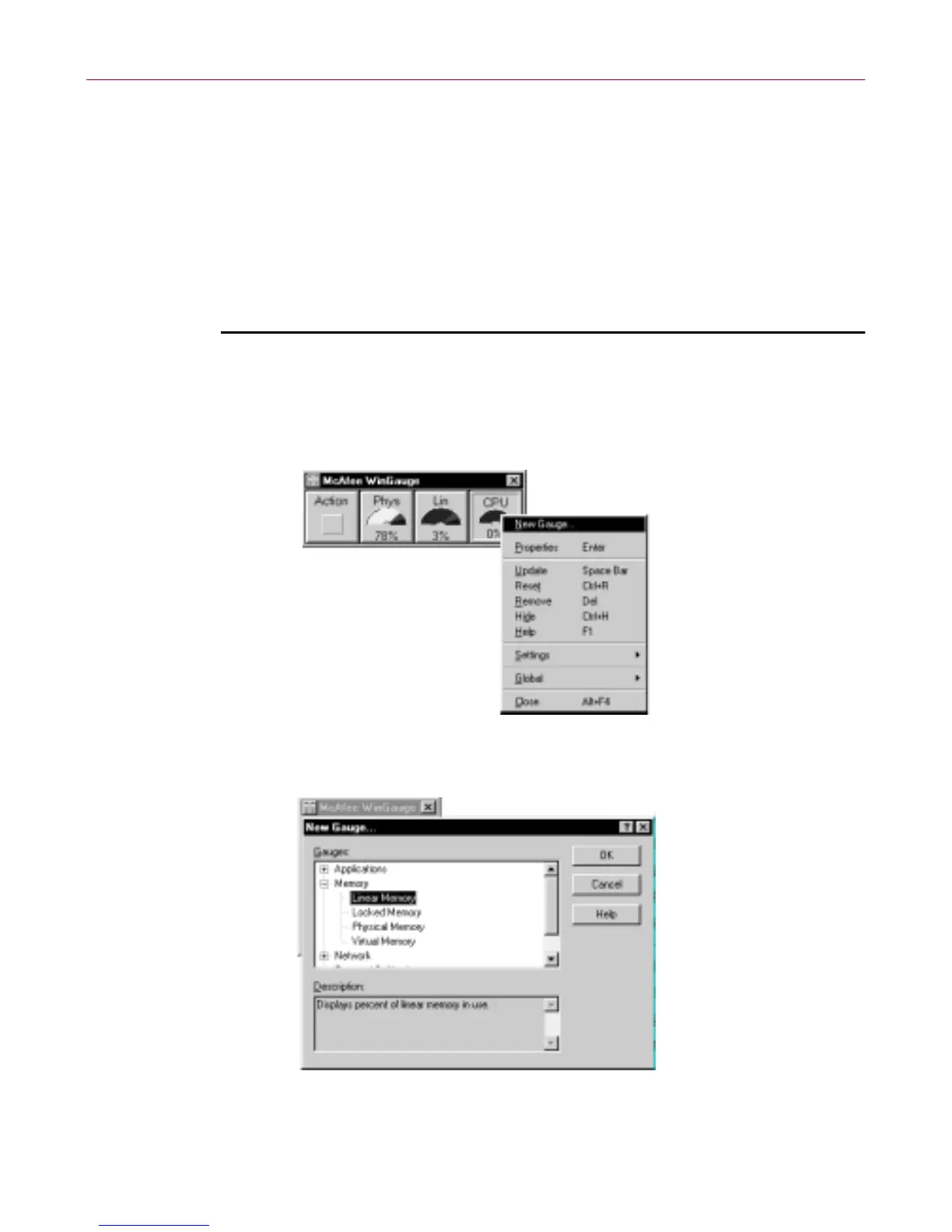
If you don’t see a particular gauge in the WinGauge window, you can add it
to the w indow.
To add a gauge:
1. Point to a gauge o r the empty gauge area and press the Right mouse
button.
2. Point to and click “N ew Gauge” f ro m the m enu.
3. Click on one of t he gauge sets to expand and view a list o f a vailable
gauges.



 To Next Page