User’s Guide 83
McAfee Utilities
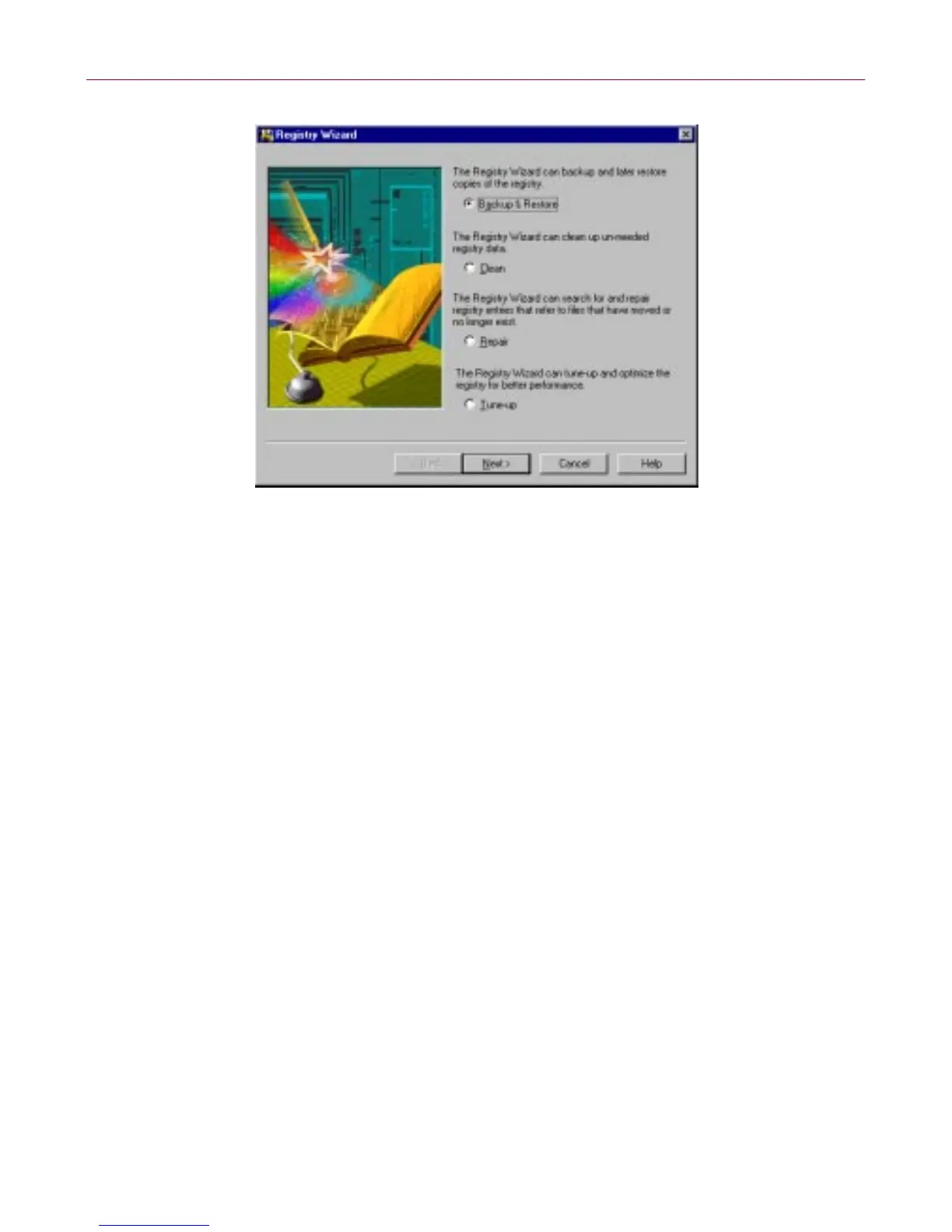
Figure 4-13. Registry Wizard window
Select the task you want Registry Wizard to perform and click the Next >
button. For step-by-step procedure, see the following topics on this chapter:
• “B acking up & Re stor ing the Reg istry.”
• “Cleani ng the Registry.”
• “Repairing the Registry.”
• “Tuning up the Registry.”
Backing up & Restoring the Registry
The RegistryWizard -Backup& R estoredialog box appearsafteryou selectthe
Backup & Restore option and click Next> in the Regu stry Wizard.
From this dialog box, select whether you want to Backup or Restore your
registry; then click Next>.
If you are backing up a registry, enter a comment in the text box. If you are
restoring a registry, select which backup registry you want to restore.
After selectin g the appr opriate task you w ant to perform, click Finish to
complete the backup or restore process.



 To Next Page