McAfee Utilities
74 McAfee Office
Specifying Discover Pro settings
Discover Pro lets you spec ify options (after clicking the Settings button) that
determine the appearanc e of the Discover Pro w in dow itself, whether you can
view one o r more category windows at a time, and whether Discover Pr o
should remember the positions of windows.
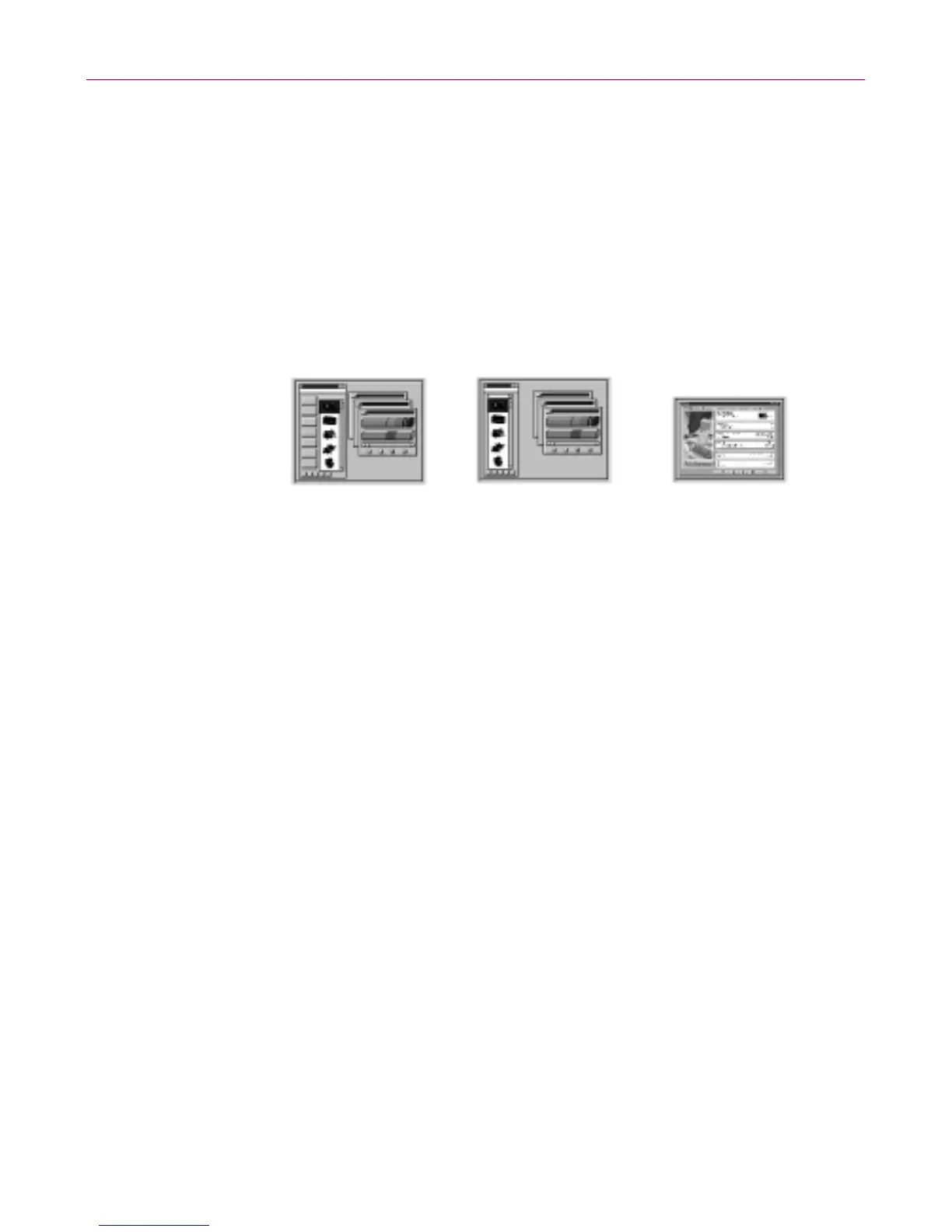
• Display Style–lets y ou pick the Discover Pro display style that you are
most comfortable using. Each display style provides a differently designed
Discover Pro w indow. When you select one of the radio buttons, Discover
Pro displays a p review of that display style, which graphically describes
that win dow design .
Figure 4-8. D iscover Pro settings
If you are an advanced user, you may prefer usi ng one of the
mu lti-window views: Discover Professional or Discover - Small Size.For
details about these two display styles.
• Save Window P osition s–lets you save the locations of your D iscover Pro
windows so the next time you start Discover Pro, t hey appear exactly
where you last positioned th em.
• Only One Window at a Time–lets you displa y only one window at a time
when using the D iscover Profession al or Discover - Small Size display
styles. While this c he ck box is selected, Discover Pro change s the cont e nts
of a single windo w. When this check box is desele ct ed, Discover Pro opens
mu ltiple , tiered w indows.
Using the multi-window views
Discover Pro provides two multi-window views: Discover P rofessional and
Discover - Small Size. You can chang e the view by s el e cting a different Displa y
Style in the O ptions dialog box that appears after you click t he Settings butto n
(or cho ose the Settings command from t he File menu in one of the
mu lti-window views).
Discover Professional
Preview
Discover-Small
Size preview
Discover preview



 To Next Page