4
User’s Guide 53
4McAfee Utilities
As y ou use your comp uter, the info rm ation s tored on the hard drive c ha nge s.
Thishappen s when you save,modify ormove d ocuments as well as when you
inst all, upda te or u ninstall p ro g rams . As the informatio n c hanges , there is a
chance that critical inform ation can become d amaged.
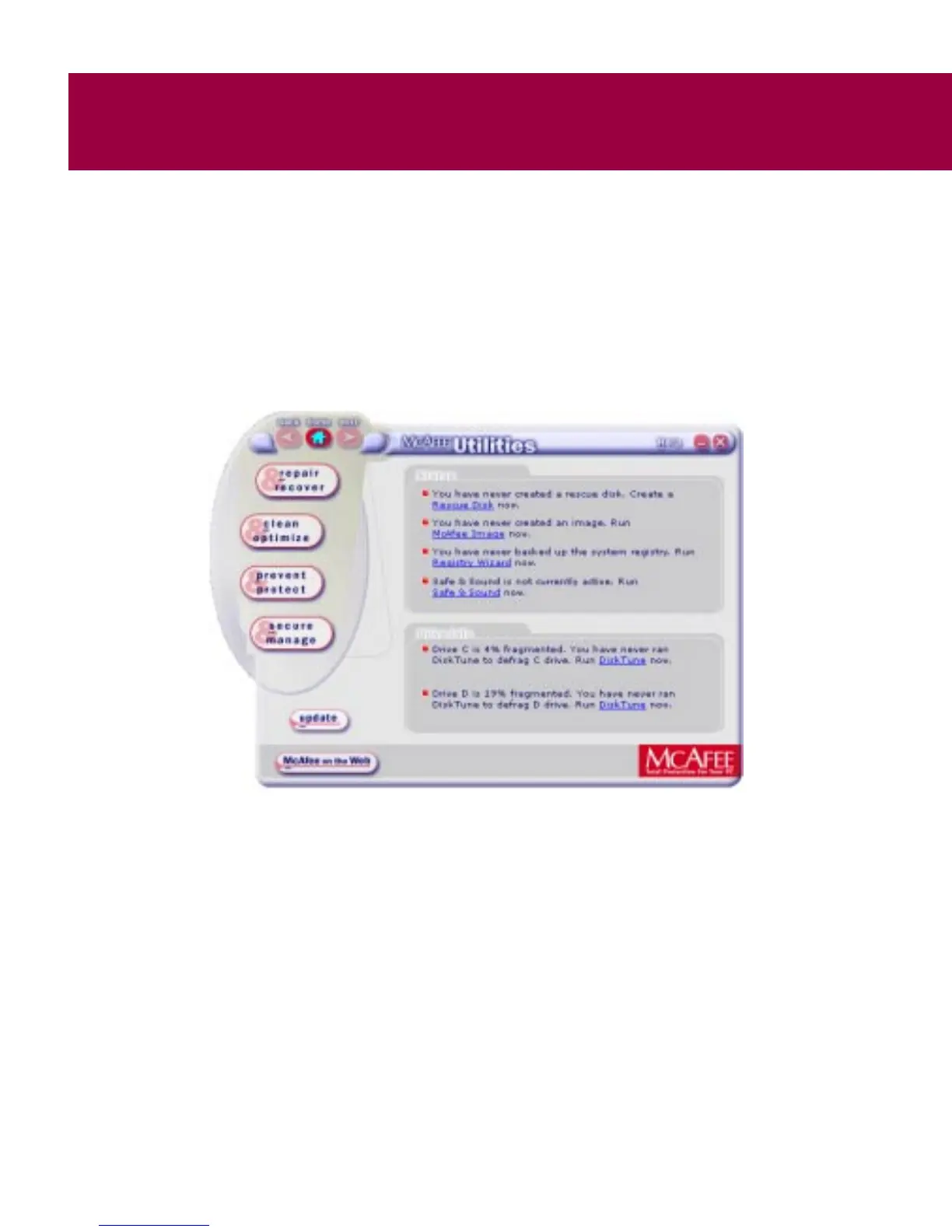
McAfee Utilities central window
Figure 4-1. M cAfee Utilities Central window
The McAfee Utilities Central window offers buttons to take you to the four
suites o f utilities (Figure 4-1 ) .
If you need help, click the Help ic on at the upper right-hand side o f the
window to display the McAfee Utilities Central Help.
You can also customize how you want to access these utilities and how you
want th em to work on your computer. From the Options d rop-down menu,
select Properties to dis play options (see Mc Af ee U tilities Properties).



 To Next Page