McAfee Internet Guard Dog
182 McAfee Office
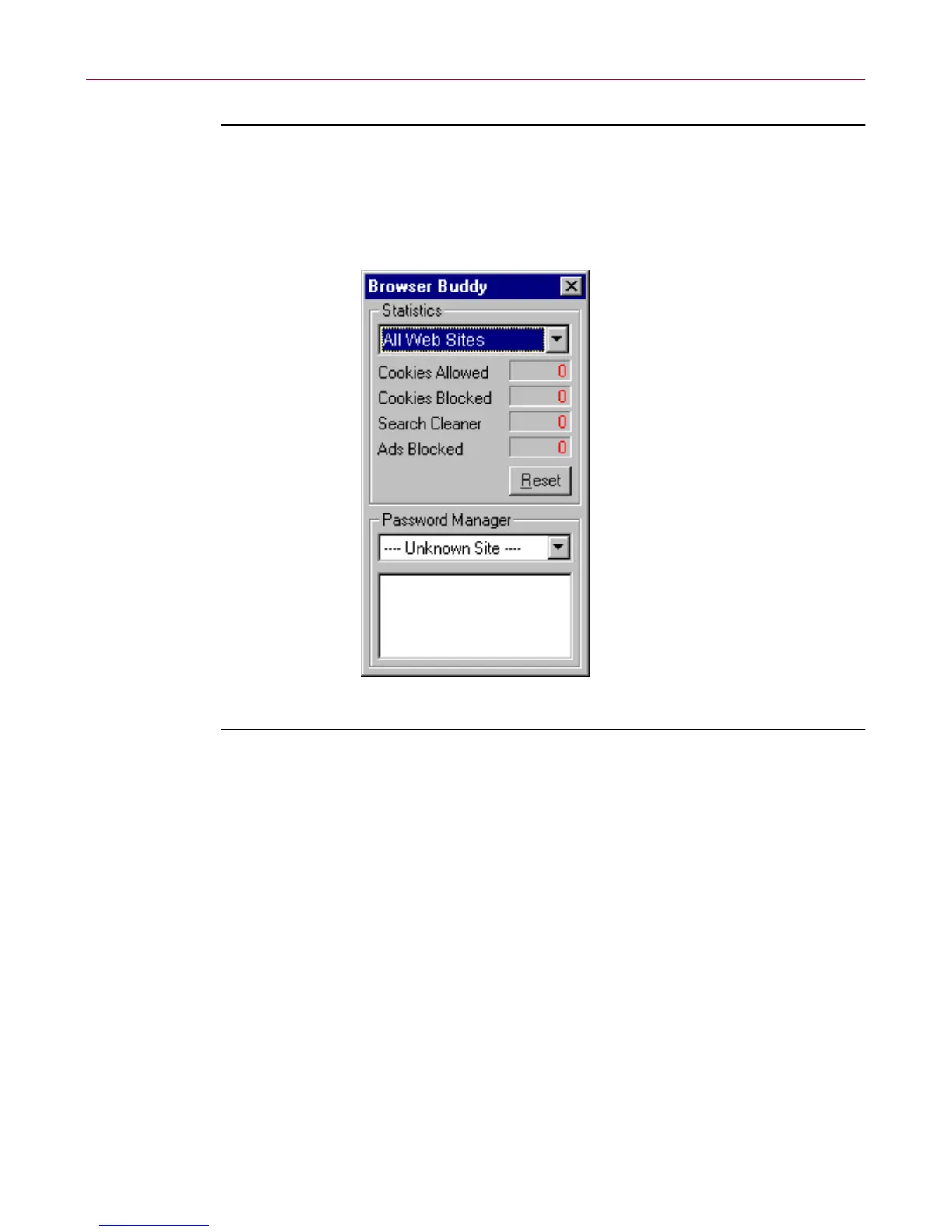
To open Browser Buddy
1. Right-click the Product Name icon on the Win dows taskbar, then click
Browser Buddy. The dialog box is displayed.
Figure 7-18. Browser Buddy
To add a new username and password
1. In B rowser Buddy, select Add N ew Entry from the Password Manager
drop-down list. The Enter password to save dial og box is displayed.
2. In the Web site text box, enter the Web site address; in the Username text
b ox, type the name by which yo u identify yourself to this Web site, this
may correspond to User Name,M ember ID, Member Name, Login ID,or
Login Name, and so on.
3. In the Password text box, ty pe t he password that confirms your identi ty.
(In Password Man ager, Product Name displays one asterisk for each
character in your password.)
4. Clic k O K.



 To Next Page