McAfee VirusScan
34 McAfee Office
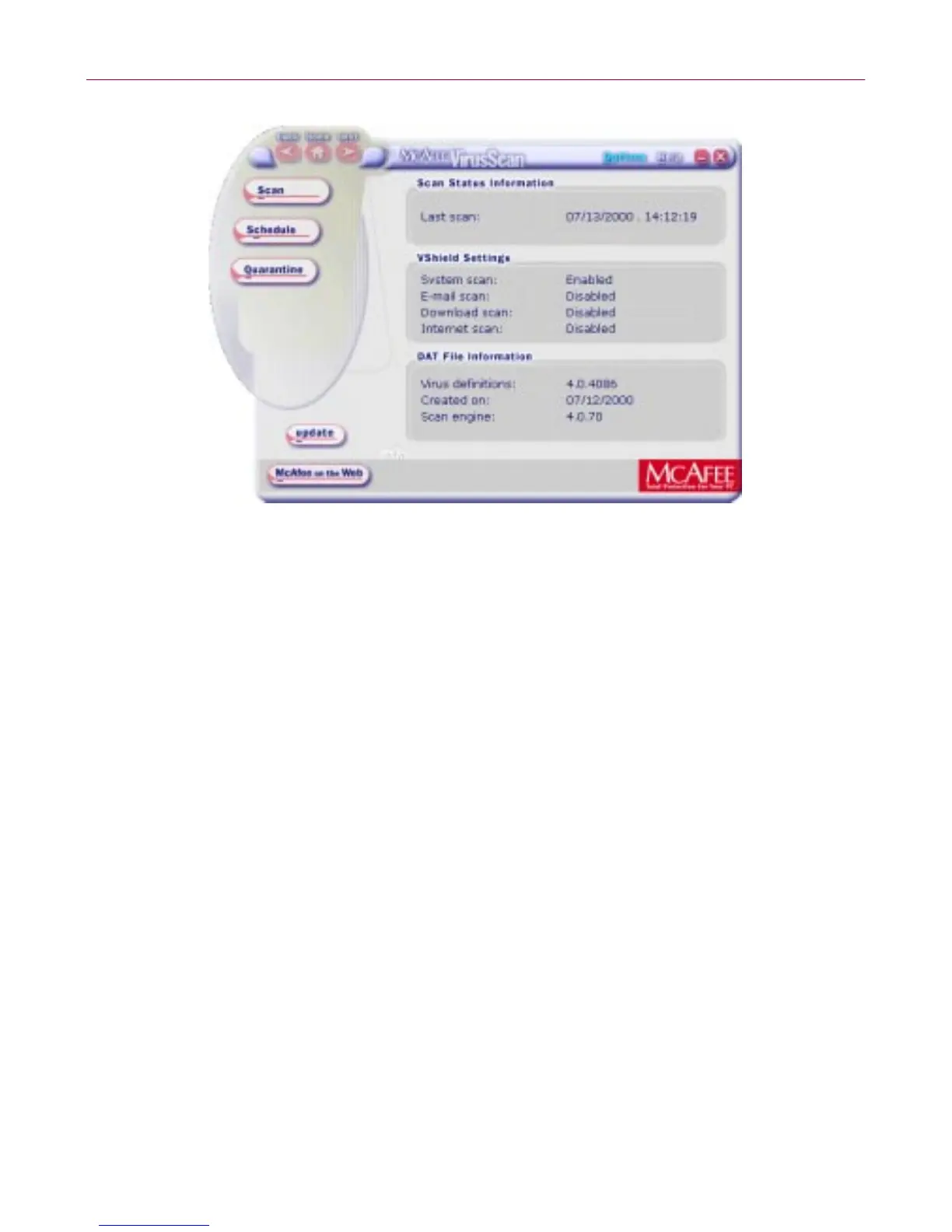
Figure 3-2. VirusScan main window
From the M cAfee VirusScan main window, you can:
• S tart s canning immediately. Click Scan to have the application
scan yoursystem with thelastconfigurationoptionsyouset, orwith
default options.
The fo llowing screen (Figure 3-2) allows yo u to s elect w hi ch area of
y our computer you want to scan. After selec ting, click Sc an No w.
F ollowing through the succeeding screens to complete the task.



 To Next Page