McAfee VirusScan
36 McAfee Office
• Op en the online help file. Choose Help Topics from the Help
menu to see a list of VirusScan help topics. To see a context-sensitive
description of buttons, l ists and other items in the VirusScan
window, choose What’s this? from the Help menu, then click an
item wit h y our left mouse b ut ton aft er your mo us e c ursor changes
to .
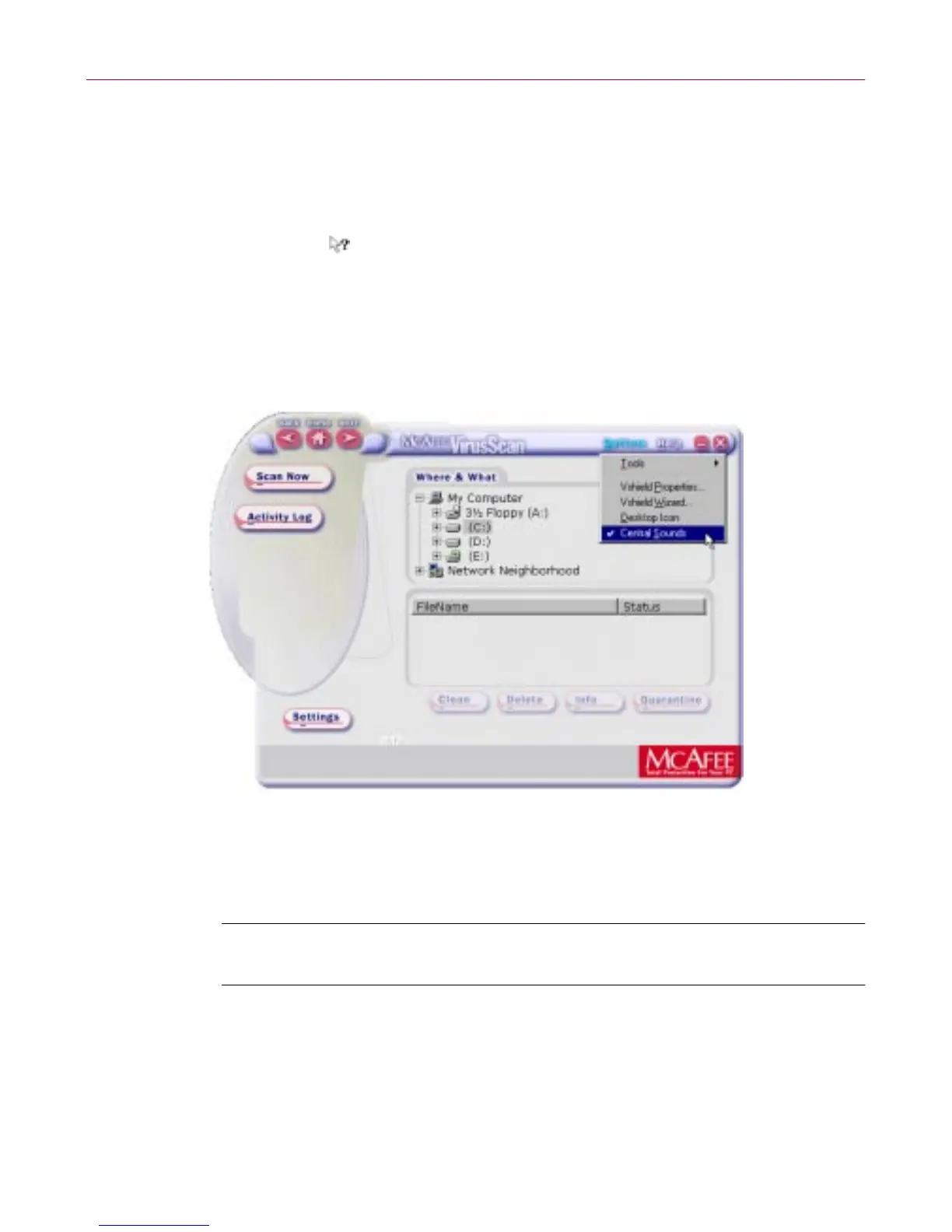
• Set options. From the main window, the O ptions icon allows you to
access and customize settings of the other components of M cAfee
V irusScan via a drop-down menu (e.g., Safe & Sound, and
Emergency Disk).
Figure 3-5. Options drop-down menu
2. Choose X from the File menu to quit the application.
NOTE: For more information on any of features, options and tools
available via t he m ain screen, refer to the online H elp.



 To Next Page