McAfee Utilities
96 McAfee Office
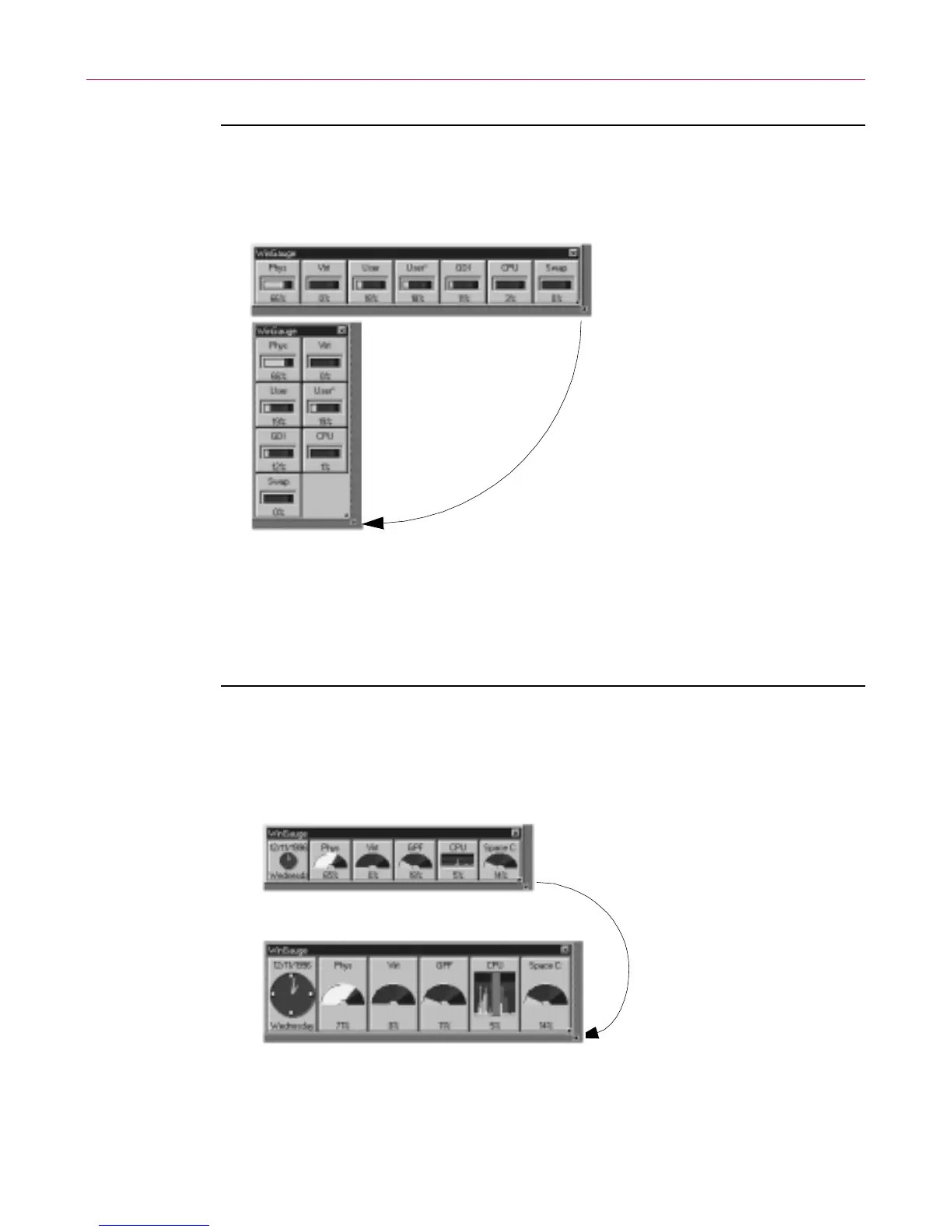
To res ize the WinG au ge win do w:
1. Point to any corner or side of the WinGauge window.
2. Dra g the window edge in any direc tion to a new location.
Resizing gauges
W hile t he WinGauge wi ndow is undocked , you can resize all of the gauges in
the w indow, as shown below.
To resize gauges in the WinGauge window:
1. Point to any corner or side of the WinGauge window.
2. Hold down the C
TRL keyanddragthecornerorsideofthewindowto
modify the dimen sions of the wi ndow.
You can also resize all of the gauges in the Properties sheet’s Global tab.
Point to a side or corner of
the WinGaugewindow and
the pointer changes to a
double-tipped pointer
(arrow).
You can drag the edge of
the frame to resize the
window without affecting
the size of the gauges.
Point to a side or corner of
the WinGauge window and
press the Ctrl key.
While pressing the Ctrl
key, drag the window
frametoexpandorreduce
the gauge sizes.



 To Next Page