10.4 Protective earth and touch voltage warnings
When you are carrying out a live circuit test (other than current measurement) and you touch the test button to start
the test, the instrument automatically carries out a protective earth confirmation (PE confirmation) test.
This is not the same as the touch voltage test described in the next section.
For the PE confirmation test, if the instrument detects a difference in potential greater than the touch voltage limit
you have set (25 V or 50 V) between your finger on the TEST button and the PE conductor of the circuit under test, it
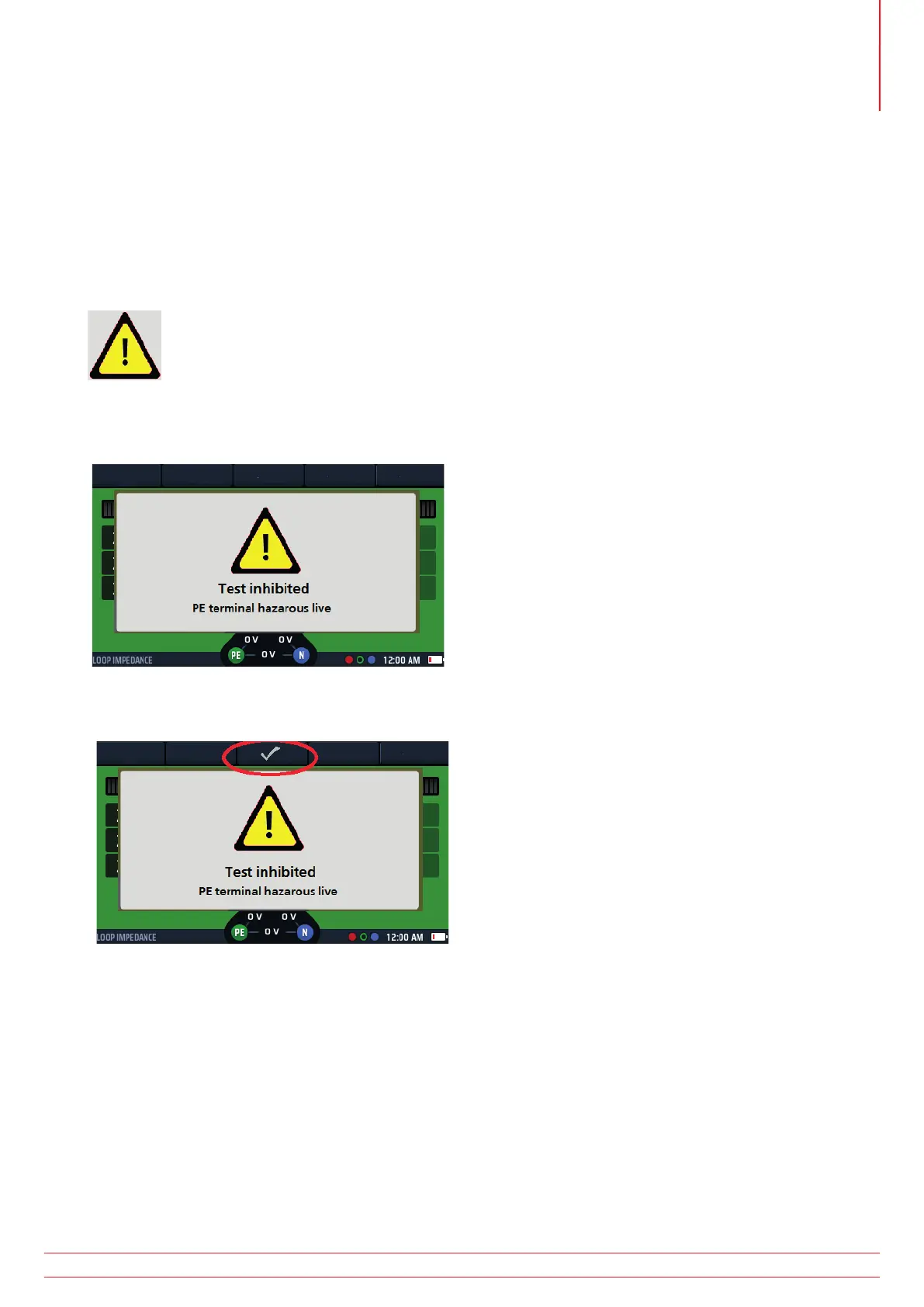
will warn you with the following symbol in the display:
either:
(1) inhibit the test
Fig 27: PE warning blocking
(2) allow the test to continue with the warning symbol present
Fig 28: PE warning non-blocking
You can do this in set up – Refer to 15.5.10 PE conrmation on page 81.
The most common cause for this error is a high resistance or missing earth connection.
To adjust the touch voltage setting Refer to 15.8.2 Maximum touch voltage on page 85.
10.4.1 Protective earth warning (PE) operation
When making a measurement on live circuits the red pad on either of the test buttons should be touched for at least
1 second to allow the PE warning detection to operate.
NOTE : Do not press the test button, just touch it. This is adequate for the detection circuit to identify a
fault without instigating a measurement.
www.megger.com MFT-X1
41
Live circuit tests



 To Next Page