5. Operation
This section describes how to operate the individual functions of the MFT-X1 and what each of the measurements
actually do during the test sequence.
Before each use of the instrument, visually inspect the instrument case, test-leads and connectors to confirm their
condition is good, with no damaged or broken insulation.
5.1 Switching on and off
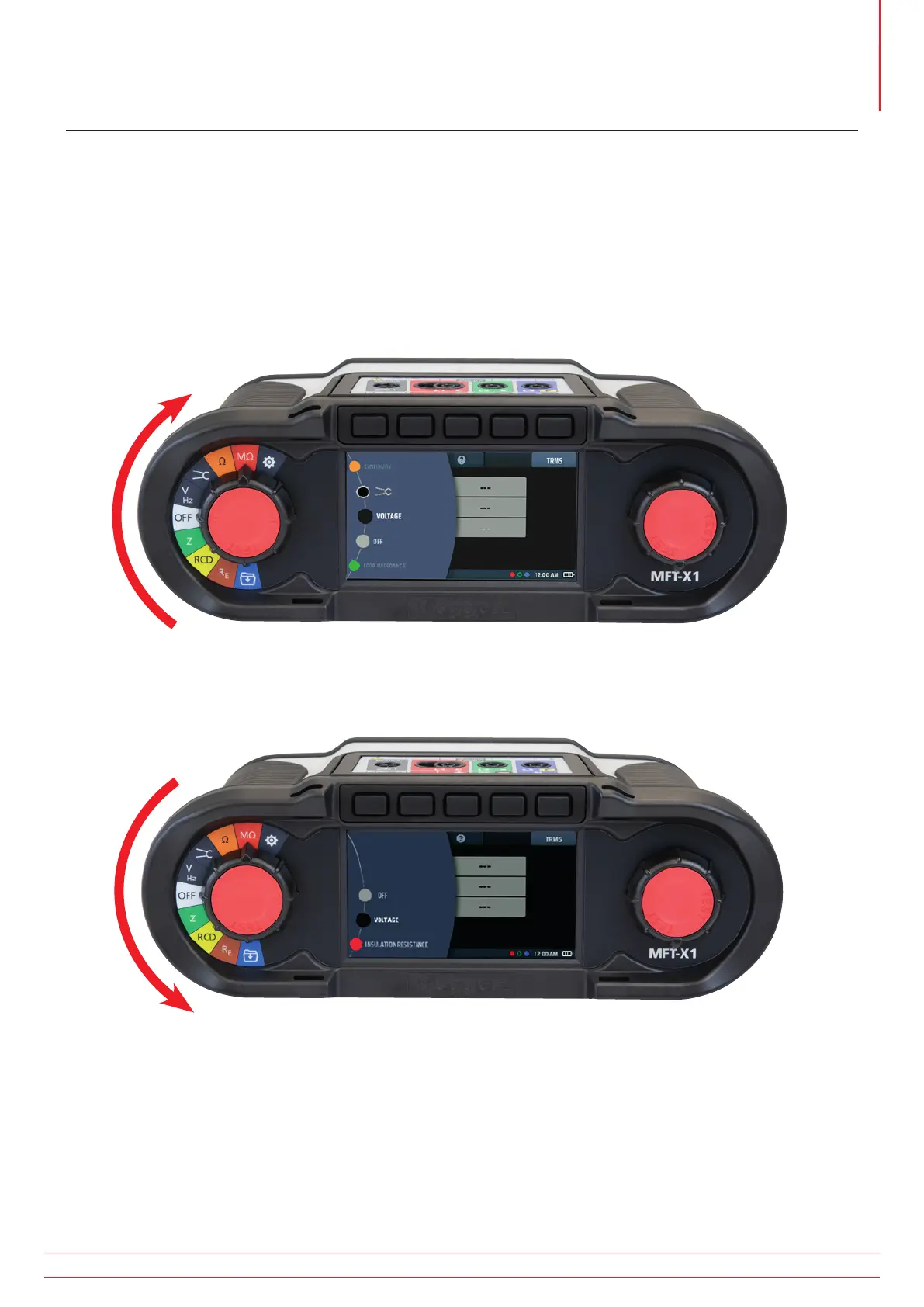
To turn the MFT-X1 on, turn the left-hand rotary knob away from the ‘OFF’ position. The instrument carries out
internal self-checks and, when it has successfully completed these, the display lights up.
Fig 8: Start up screen
To turn the MFT-X1 off, return the left-hand rotary knob to the ‘off’ position on the display. The display screen goes
dark, confirming that the instrument is off and no longer using power from the battery.
Fig 9: Off screen
www.megger.com MFT-X1
23
Operation



 To Next Page