12.3 All current measurements
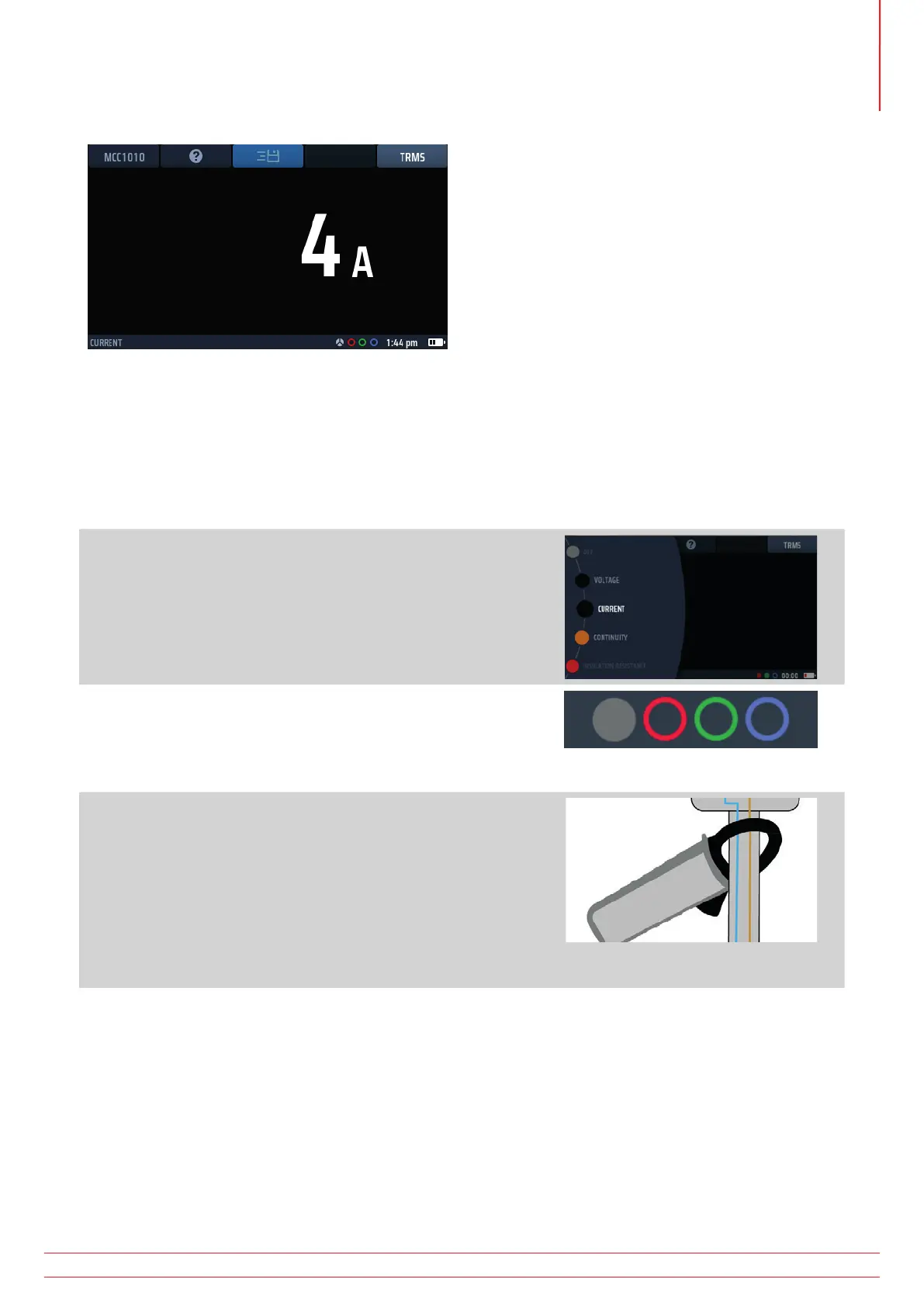
Fig 39: Current clamp initial screen with MCC1010 connected
The voltage display updates continuously but if you want to send your results to a connected Bluetooth® device
you can do this by pressing Hot key 3.
To get help, press Hot key 2 at any time.
12.4 Current measurements
1. Turn the left-hand rotary knob to the position marked
CURRENT.
The display illuminates and has a black background.
2. Using a Megger MCC1010 clamp, plug it into the grey 3 pin
socket.
NOTE : This is a polarized connection. Do not force the
plug into the socket.
3. Position your clamp around the cable carrying the current
you want to measure.
In the examples shown here the clamp connection can be made
around a single conductor, or around two conductors.
The clamp around the two conductors will indicate the difference
between the two conductor currents. This is referred to as a
differential measurement
4. You do not need to press the test button. The test starts automatically as soon as you have positioned the
clamp.
www.megger.com MFT-X1
49
Current measurement



 To Next Page