15.9.5 Maximum test time ½ x I
The maximum test time is the time allowed for the RCD test when tested at half the nominal current. If the RCD trips,
the result is a failure. The time can be changed for those RCDs being tested in the UK (1999 ms) and those tested
internationally (500 ms).
1. Select the Max Test Time (1/2 x I) option using the right-hand range knob.
2. Press Hot key 3 to change the setting between 1999 ms and 500 ms.
3. Your choice is stored automatically.
15.9.6 Maximum test time 1 x I
The maximum test time is the time allowed for the RCD test when tested at the nominal current. If the RCD fails to
trip in the allowed time the result is a failure. The time can be changed for those RCDs being tested to IEC 61008/9
(300 ms) and those tested to older British Standards (200 ms).
1. Select the Max Test Time (1/2 x I) option using the right-hand range knob.
2. Press Hot key 3 to change the setting between 300 ms and 200 ms.
3. Your choice is stored automatically.
15.9.7 Auto sequence customisation
This option lets you to choose which RCD tests are included in the automatic test sequence.
1. Select the auto sequence customisation option.
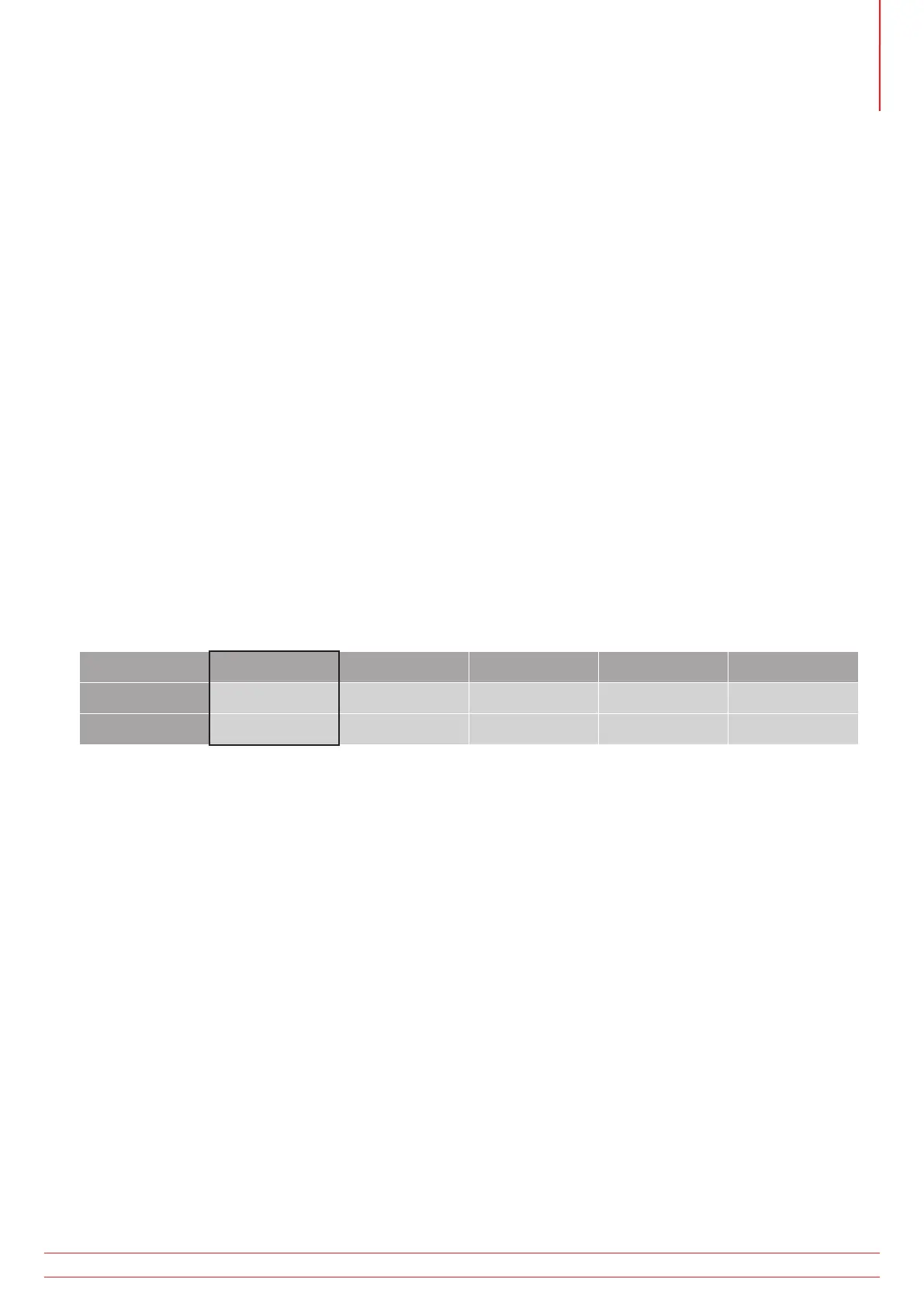
The display will show a table – see the table below:
1/2 I 1 I 2 I 5 I
0º
180º
The active block is the one highlighted in black
2. You move around the table by using Hot key 1 (left) and Hot key 5 (right) to highlight the column or row to be
disabled or enabled.
3. Repeatedly pressing Hot key 5 will first select the columns in the table moving from left to right before selecting
the top row and finally the bottom row.
4. Repeatedly pressing Hot key 1 will reverse the direction.
5. Press the Enable/Disable button (Hot key 4) to enable or disable the highlighted column or row.
You cannot disable 0º and 180º tests at the same time. At least one must remain.
You cannot disable all the columns. At least one must remain.
6. When selections are complete press the green check button (Hot key 3) to accept store your selections.
7. The RCD Auto test sequence will now display the new combination of tests you have selected.
www.megger.com MFT-X1
87
Instrument settings navigation



 To Next Page