18.3.2 Battery status
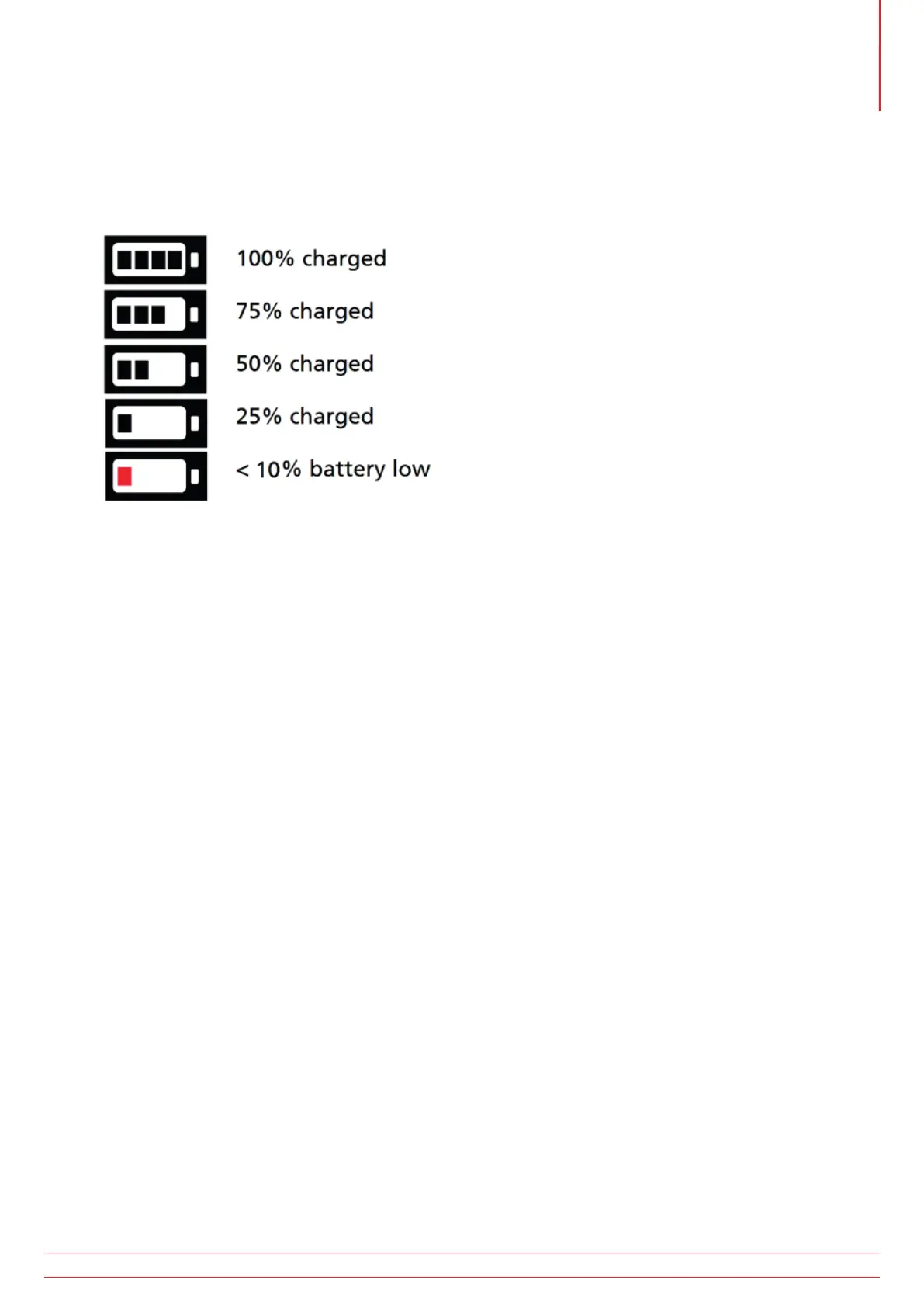
The battery condition icon is located at the bottom right corner of the display. This icon is always displayed when the
MFT-X1 is switched on. When the instrument is on, the icon will indicate the state of charge.
The MFT-X1 battery status:
When the battery is very low the last battery cell will turn red. Tests can be prevented in this state. The battery needs
to be recharged.
NOTE : The time and date stamp and changes to the settings and testing modes are maintained by
a Li-ION coin cell and will not need re-setting when the battery is removed.
NOTE : Some tests draw significantly more power than others. Under low battery levels some tests may be
inhibited, such as Insulation testing, when others may still function, such as voltage measurement.
www.megger.com MFT-X1
99
Service and maintenance



 To Next Page