17.1.3 System update – Error messages
Errors may occur if:
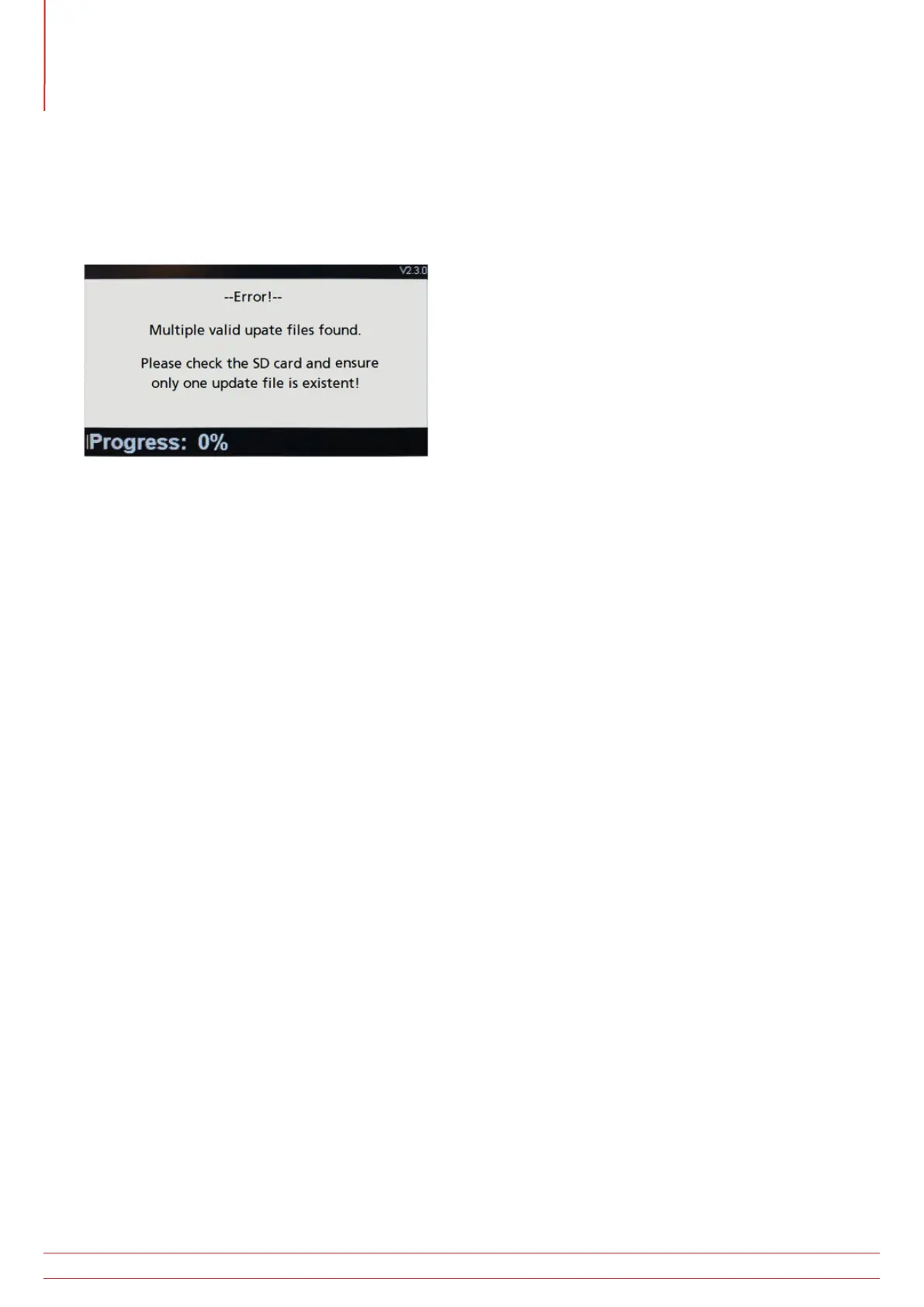
There is more than one operating system file on the microSD card
There is an error in the updating process
In such cases the update process with stop and warn the user.
Fig 57: Example Error screen
In such cases the update process will stop and warn the user. Ensure the microSD card only has the latest operating
system .BIN file in the root directory.
Download the update .BIN file from the Megger website and replace the existing file.
Re-run the update process.
If the update process continues to fail, contact Megger technical support:
uksupport@megger.com or +44 (0) 1304 502 102
17.1.4 Error during the automatic update process:
If the operating system has begun the update process the update will be stopped.
Switch the instrument Off and On to restart the update process.
If the instrument fails again, switch off the instrument and remove the microSD card.
Replace the update .BIN file with the previous version of the operating system on the microSD card
Repeat the update process to restore the original operating system.
Contact Megger technical support:
uksupport@megger.com or +44 (0) 1304 502 102
www.megger.com
MFT-X1
96
Updating the operating system



 To Next Page