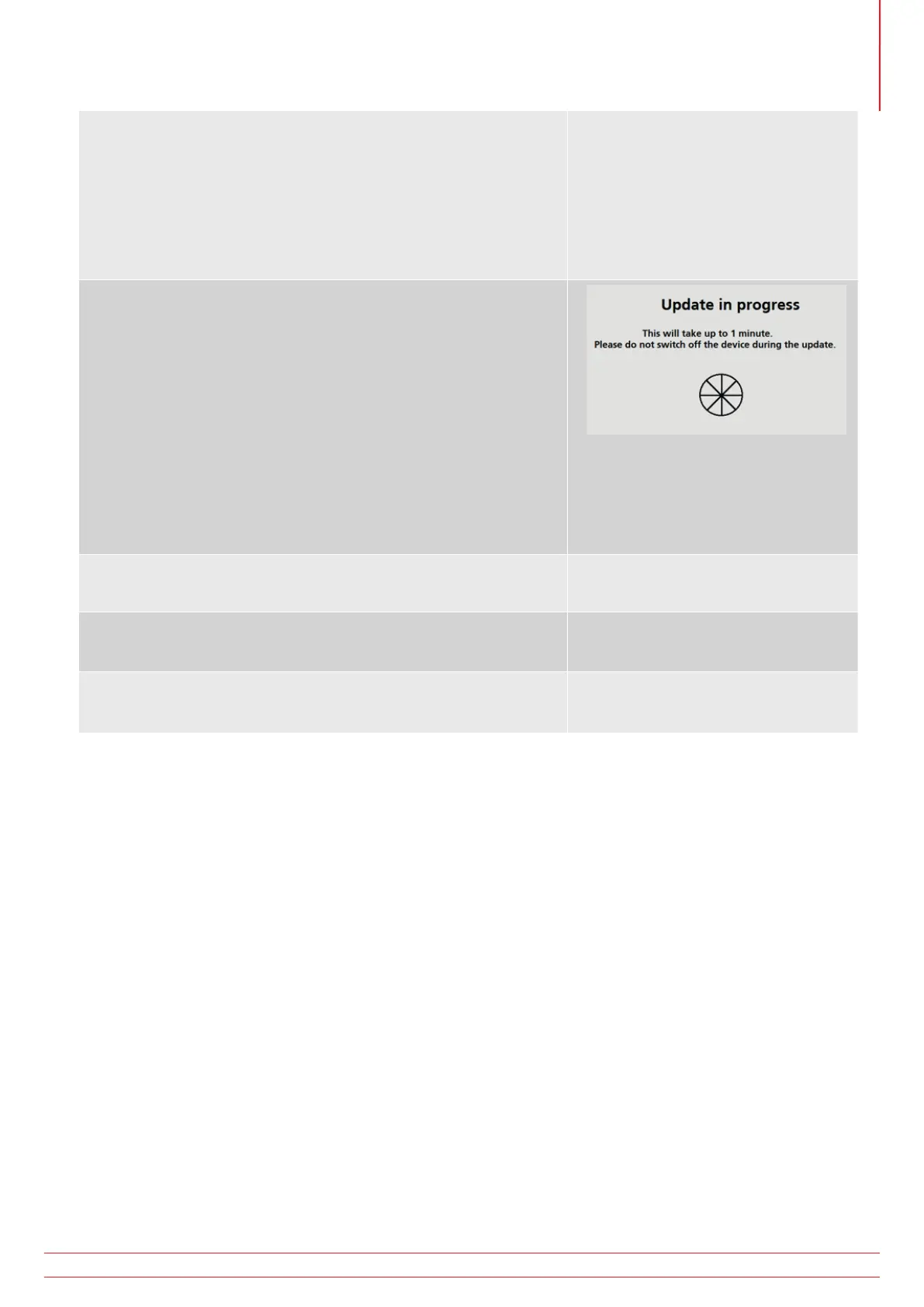
There are two phases to the software update:
Phase 1: Operating system update
Stage 1 – Preparing to install software
Stage 2 – Performing firmware update
Stage 3 – Updating FSM
Phase 2:
Stage 4 – Measurement system update
1. At the end of the update the display will show the update
has successfully finished and request the operator turn off the
instrument.
2. Remove the battery pack and fuse cover.
3. Remove the microSD card. If the SD card is left in, switching on
the instrument will re-start the update process.
4. Replace the fuse cover and battery pack.
5. Switch on the instrument.
6. In settings, go to the INST tab and check the GUI and
Measurement version numbers have been updated.
7. At the end of the update process the instrument should re-start
and is ready for further testing.
8. The instrument is now ready to use.
www.megger.com MFT-X1
95
Updating the operating system



 To Next Page